Ebook Funnel Template
Pro
What's included — 5 connected steps
- 1
 Landing PageFirst impression & offer
 - 2
 CheckoutOne-page order form
 - 3
 UpsellOne-click add-on offer
 - 4
 DownsellSecond chance offer
 - 5
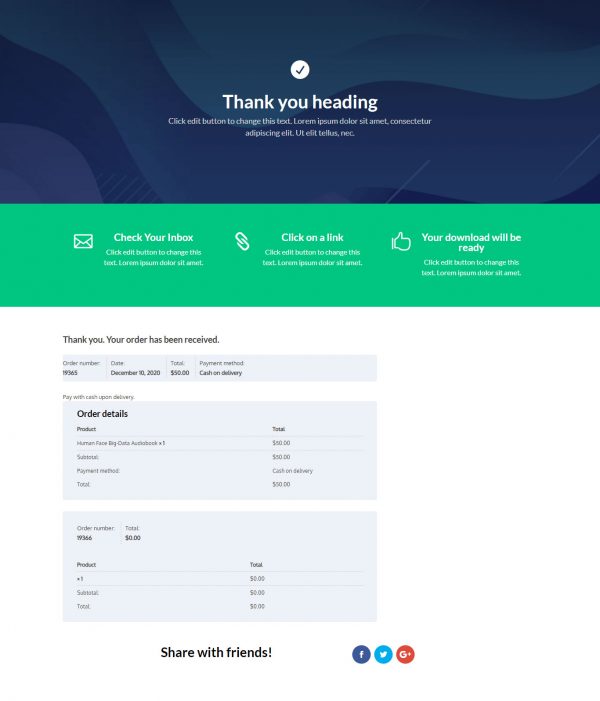
 Thank YouConfirmation & next step



About this funnel
This ebook sales funnel template is a complete five page flow for selling a paid ebook: a sales page, a checkout, a one click upsell, a downsell, and a thank you page. All five arrive built and linked, so you drop in your title, cover and price rather than laying out screens. Every page carries one job in the decision.
Who it’s for
- Authors and course creators selling one paid ebook from their own site
- Business coaches who package a signature method as a downloadable PDF
- Sellers with a companion workbook, template pack or video walkthrough to offer next
The sales page opens on a demo headline and three benefit lines, all stand-in copy you rewrite before launch. Below that, the “Courses In The Book” block splits the material into basic, elementary and intermediate levels.
The “About Author” section lands after a reader testimonial, so credentials arrive next to the decision.
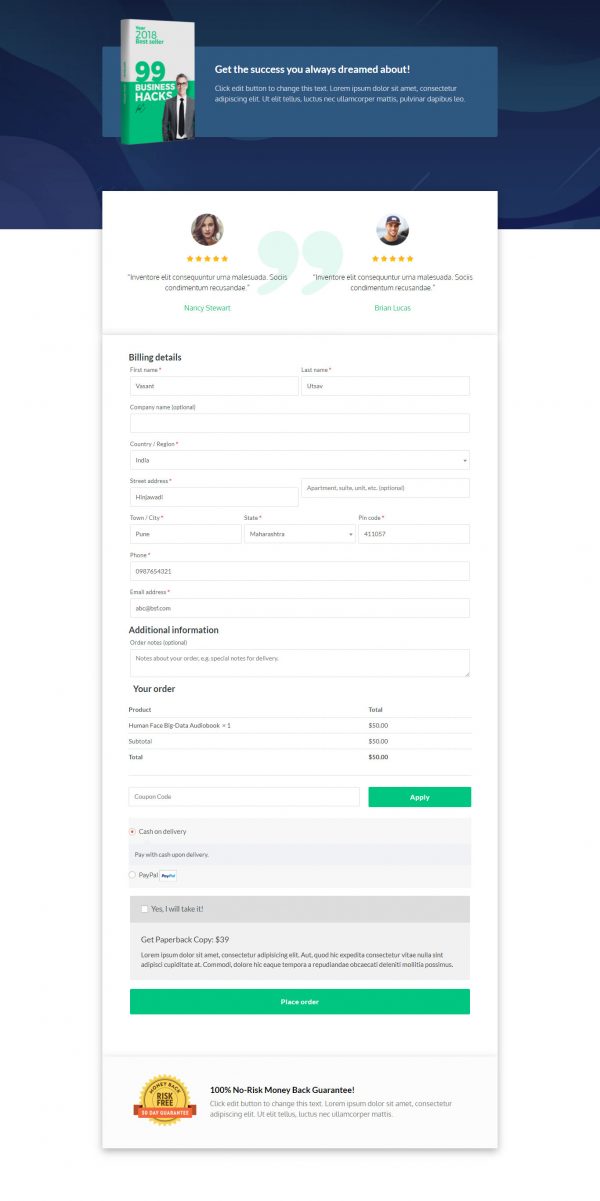
Button copy stays identical from the hero to the repeat at the page foot, headed “Get Your Own Copy Of PDF Ebook!”. Checkout runs on a CartFlows page rather than the default WooCommerce screens.
Step one works alone as an ebook landing page template, with the checkout wired behind it.
The sales page argues the case and the checkout takes the money. The upsell step appears once payment clears, which is where a companion workbook or a video walkthrough belongs: a reader who just bought the ebook adds the exercises in one tap. A downsell follows a decline, so a cheaper version of that same offer still gets a look. The thank you page then hands over the download link.
Swap the cover art, the three contents levels and the author bio, then point the checkout at your WooCommerce product on its usual gateway. Reordering sections, deleting one or adding your own takes about a click inside the builder.
How to Use This Funnel
- Install the free CartFlows plugin from the WordPress plugin directory.
- Go to CartFlows → Funnels and click Add New Funnel.
- Search the library for this funnel, then hover it and choose View All Steps.
- Click Import This Funnel and give it a name.
- Wait for the import to finish, then edit each step in your page builder.
- Assign your WooCommerce product on the checkout step and you are ready to sell.