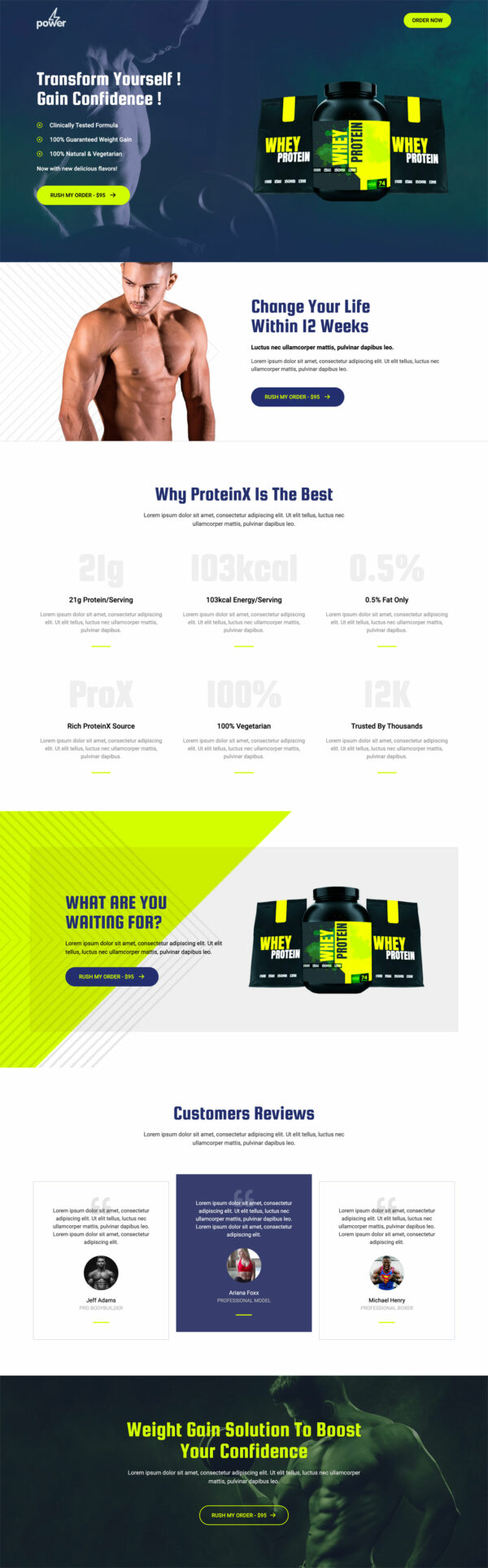
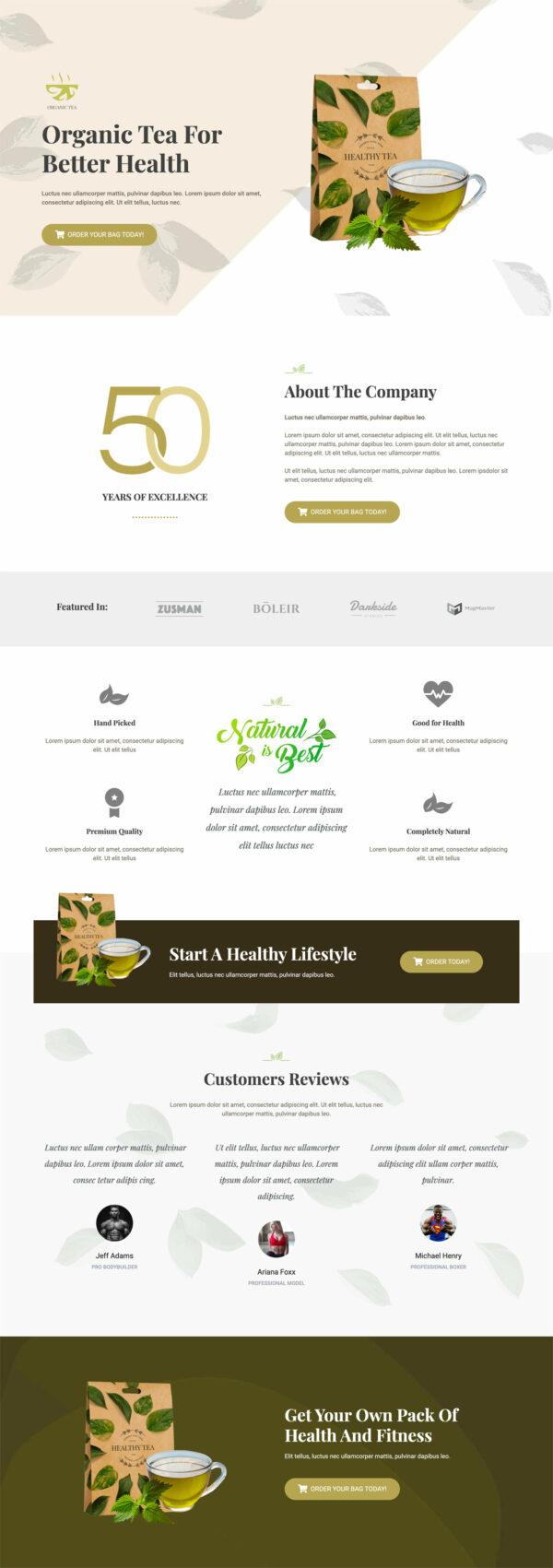
Beauty Product Funnel Template
Pro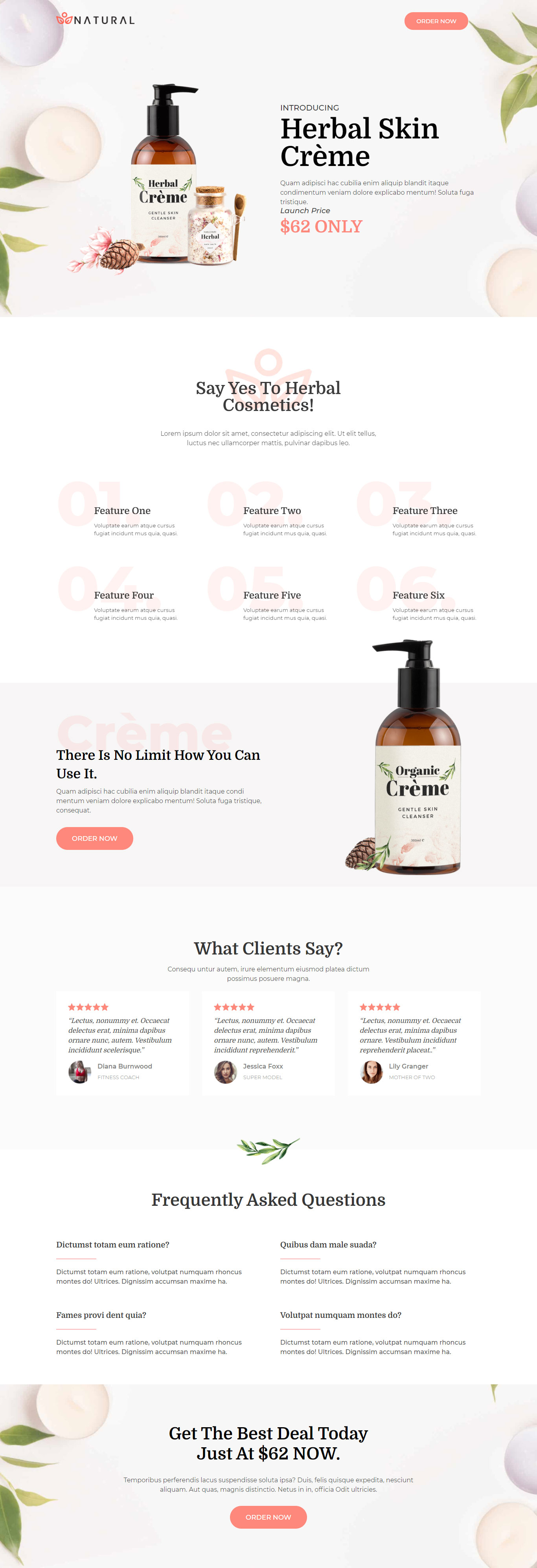
What's included — 5 connected steps
- 1
 Landing PageFirst impression & offer
 - 2
 CheckoutOne-page order form
 - 3
 UpsellOne-click add-on offer
 - 4DownsellSecond chance offer
- 5
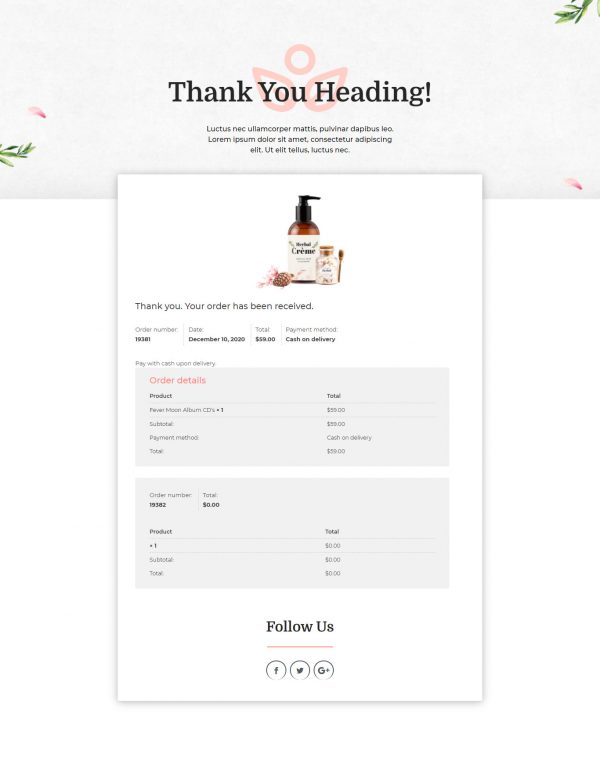
 Thank YouConfirmation & next step
About this funnel
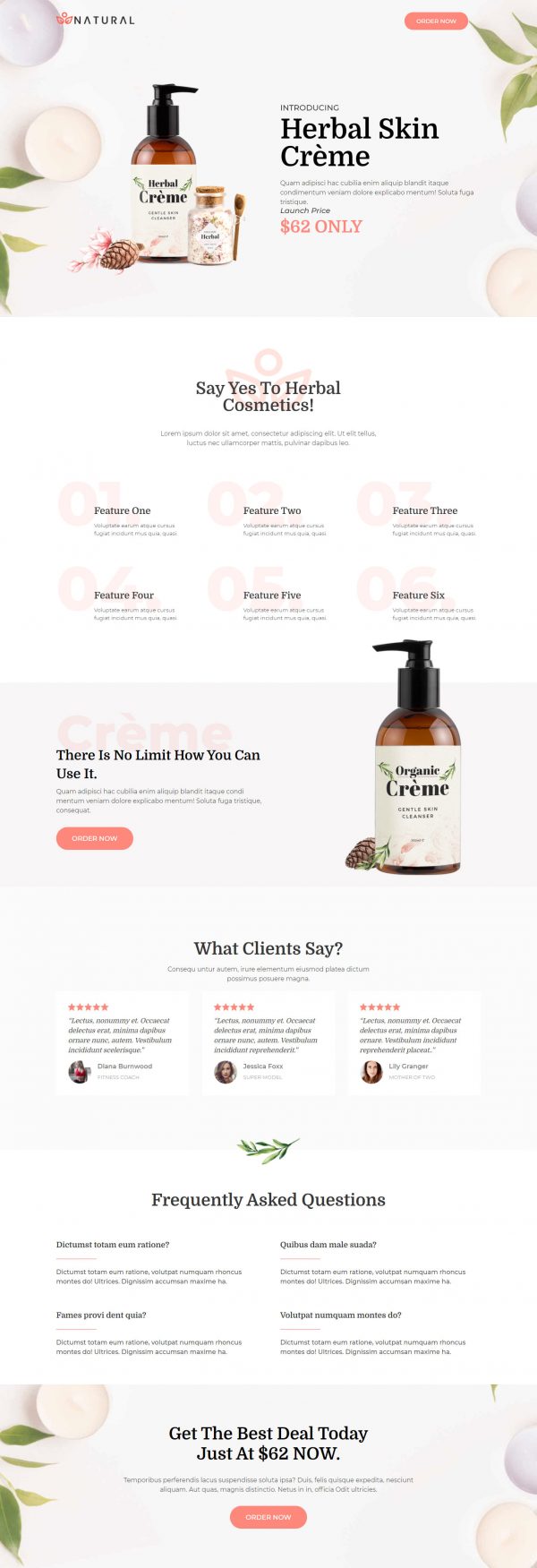
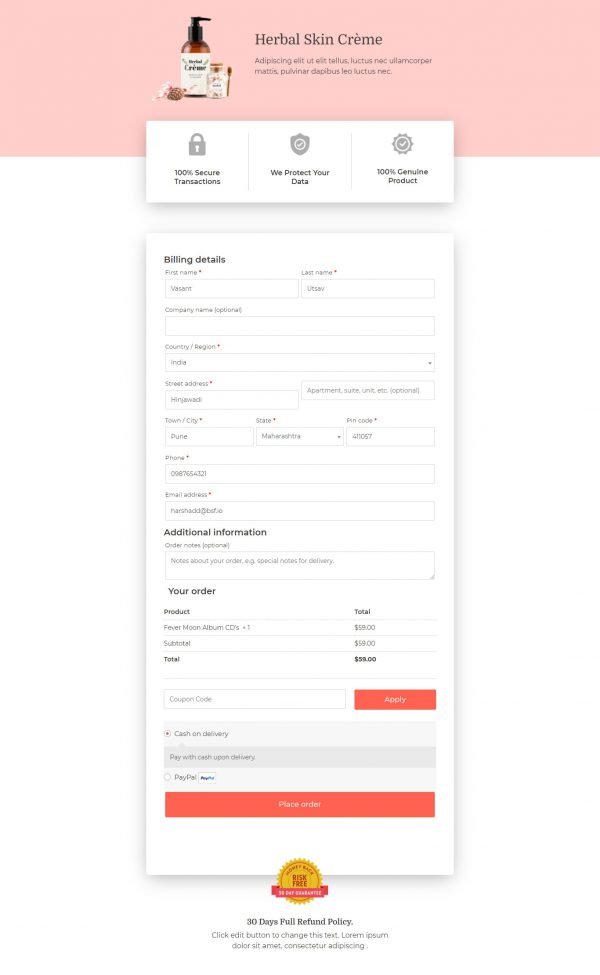
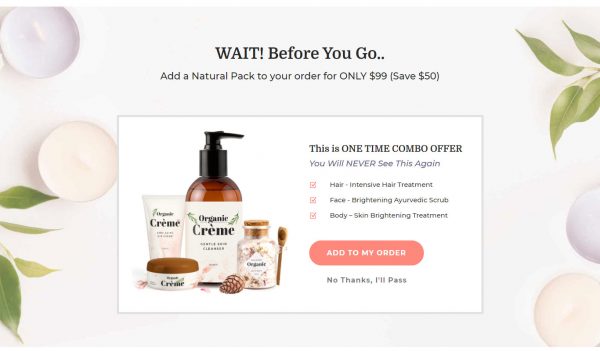
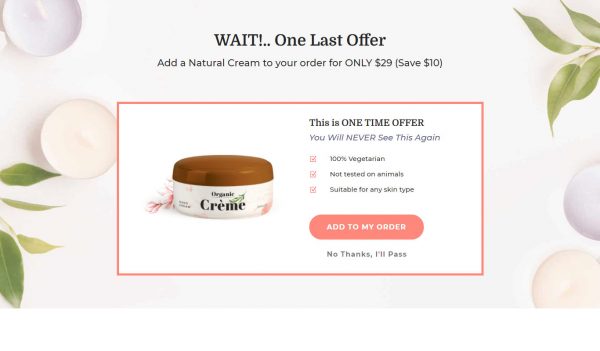
This beauty product sales funnel template sells one hero item over five pages: a product page, a checkout, a one click upsell, a downsell, and a thank you page. The whole path is assembled and connected, so you place your product, photos and prices instead of designing screens. The order of the pages follows the buying decision.
Who it’s for
- Cosmetics and personal care sellers introducing one product, not a range
- First releases, reformulations, and seasonal drops with a time-bound offer
- Brands whose testimonials lean on recognizable job titles
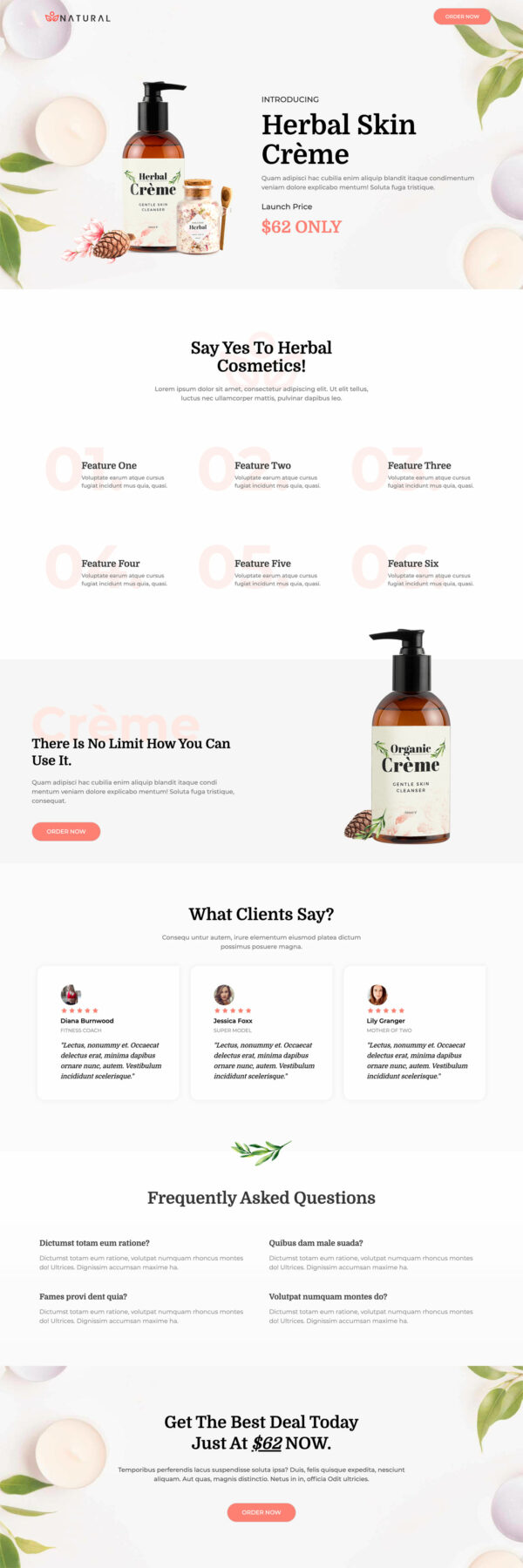
The launch price gets its own block near the top of the page. Six numbered features follow it.
Three testimonials come next, each printed with a name and a role. The FAQ sits last, directly above the final call to action.
Pricing first sets the frame before any feature starts arguing. Six small claims are easier to believe than one large one.
A named role makes a testimonial checkable, which an initial does not. The last thing a hesitant reader does is resolve a doubt, then meet the price again.
That sequence is what a beauty product landing page template needs when the range is one item.
The checkout has room for a travel size as an order bump. The upsell shows after payment and belongs to a second product: a launch buyer is still curious and will try the matching item. A downsell catches anyone who says no, putting a smaller size or a lower price on the same idea. The thank you page ends the purchase on a confirmation.
Everything ships as placeholder text, so budget time for the features, testimonials, and FAQ answers. Sections add, delete and restyle in roughly a click, so the page can grow or shrink around your offer.
How to Use This Funnel
- Install the free CartFlows plugin from the WordPress plugin directory.
- Go to CartFlows → Funnels and click Add New Funnel.
- Search the library for this funnel, then hover it and choose View All Steps.
- Click Import This Funnel and give it a name.
- Wait for the import to finish, then edit each step in your page builder.
- Assign your WooCommerce product on the checkout step and you are ready to sell.