Online Course Funnel Template

What's included — 3 connected steps
- 1
 Landing PageFirst impression & offer
 - 2
 CheckoutOne-page order form
 - 3
 Thank YouConfirmation & next step

About this funnel
This online course sales funnel template is a three page flow for selling a course from your own WordPress site: a landing page, a one page checkout, and a thank you page. All three come ready and linked, so you add your course details, images and price instead of designing pages. Each page owns one moment in that decision.
Who it’s for
- Training academies and studios listing several course categories on one page
- Educators moving off Teachable, Kajabi or Thinkific to keep ownership and stop paying platform fees
- Anyone selling a course with WooCommerce who wants more than the default store pages
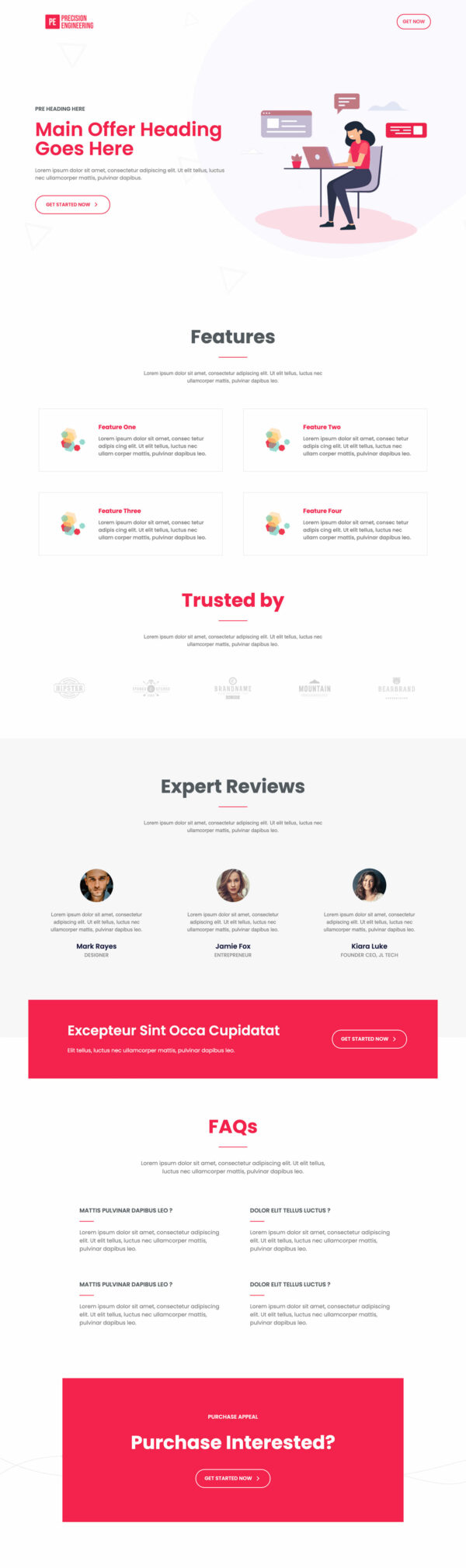
The online course landing page opens with a headline block and a call to action above the fold. Six course categories follow, running from graphic design and content writing through to marketing, technology and HR, then a facilities block covering certification, library access and alumni support.
A years of success stat row lands next, then a Meet our Masters block introduces four named instructors, a partner certification row, and student quotes. That order does the work: the masters and the partner logos arrive immediately before the pricing decision, so proof shows up when doubt does, and the student quotes sit last to answer the objection that stops a first-time buyer.
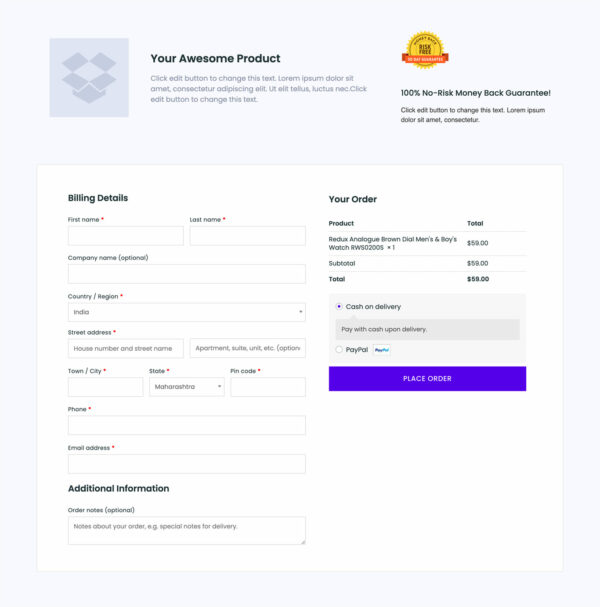
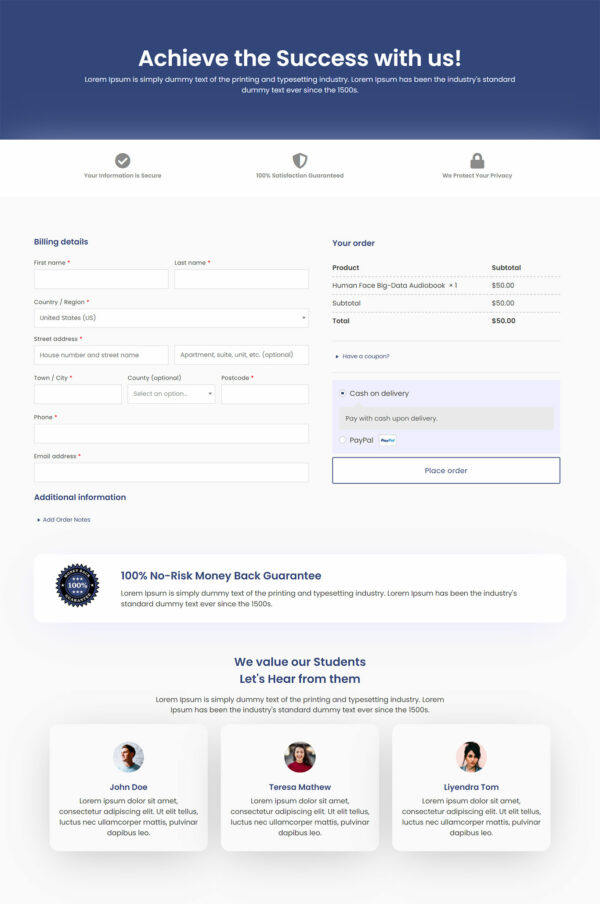
The checkout keeps the order summary in view and removes the header, footer and every other exit route. A student who decided on the landing page has nowhere to drift while paying.
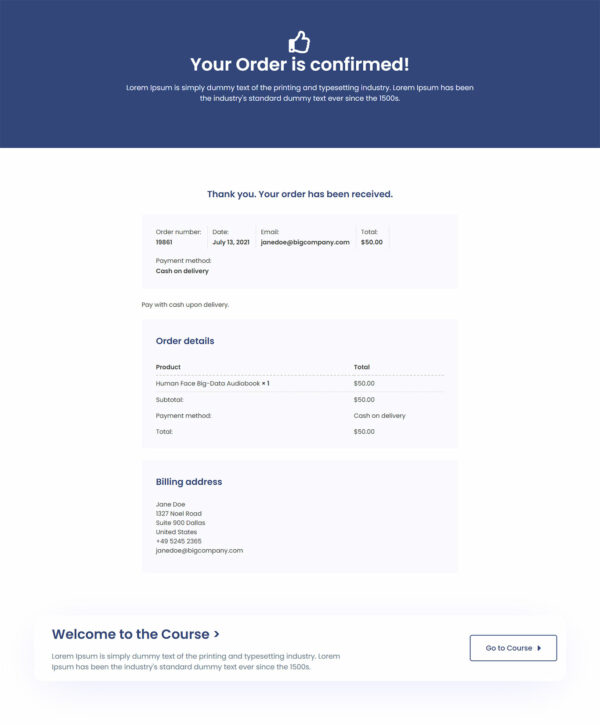
The thank you page is where access belongs: the login link, the first lesson, or an invitation into your student community. Used well it turns a buyer into a student who actually starts the course, which is what earns the next testimonial.
Swap the demo copy, images and colors, then point the checkout at your WooCommerce product. Rearranging the sections, deleting the ones you skip or adding your own runs to about a click in the builder.
How to Use This Funnel
- Install the free CartFlows plugin from the WordPress plugin directory.
- Go to CartFlows → Funnels and click Add New Funnel.
- Search the library for this funnel, then hover it and choose View All Steps.
- Click Import This Funnel and give it a name.
- Wait for the import to finish, then edit each step in your page builder.
- Assign your WooCommerce product on the checkout step and you are ready to sell.