Evergreen Product 01 Funnel Template

What's included — 3 connected steps
- 1
 Landing PageFirst impression & offer
 - 2
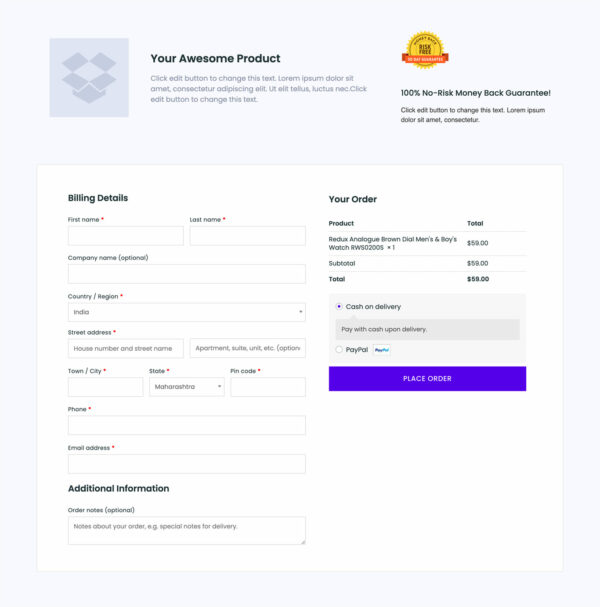
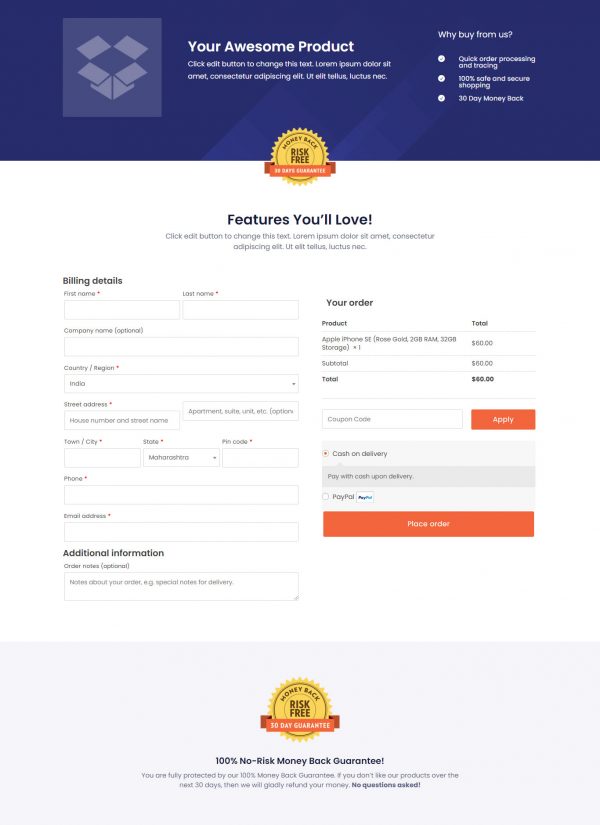
 CheckoutOne-page order form
 - 3
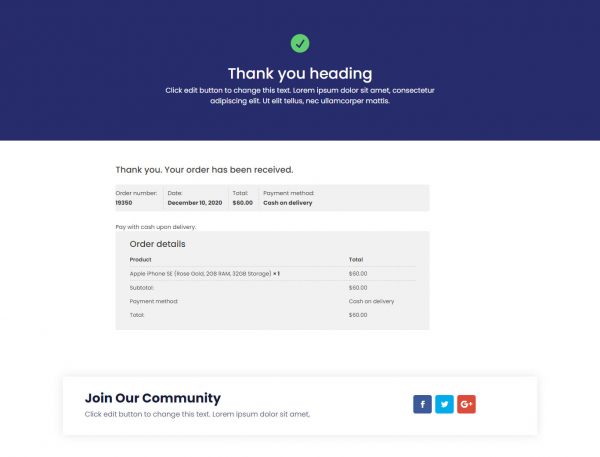
 Thank YouConfirmation & next step

About this funnel
This Evergreen Product 01 sales funnel template covers three steps: a product landing page, a checkout, and a thank you page. The pages arrive built and joined up, so you replace the demo product, wording and prices instead of laying out sections.
The set suits a first product that currently has only a title, a price and a gallery.
Who it’s for
- First-time sellers who need structure more than styling
- Anyone with one product and no design help on hand
- Divi or Beaver Builder sites that are already running
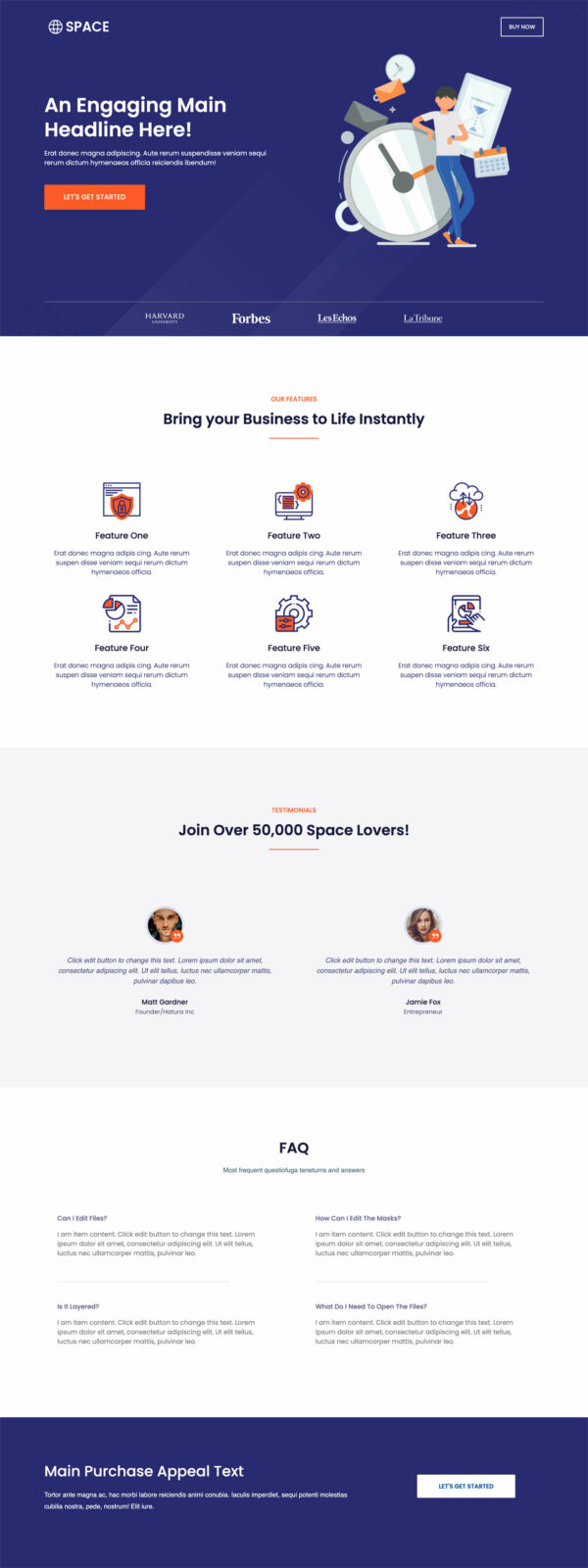
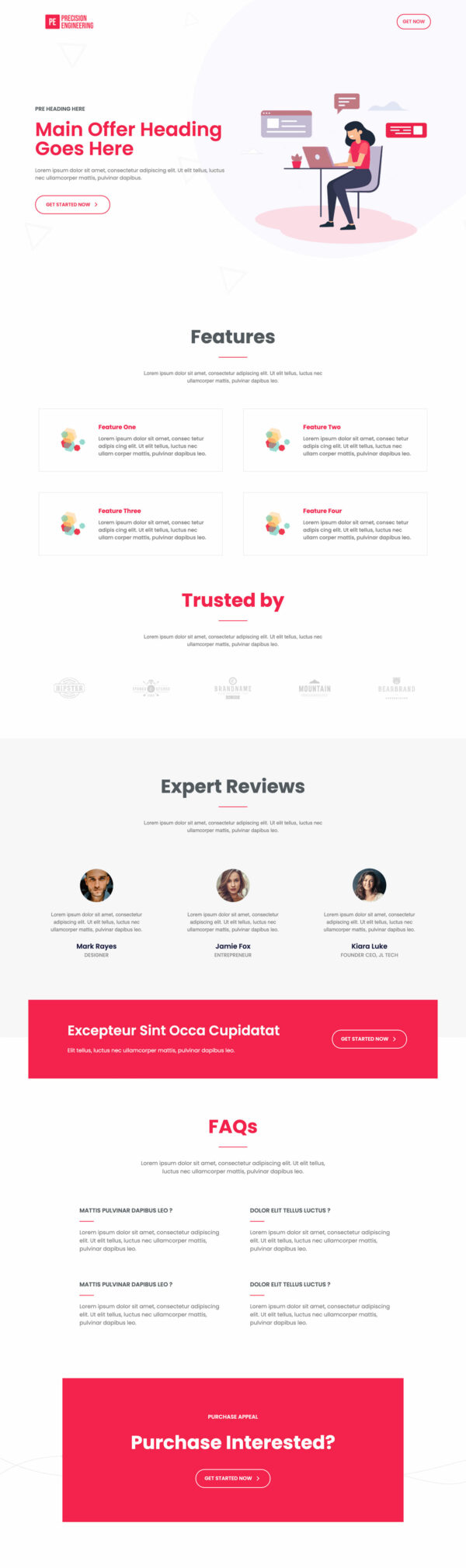
The hero carries two buttons, one for ready buyers and one for browsers. Six icon feature cards and two testimonial cards sit below, followed by five expandable FAQ entries. A logo row and two closing appeal blocks finish the page.
Two hero buttons give the decided a shortcut without pushing anyone else away. Objections in their own real estate stay out of the sales copy.
A second closing ask meets the reader who scrolled straight past the first. What you get is an evergreen product landing page template with the structure already settled.
Every line of the preview is placeholder text, so nothing is publishable until you rewrite it.
The landing page has to do the persuading, since a browser arrives from a link with no context. Checkout follows immediately, so the decision and the payment sit seconds apart.
The thank you page confirms the purchase and is the natural spot for a receipt note or a delivery estimate.
Name only press or partners you can actually cite in the logo row, and cut any feature card you cannot back. Any section can be added, cut or restyled in about one click, so nothing stays fixed.
How to Use This Funnel
- Install the free CartFlows plugin from the WordPress plugin directory.
- Go to CartFlows → Funnels and click Add New Funnel.
- Search the library for this funnel, then hover it and choose View All Steps.
- Click Import This Funnel and give it a name.
- Wait for the import to finish, then edit each step in your page builder.
- Assign your WooCommerce product on the checkout step and you are ready to sell.