Evergreen Product 03 Funnel Template
What's included — 3 connected steps
- 1
 Landing PageFirst impression & offer
 - 2
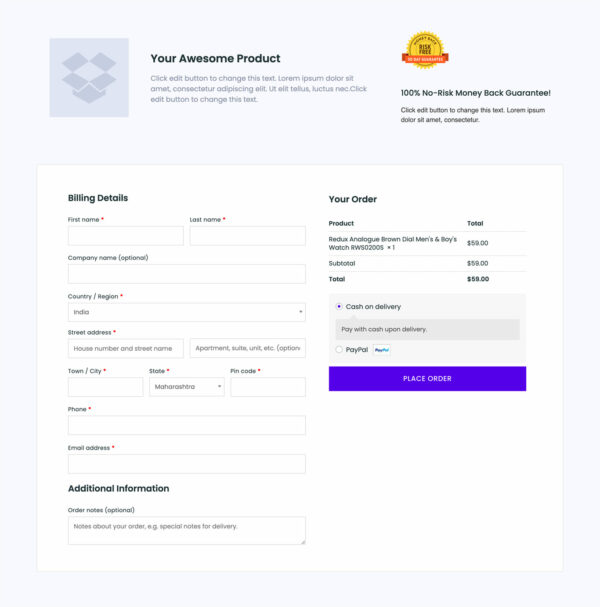
 CheckoutOne-page order form
 - 3
 Thank YouConfirmation & next step
About this funnel
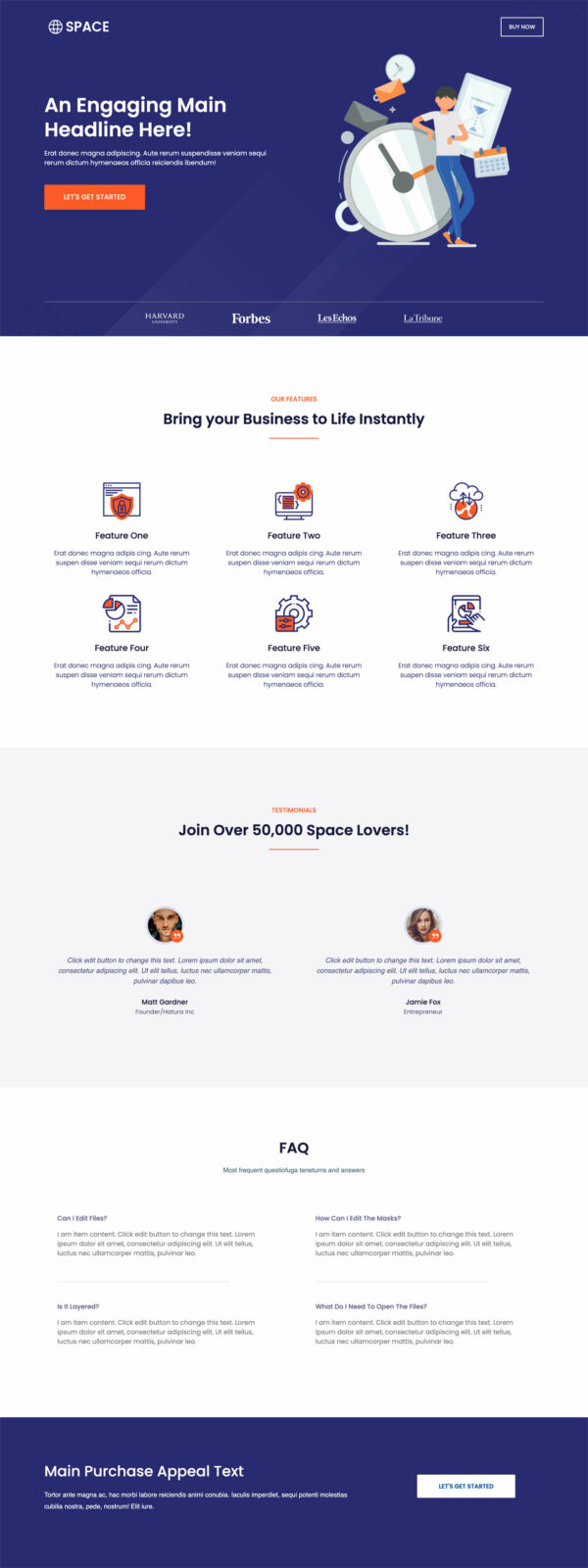
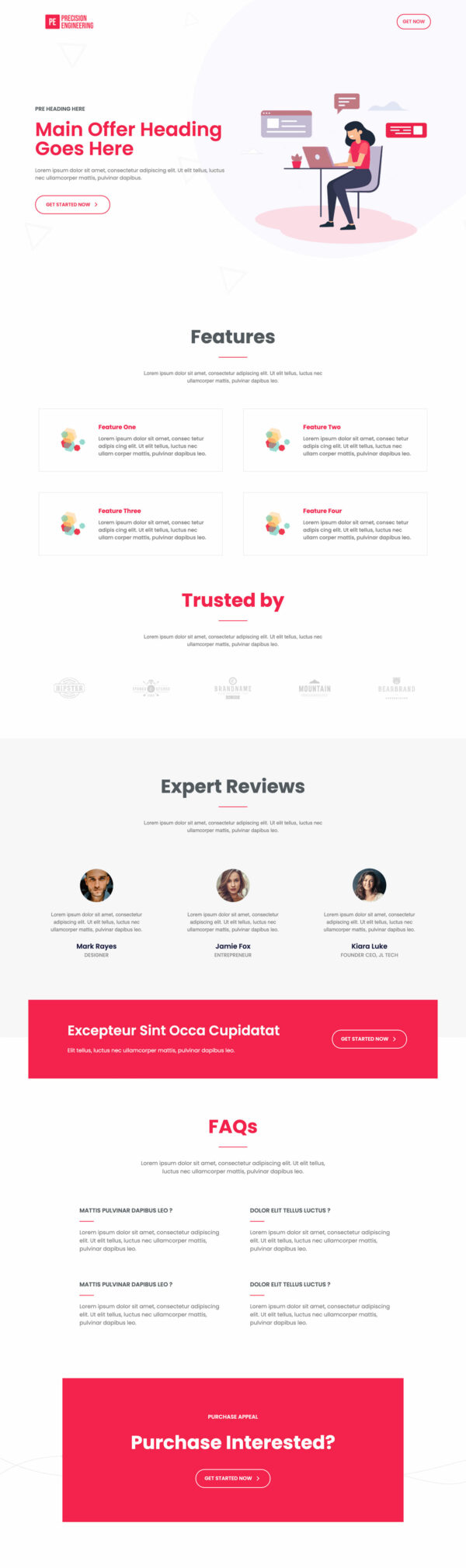
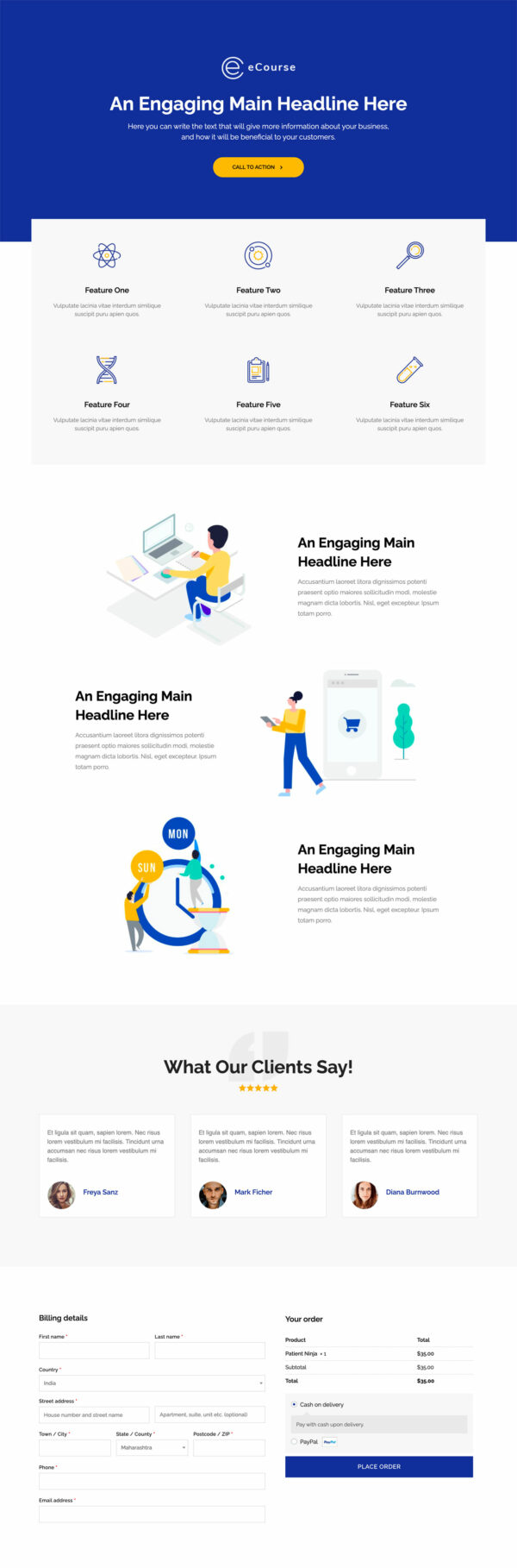
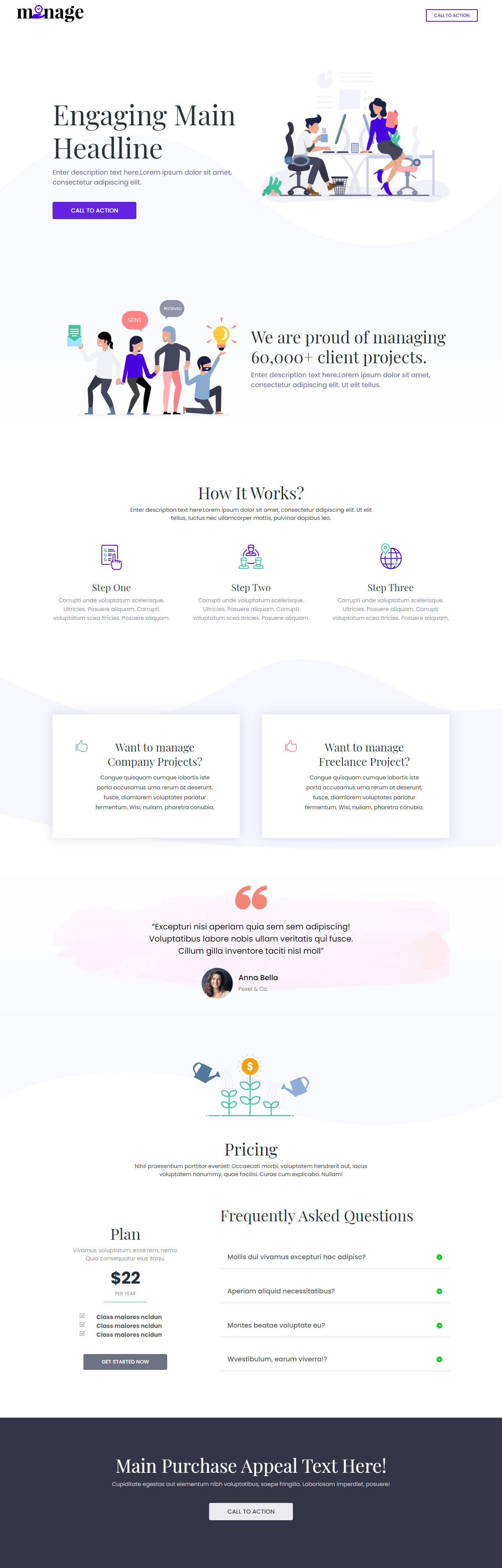
This Evergreen Product 03 sales funnel template has three steps: a product landing page with pricing, a checkout, and a thank you page. The pages are constructed and linked already, so you supply your own product, wording and pricing rather than building screens. It fits an offer that no longer explains itself in one paragraph.
Who it’s for
- Subscription tools and services with more than one kind of buyer
- Offers where people ask how it works before they ask the cost
- Sellers who have outgrown a plain product page
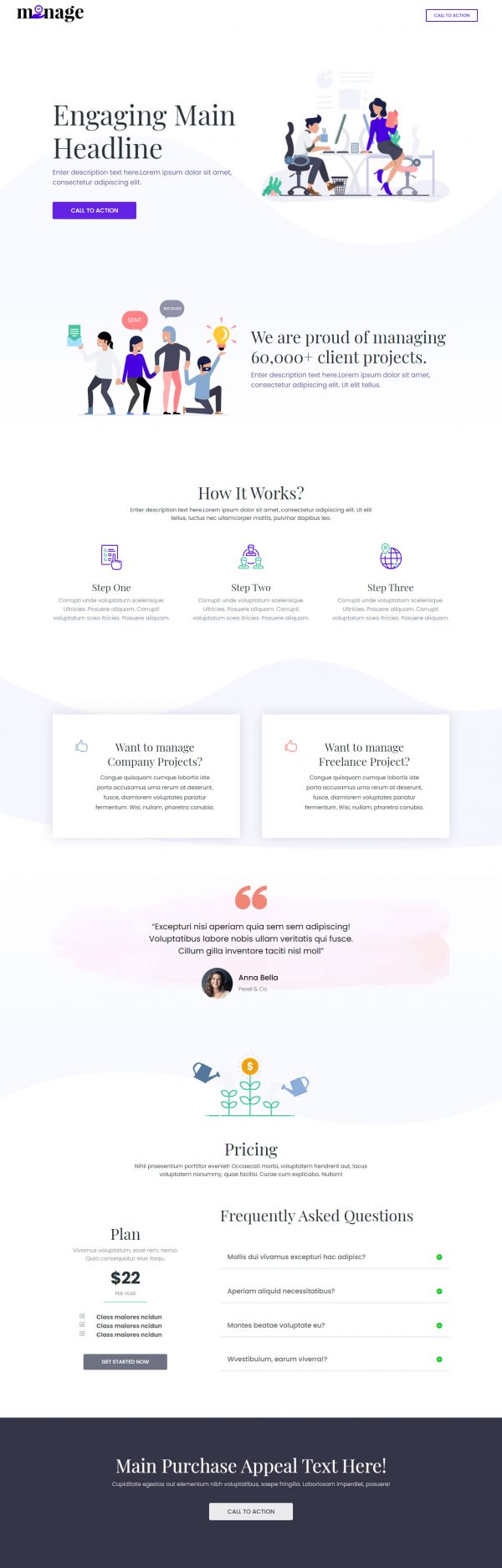
A three step how it works sequence explains the process before the pricing card appears. Two use case sections split company teams from independent professionals.
The card shows one plan at a yearly price with three checkmarked inclusions, and it links straight to checkout.
Split use cases mean neither audience reads copy written for the other. Cost arrives only once the reader knows what they are buying.
One plan and three inclusions keep the card legible instead of starting a feature war. A product landing page template earns its length when the offer needs explaining. The demo text is placeholder throughout, including the client projects figure.
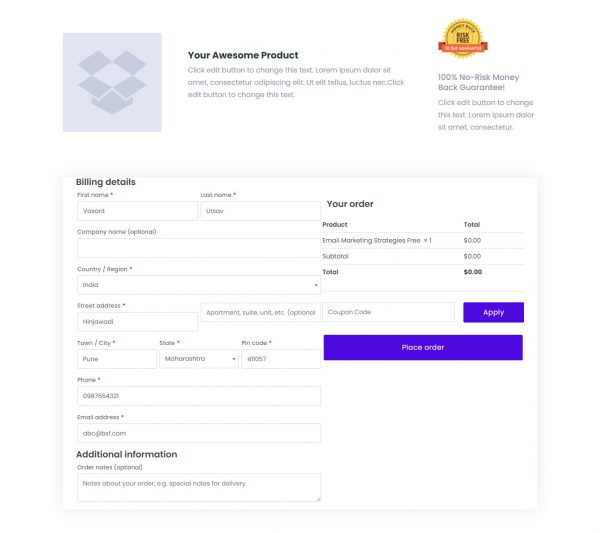
That pricing card is the handoff, so a reader who followed the sequence lands in checkout with the plan already picked. Keep the checkout short, because the persuading happened upstairs.
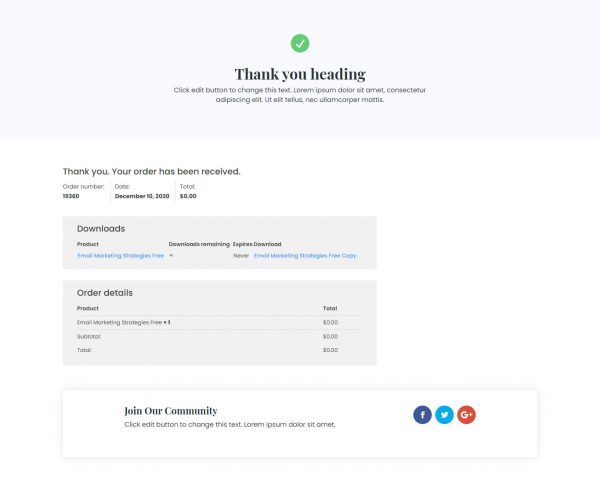
The thank you page suits account access details or a first steps link for a new subscriber.
Duplicate the pricing card into more plans, or leave it alone if you sell at one price. Give the four FAQ entries real questions.
Extra sections, removals and visual tweaks all sit about one click deep in the builder.
How to Use This Funnel
- Install the free CartFlows plugin from the WordPress plugin directory.
- Go to CartFlows → Funnels and click Add New Funnel.
- Search the library for this funnel, then hover it and choose View All Steps.
- Click Import This Funnel and give it a name.
- Wait for the import to finish, then edit each step in your page builder.
- Assign your WooCommerce product on the checkout step and you are ready to sell.