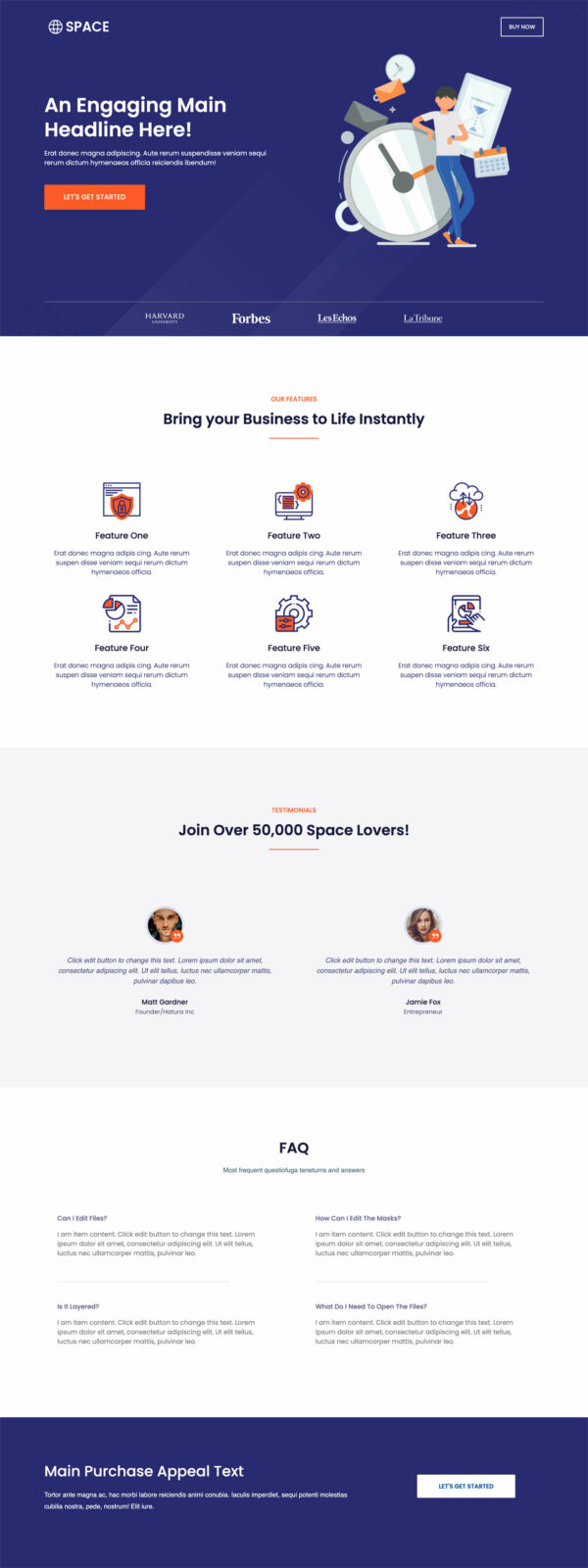
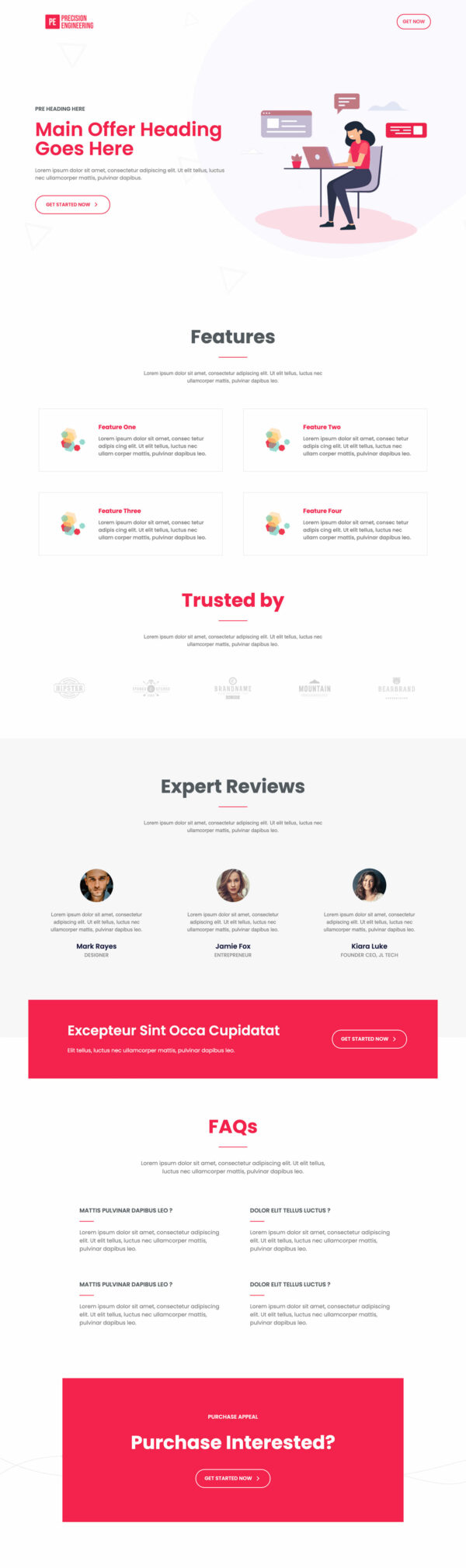
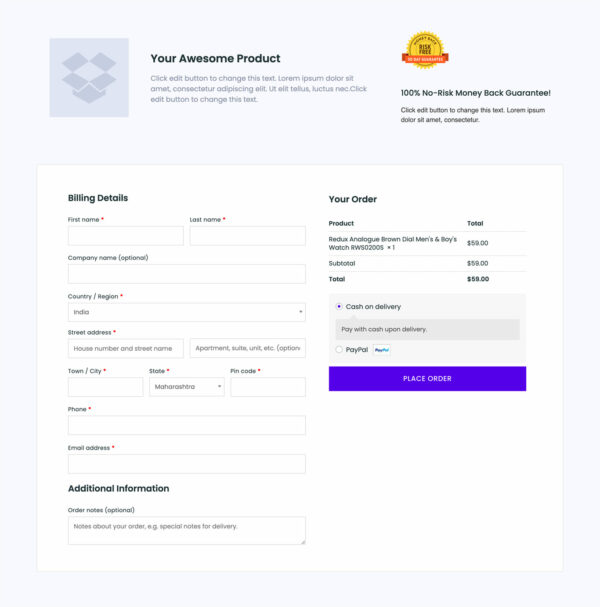
Inline Checkout Funnel Template
What's included — 2 connected steps
- 1
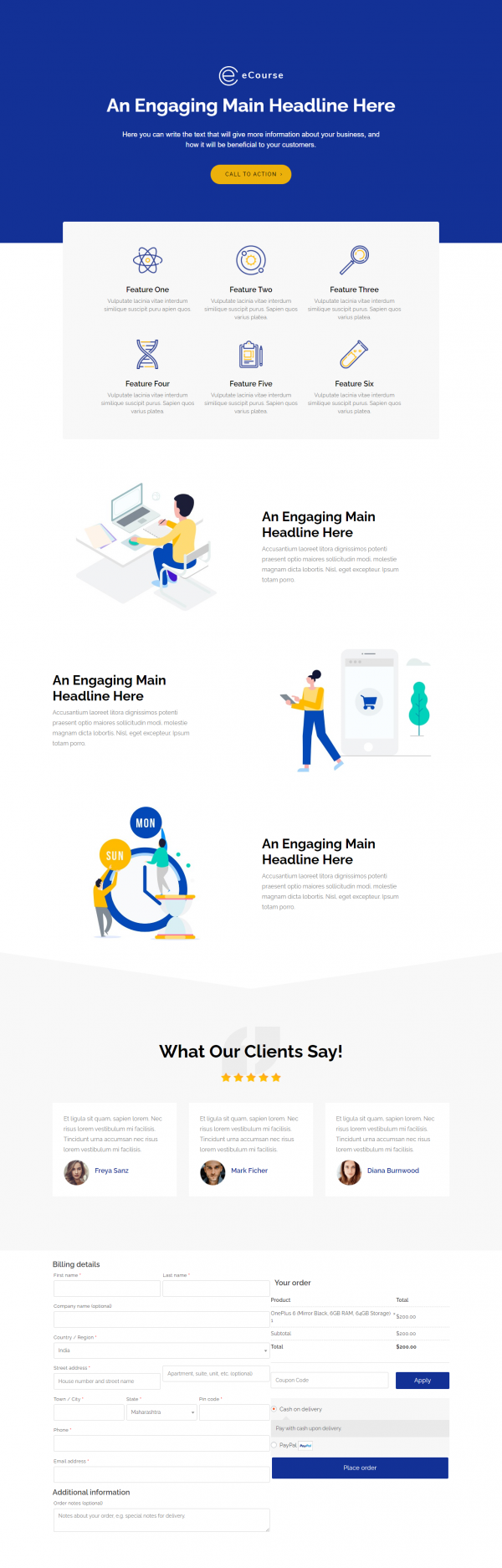
 CheckoutOne-page order form
 - 2
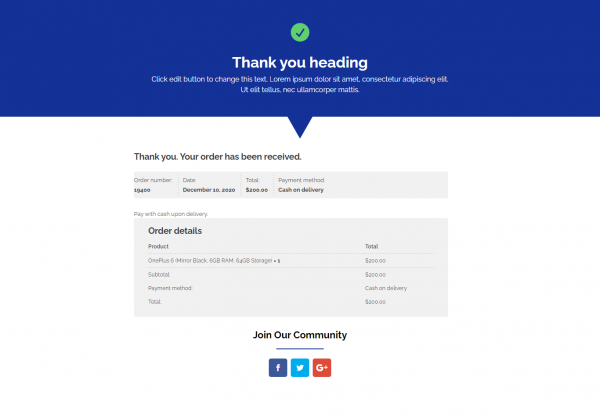
 Thank YouConfirmation & next step
About this funnel
This inline WooCommerce checkout template is a two step flow: a one page checkout where copy and form share the screen, then a thank you page. Both pages land in place already joined up, so you drop in your offer and branding rather than design a checkout. The shape suits a single product that needs no cart step.
Who it’s for
- Course creators and ebook authors selling one main digital product
- Advertisers running paid traffic to a single offer, where a cart adds a click
- Sellers with one warm-audience offer, not catalogs that need browsing
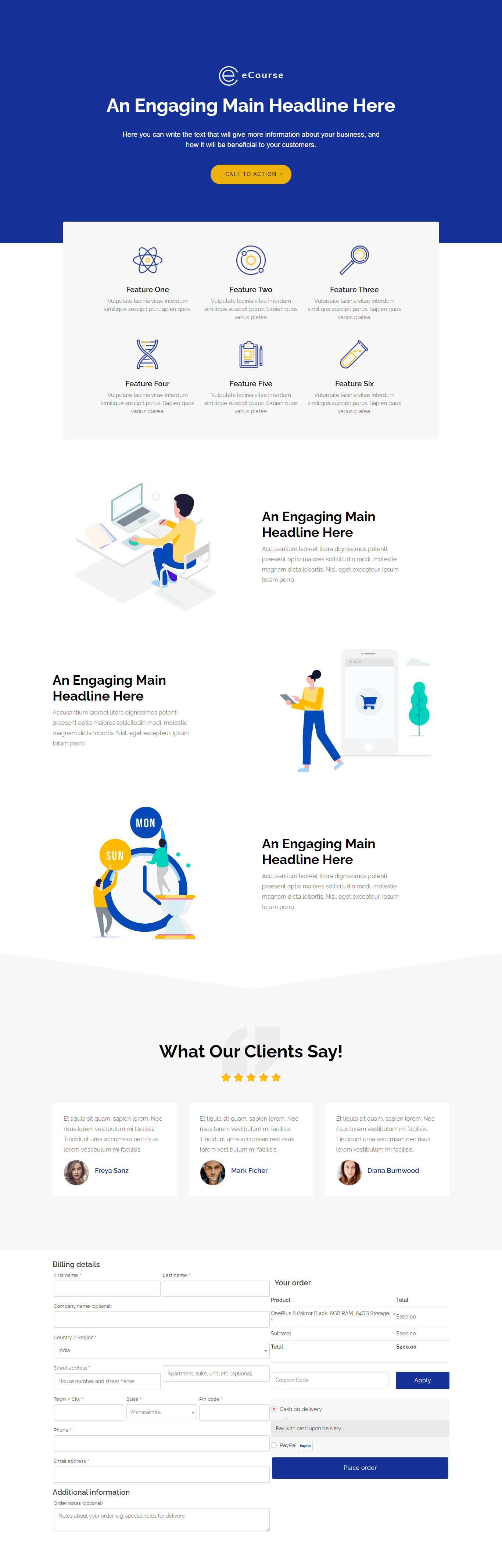
Sales copy, feature icons and image sections run down the page, and the checkout form sits in the same view. Three named testimonials with star ratings sit directly above the form.
Billing runs from name through phone plus email, with order notes left optional. Product, quantity, subtotal and total appear above the payment options.
Every click between wanting and paying puts the sale at risk, and this page deletes one of them. Other buyers vouch for the offer just before a card number gets typed.
Showing the amount inline settles the price on the spot and leaves no cart page to abandon, which is the one thing a default WooCommerce checkout cannot do.
The one page step carries the pitch and the payment together, which is what a cold ad click needs. A reader lands, scans three testimonials, and buys without a second page load.
The thank you page follows the payment, and that is where a download link or a course login belongs.
Swap the headline, feature icons, image sections and testimonials for your own, then point the checkout at your product. Divi and Beaver Builder layouts both import.
Adding, removing or restyling anything on this page is close to a single click in the builder.
How to Use This Funnel
- Install the free CartFlows plugin from the WordPress plugin directory.
- Go to CartFlows → Funnels and click Add New Funnel.
- Search the library for this funnel, then hover it and choose View All Steps.
- Click Import This Funnel and give it a name.
- Wait for the import to finish, then edit each step in your page builder.
- Assign your WooCommerce product on the checkout step and you are ready to sell.