Photoshop Tutorial Funnel Template
Pro
What's included — 4 connected steps
- 1
 Opt-inCapture the lead first
 - 2
 CheckoutOne-page order form
 - 3
 UpsellOne-click add-on offer
 - 4
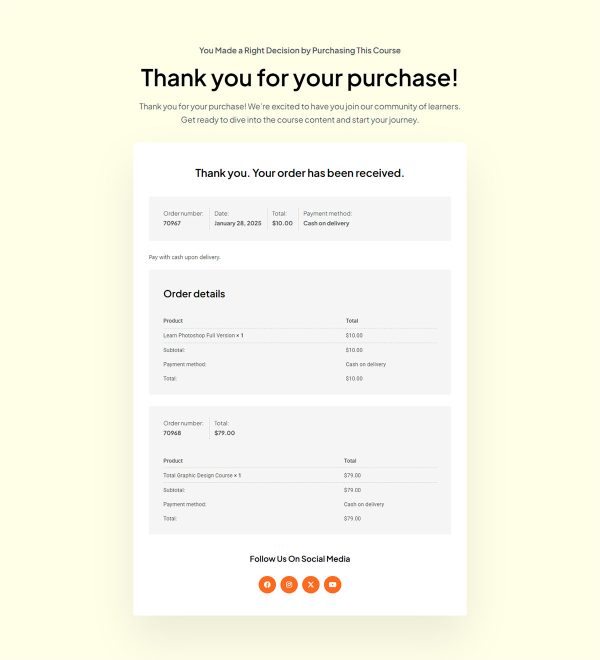
 Thank YouConfirmation & next step


About this funnel
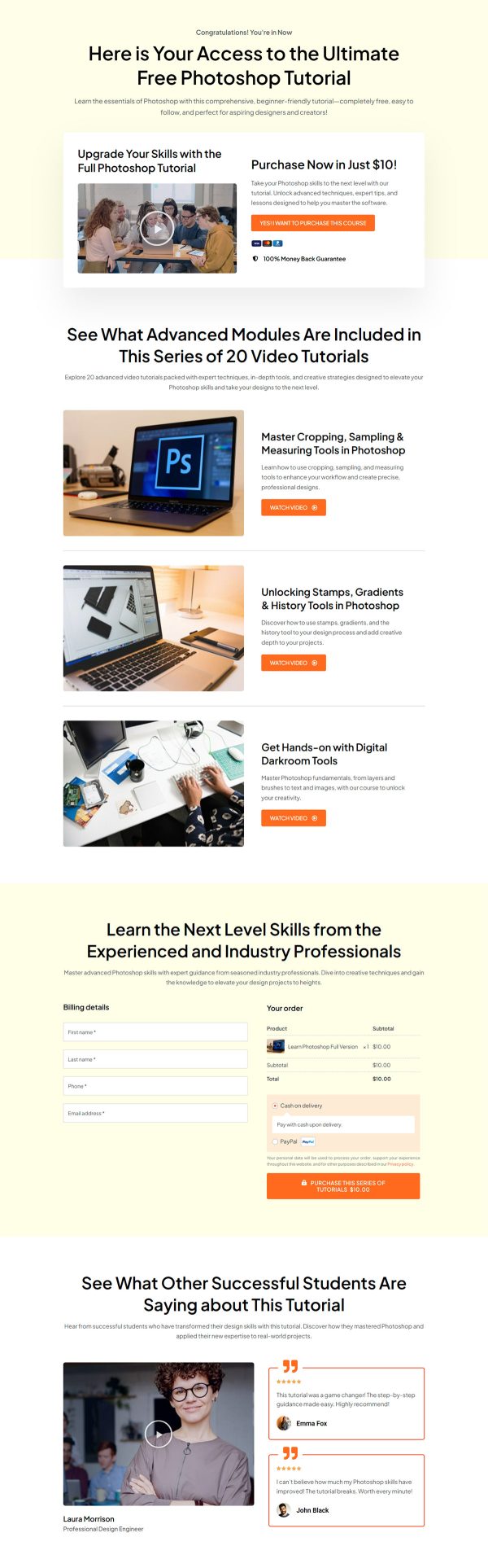
This tripwire funnel runs on four steps: an opt-in page holding a short Photoshop tutorial, a checkout, a one click upsell, and a confirmation page. All four are assembled and hooked together, so you load your own modules, files and wording rather than building pages. They are shaped for turning a long-quiet list into first-time buyers.
Who it’s for
- Creators whose flagship course is priced too high for a first purchase
- Trainers with a large list that has never paid them anything
- Sellers who want a cheap first yes before the real pitch
Three named modules each carry a preview link, and a four item spec strip sits above the form. The demo copy gives the tutorial away at no charge.
The opt-in page reads as a pure lead magnet, and the paid offer waits at the checkout behind it. That pairing is what makes this a tripwire funnel template rather than a plain download page.
One action repeats all the way down, with nothing else competing for the click.
Free framing means the page never has to argue about cost. Preview links remove the real risk in a cheap offer, and that risk is rarely the money.
It is the worry that the content will turn out thin, and a preview answers it in seconds. The spec strip settles expectations before the form, so what downloads matches what was promised.
The opt-in page is where the previews and the form belong, so a curious subscriber signs up after one clip. Checkout is where the cheap first offer sits, priced low enough that the same person says yes twice in a row. The upsell fires once payment clears, which is where the full course or a template pack fits. The confirmation page is where the download files and the next step go, so a first yes leads somewhere.
Rewrite the headline, the three modules and the instructor bio around your own course. Swap the student reviews for real ones.
Any section can be inserted, cut or given a new style in around a click, so nothing stays as shipped.
How to Use This Funnel
- Install the free CartFlows plugin from the WordPress plugin directory.
- Go to CartFlows → Funnels and click Add New Funnel.
- Search the library for this funnel, then hover it and choose View All Steps.
- Click Import This Funnel and give it a name.
- Wait for the import to finish, then edit each step in your page builder.
- Assign your WooCommerce product on the checkout step and you are ready to sell.