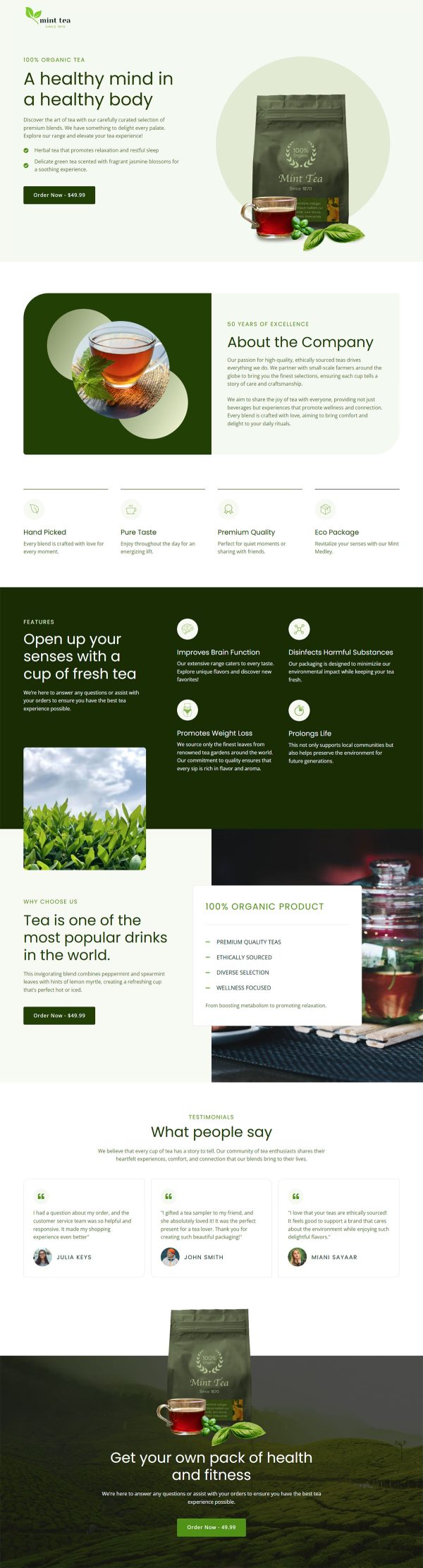
Online Yoga Course Funnel Template
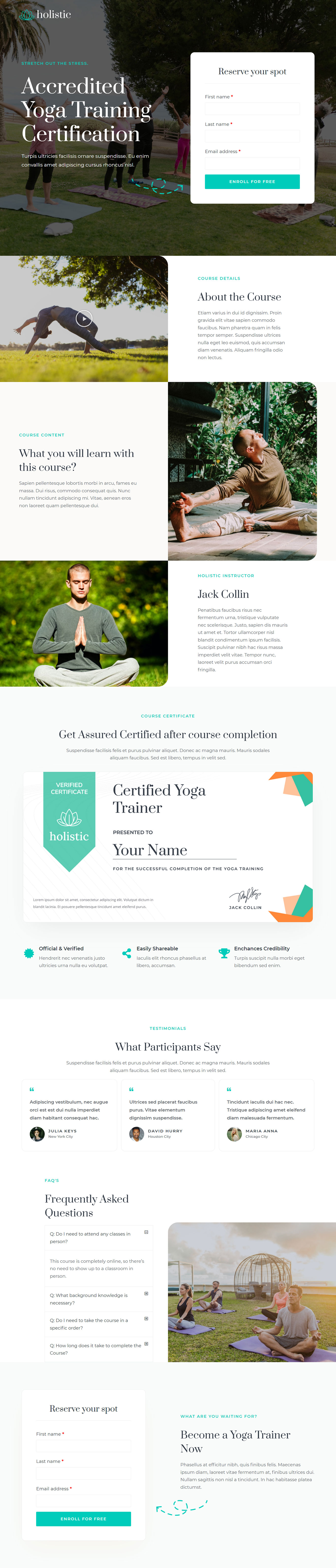
What's included — 3 connected steps
- 1
 Opt-inCapture the lead first
 - 2
 CheckoutOne-page order form
 - 3
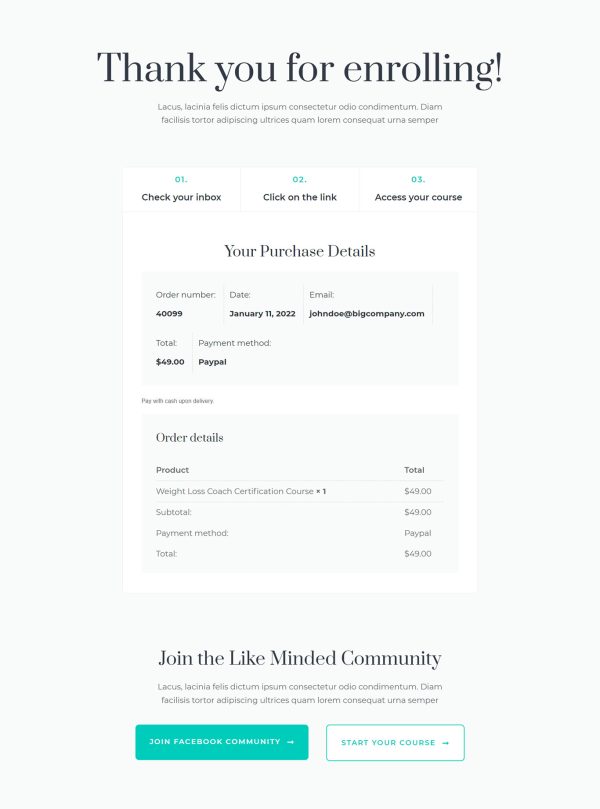
 Thank YouConfirmation & next step
About this funnel
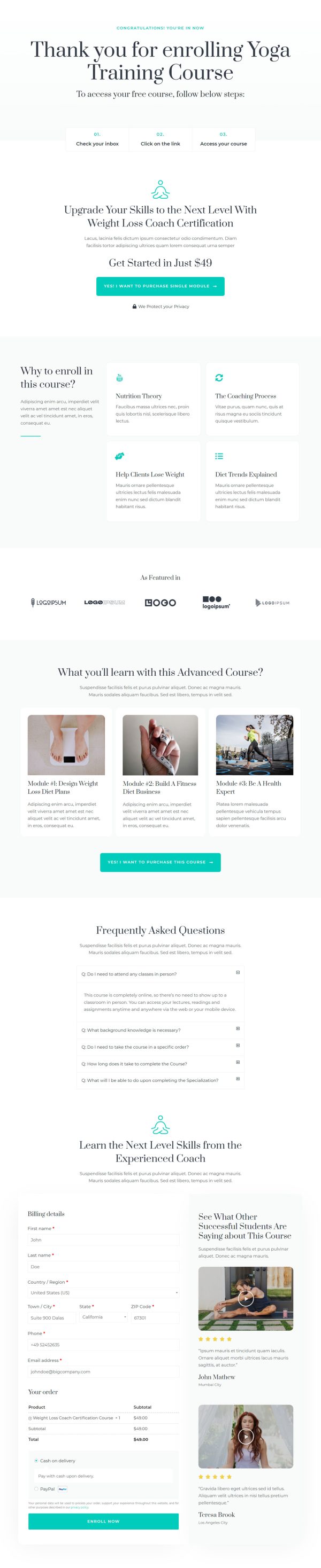
The online yoga course funnel template uses three steps, a registration page, a checkout, and a confirmation page with the joining details. All three come built and joined up, so you fit your classes, dates and wording in instead of designing pages. They suit a free intro class that feeds a paid program later.
Who it’s for
- Independent instructors filling a free intro class, challenge, or taster week
- Studios promoting a teacher training or accredited certification
- Wellness coaches building a list ahead of a paid program
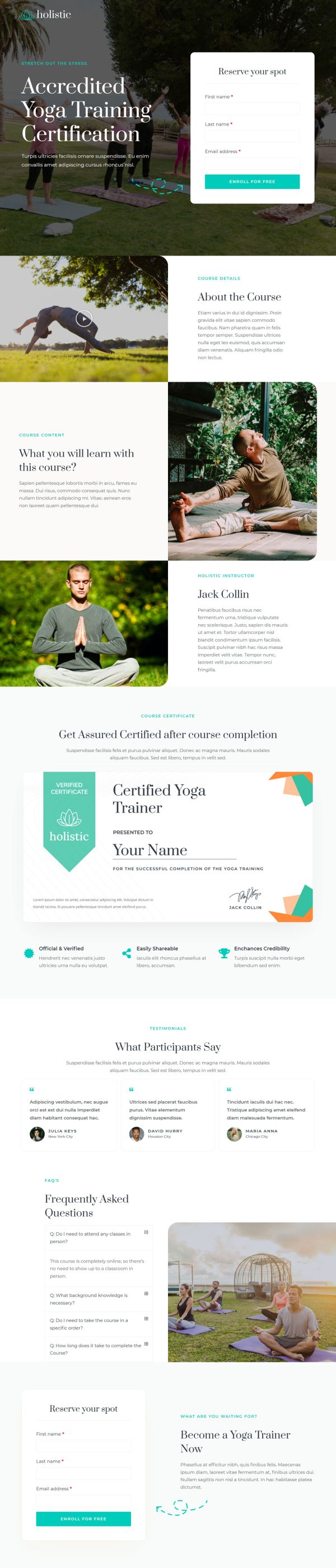
The registration page covers curriculum, instructor, certification and proof. The enrollment card asks only for a name and an email, and it comes back near the foot.
Between the two sit a certification block, testimonials that carry a city beside each name, and an FAQ. Read as a yoga course landing page, step one has one job, filling the class.
The certification block is the quiet workhorse. It turns a free class into proof a student can show an employer.
That outranks the curriculum as a reason to register. Cities beside the names make the roster read like real people. The repeated card lets the FAQ close a reader with no scroll back.
The registration page is where the certificate and the form belong, so proof and sign-up sit in one view. Checkout handles the paid tier, so a free registrant who wants the full training never leaves the funnel. The confirmation page is where the class time and mat list go, so a sign-up shows up.
Change the imagery, instructor bio, certificate and FAQ answers to match your studio. Wire the form to your email tool.
Adding a section, taking one out or restyling it costs about a click, so the studio look stays yours.
How to Use This Funnel
- Install the free CartFlows plugin from the WordPress plugin directory.
- Go to CartFlows → Funnels and click Add New Funnel.
- Search the library for this funnel, then hover it and choose View All Steps.
- Click Import This Funnel and give it a name.
- Wait for the import to finish, then edit each step in your page builder.
- Assign your WooCommerce product on the checkout step and you are ready to sell.