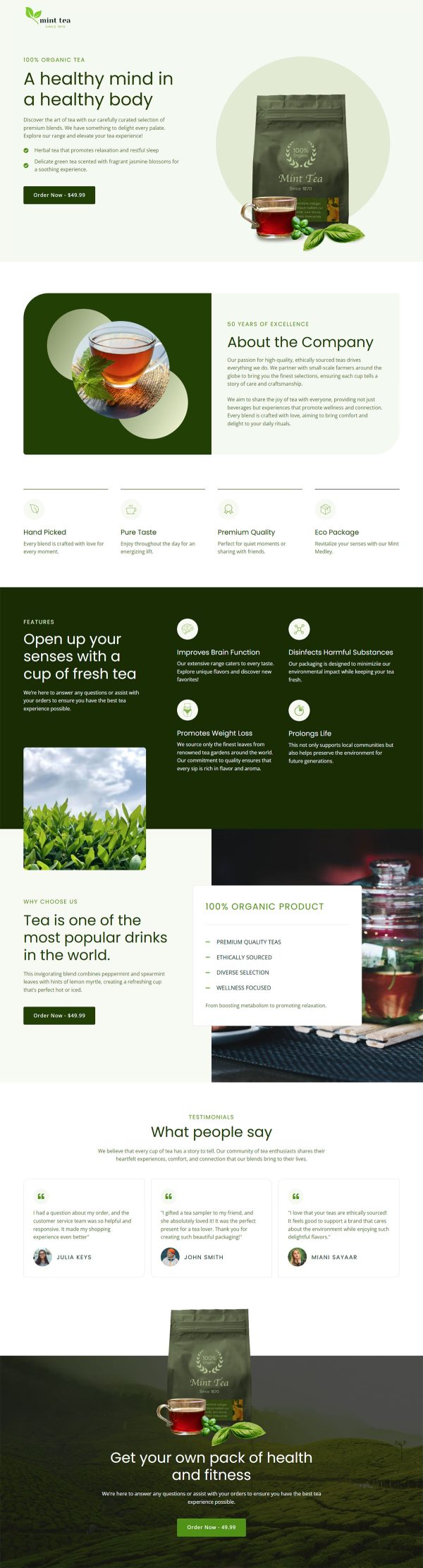
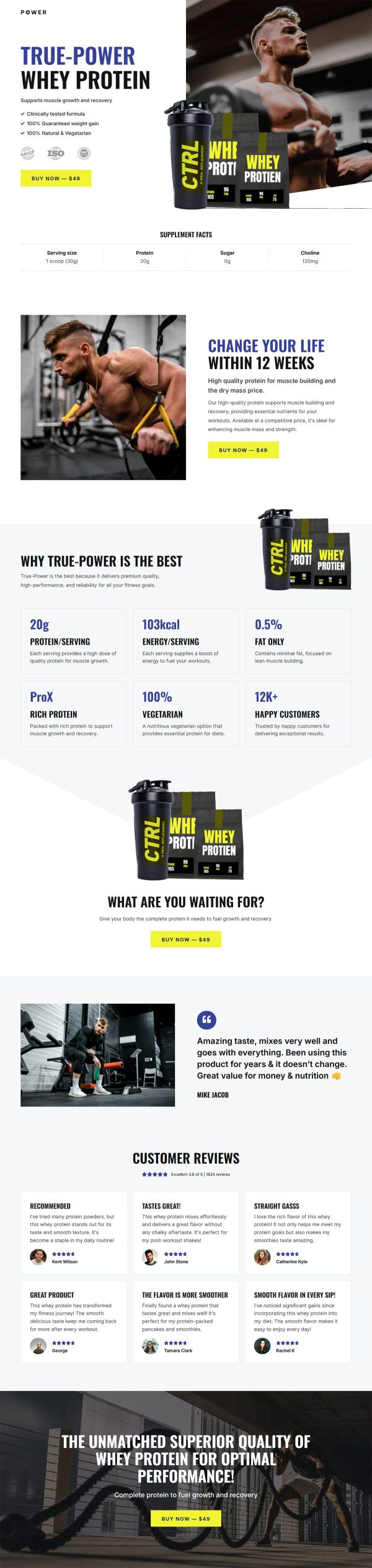
Organic Oil Funnel Template
Pro
What's included — 4 connected steps
- 1
 Landing PageFirst impression & offer
 - 2
 CheckoutOne-page order form
 - 3
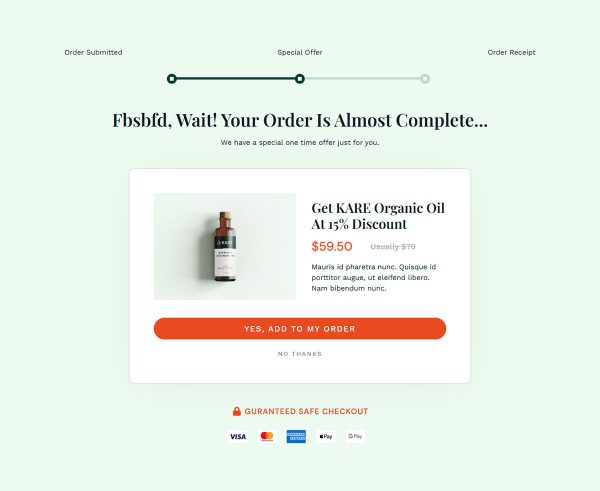
 UpsellOne-click add-on offer
 - 4
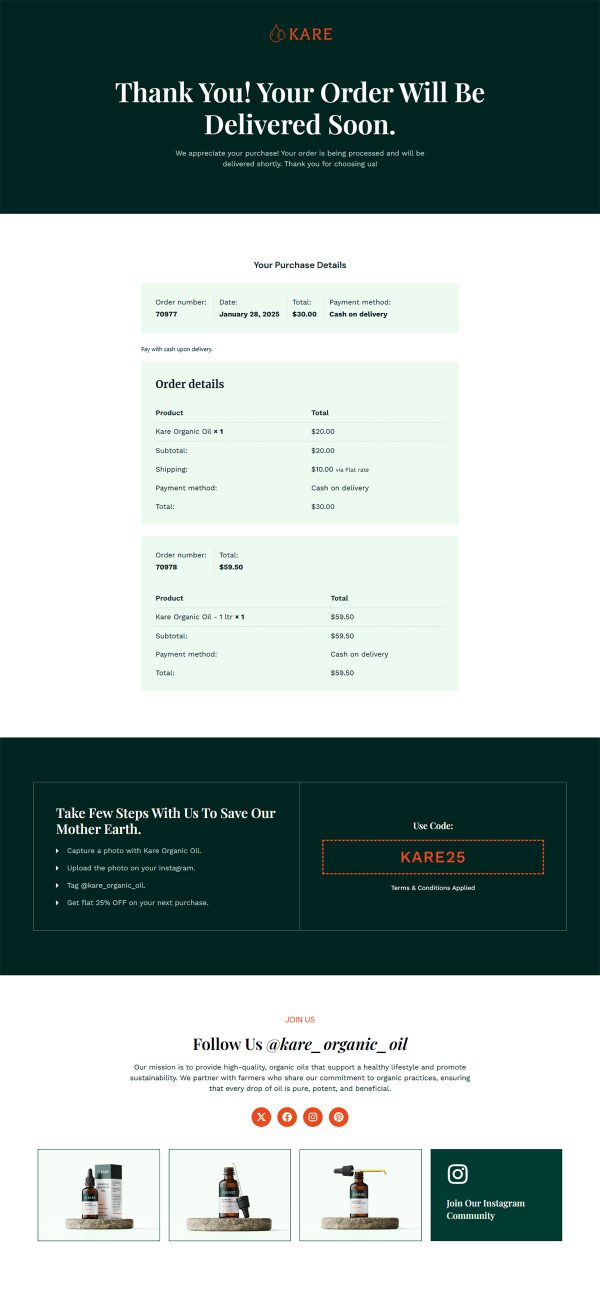
 Thank YouConfirmation & next step


About this funnel
This organic oil sales funnel template runs one bottle through four pages: a product page, a checkout, a one click upsell, and a thank you page. Every page is built and wired together already, so you drop in your bottle, photos and prices rather than designing layouts. The pages are shaped for a purchase driven by sourcing and trust.
Who it’s for
- Small wellness or skincare brands with one flagship bottle
- Cold-pressed oils, essential blends, and balms sold direct from WooCommerce
- Sellers with strong photography, named reviews, and a sourcing story to tell
The product page sets four trust tiles directly under the price: free worldwide shipping, satisfaction guarantee, easy returns, and privacy. A sourcing paragraph explains where the oil comes from.
Three named reviews sit further down, reachable in one tap through the anchored nav.
Splitting the four claims into separate cards means a skimmer still absorbs them. The tiles land where hesitation starts, before the price has time to sting.
The anchored nav lets a proof-first visitor check reviews, then come back to the buy button. On its own that first page works as an organic oil landing page template.
Checkout puts shipping and payment on one screen, so a buyer fills a single form and stops. The upsell arrives after payment, which is where a refill or a second bottle fits: a customer holding one bottle takes a spare without reaching for a card again. The thank you page wraps up with the order details.
Swap the photography, product name, and price, then rewrite the sourcing paragraph in your own voice. Adding a block, deleting one, or restyling it takes about a click in the builder, so the demo layout binds nothing.
How to Use This Funnel
- Install the free CartFlows plugin from the WordPress plugin directory.
- Go to CartFlows → Funnels and click Add New Funnel.
- Search the library for this funnel, then hover it and choose View All Steps.
- Click Import This Funnel and give it a name.
- Wait for the import to finish, then edit each step in your page builder.
- Assign your WooCommerce product on the checkout step and you are ready to sell.