Pet Food Funnel Template
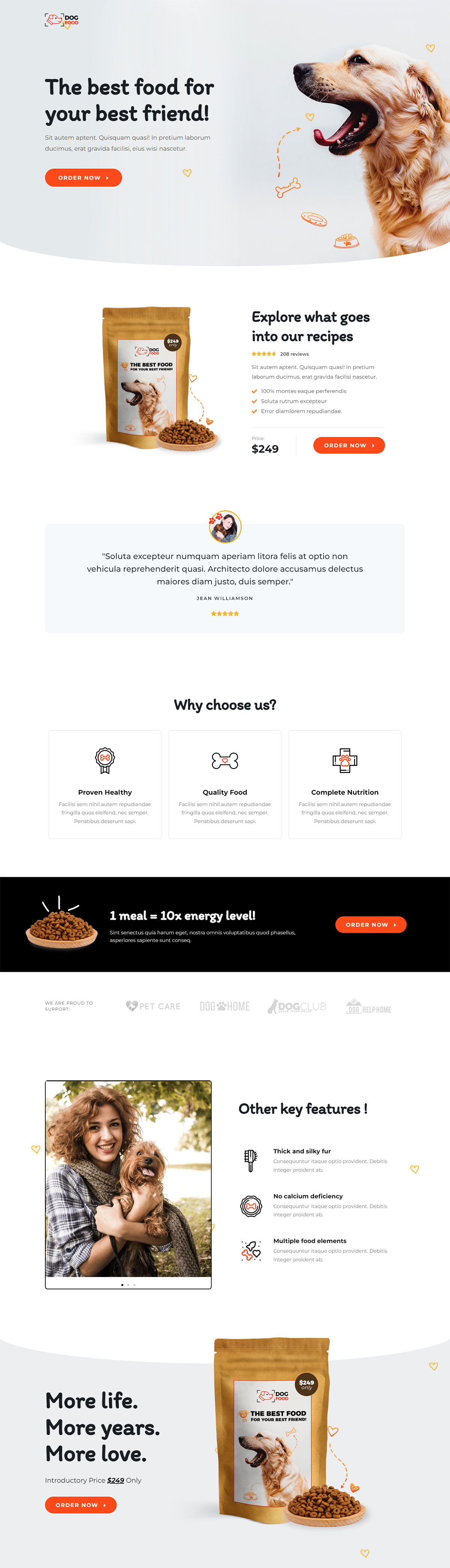
What's included — 3 connected steps
- 1
 Landing PageFirst impression & offer
 - 2
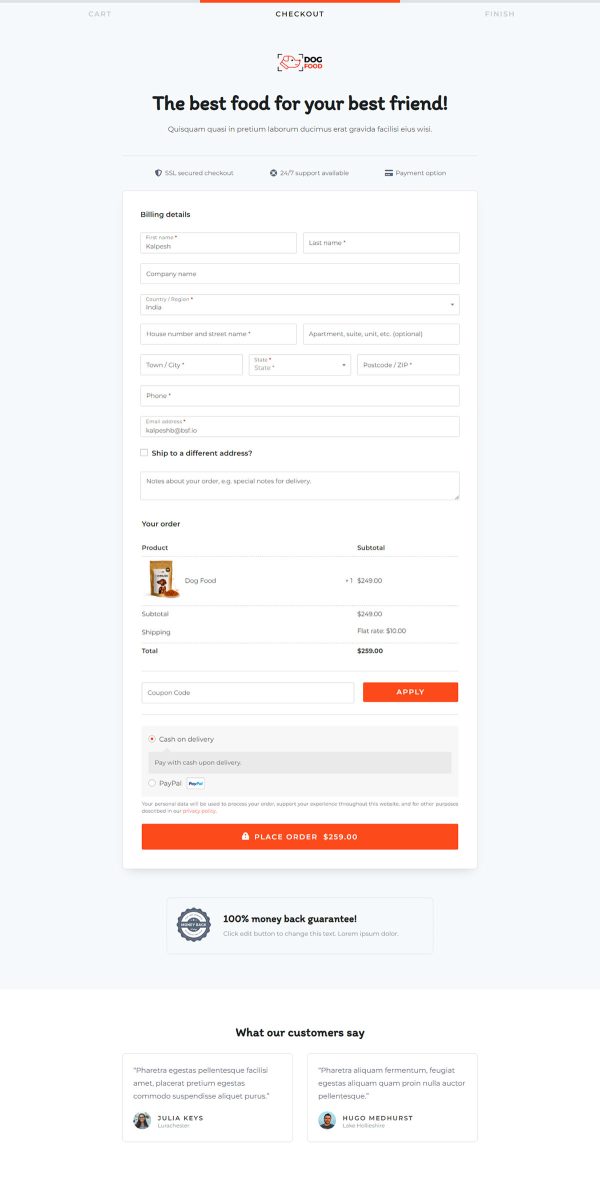
 CheckoutOne-page order form
 - 3
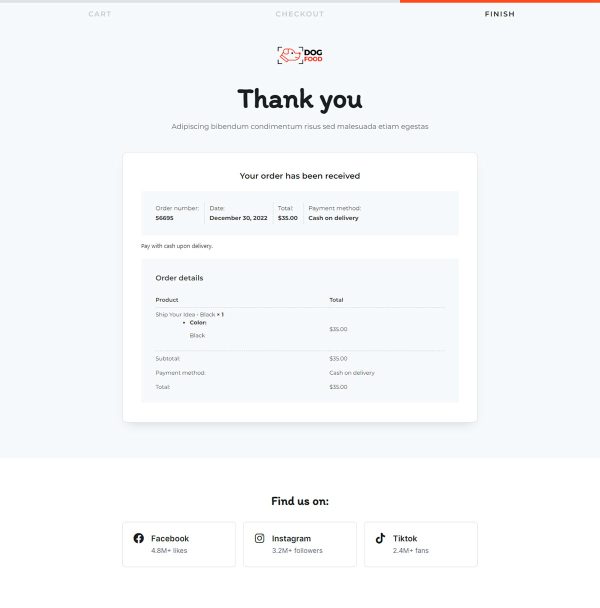
 Thank YouConfirmation & next step
About this funnel
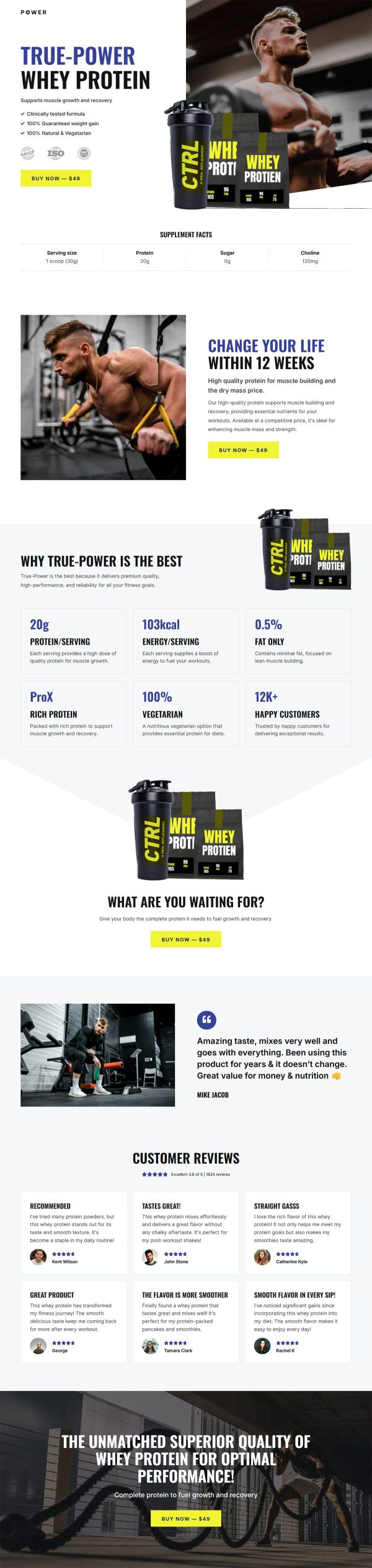
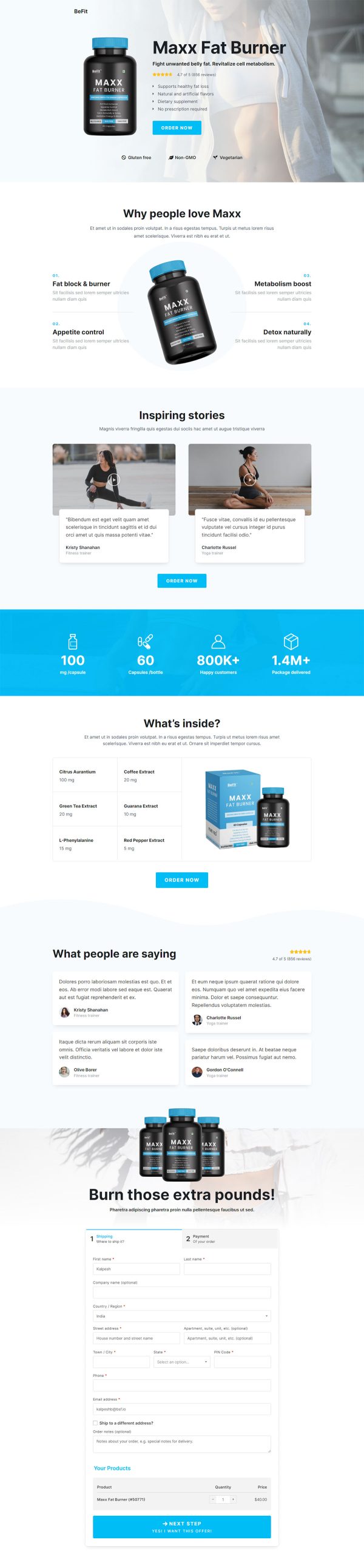
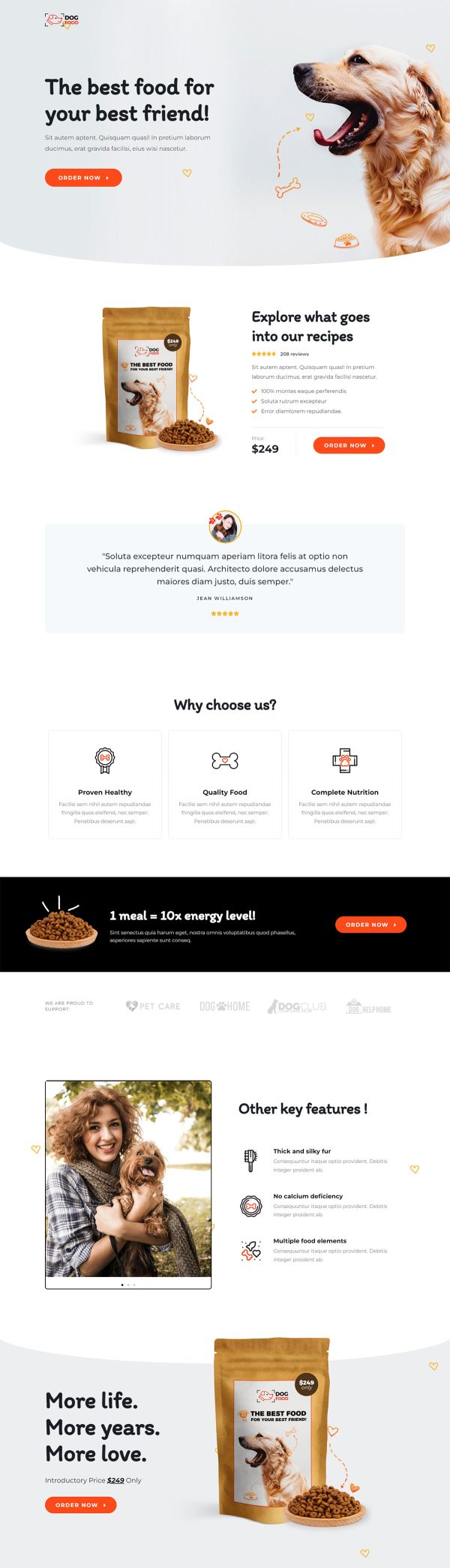
This pet food sales funnel template is a three page flow for one staple bag: a product page, a checkout, and a thank you page. The three pages ship connected and styled, so you fill in your bag, photos and prices instead of drawing a page. Each page answers one stage of the decision.
Who it’s for
- Pet brands selling food, litter, supplements, or refills on repeat
- Anyone with a staple SKU that customers reorder without thinking
- First time funnel builders who want the pages made in advance
The recipe block carries the 4.7 star rating, the review count, the ingredient list, and the price together. A customer quote sits inside the same block.
Price appears again in the closing band, framed both times as an introductory figure. A supporter logo strip runs lower down the page.
Proof and product detail get read in one pass, with no scrolling between them. Introductory framing sets an expectation about later pricing that a discount badge cannot.
The logo strip works quietly, since pet buyers care which causes a brand backs. That opening page doubles as a pet food landing page template for a single staple SKU.
Checkout is the second step and the last thing between an empty bowl and a delivery date. No upsell interrupts it, so the thank you page comes straight after payment and confirms what was ordered.
Three steps suit a product people buy on schedule and never need talking into.
Swap the photography, ingredient list, price, and rating for your real numbers, then rewrite the closing line in your brand voice. Any section can be added, removed or restyled in about a click. The layout follows your product, not the demo.
How to Use This Funnel
- Install the free CartFlows plugin from the WordPress plugin directory.
- Go to CartFlows → Funnels and click Add New Funnel.
- Search the library for this funnel, then hover it and choose View All Steps.
- Click Import This Funnel and give it a name.
- Wait for the import to finish, then edit each step in your page builder.
- Assign your WooCommerce product on the checkout step and you are ready to sell.