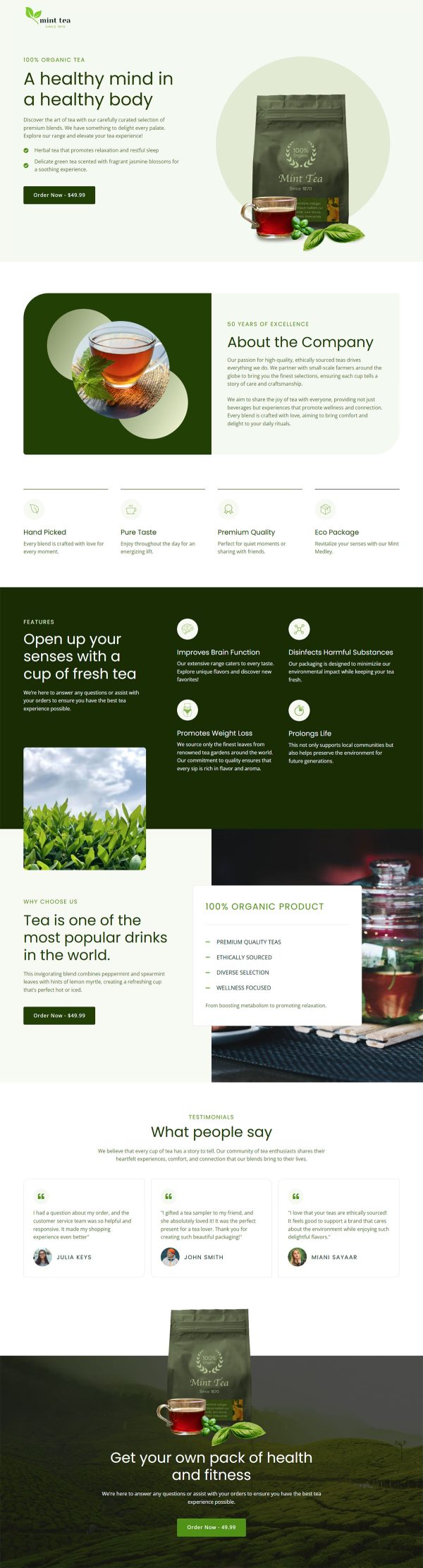
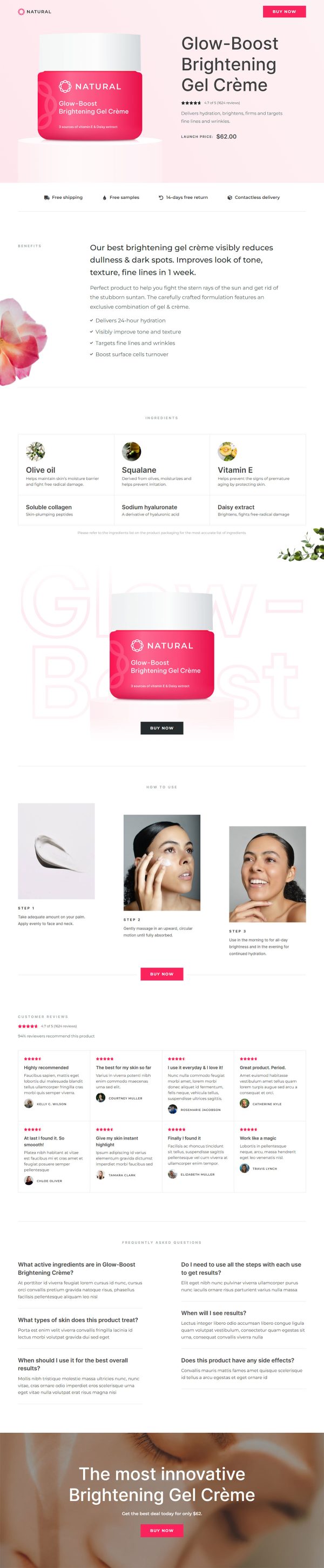
Online Marketing eBook Funnel Template

What's included — 2 connected steps
- 1
 Opt-inCapture the lead first
 - 2
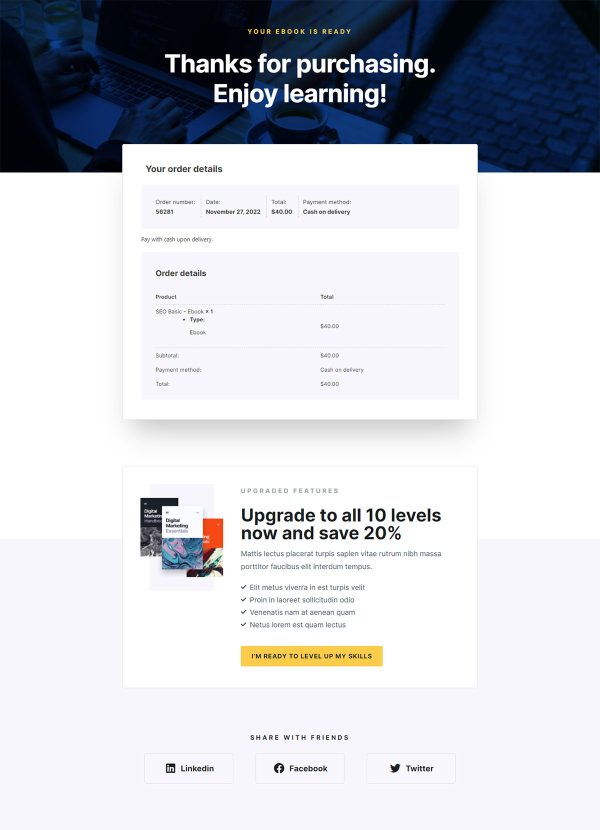
 Thank YouConfirmation & next step

About this funnel
This online marketing eBook opt-in funnel template is a two page lead capture flow: an opt-in page and a delivery page. Both are built and joined up, so you load your own cover, copy and form instead of designing pages. The pair is shaped for a quick trade with no payment involved.
Who it’s for
- Agencies and consultants collecting leads for a retainer pitch
- SEO and content marketers who need a list to publish to
- Course creators warming an audience before a paid launch
The form sits above every proof element and asks two fields, full name and email. Neither page sells anything, so the ask stays cheap and anyone already convinced can act at once.
Under the fold, logos run beneath “Author has been featured in:”. A “What’s inside” block names five topics, and five reviews close under “What people are saying”.
Two more “Get the ebook” links scroll back up, keeping proof and action one click apart. Beside the first-person claim button, a privacy policy link and a data-use note answer that objection where it forms.
As an online marketing ebook landing page template the first step stands alone, with delivery already built. Martin Lukas and his follower counts are demo details to replace.
The opt-in page earns the address, so it suits a report, a checklist or a webinar replay: a marketer hunting traffic ideas trades an email for the five topic guide. The delivery page hands the file over and has room for a call booking.
Replace the cover, the five contents lines and the bio. The form connects to your email platform through CartFlows, so sequences fire on submit.
Dropping a section, bolting on a new one or restyling either page is roughly a single click in the builder.
How to Use This Funnel
- Install the free CartFlows plugin from the WordPress plugin directory.
- Go to CartFlows → Funnels and click Add New Funnel.
- Search the library for this funnel, then hover it and choose View All Steps.
- Click Import This Funnel and give it a name.
- Wait for the import to finish, then edit each step in your page builder.
- Assign your WooCommerce product on the checkout step and you are ready to sell.