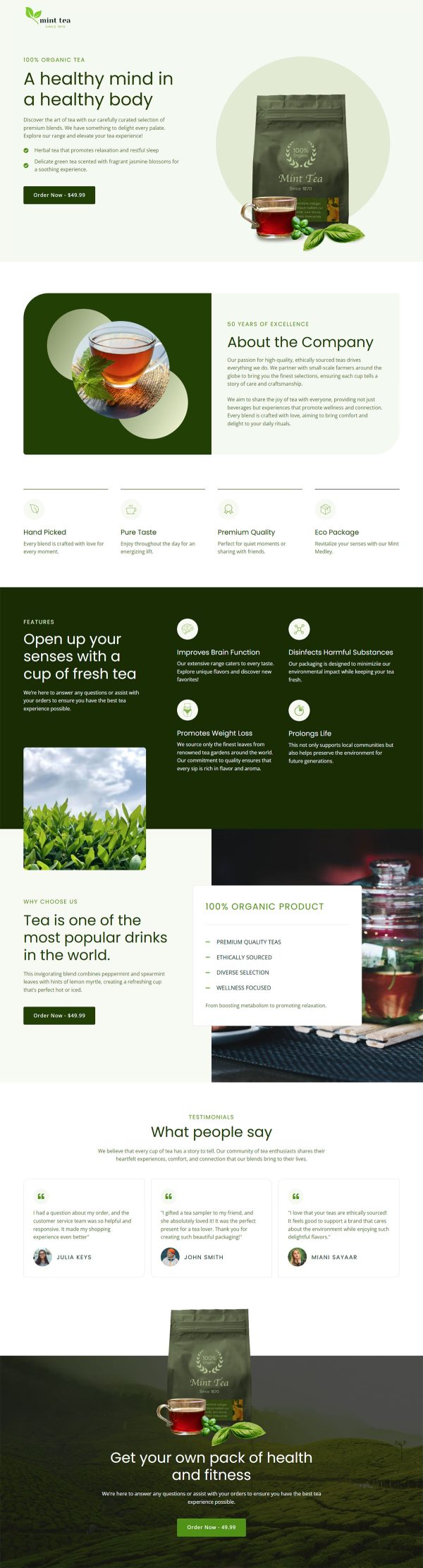
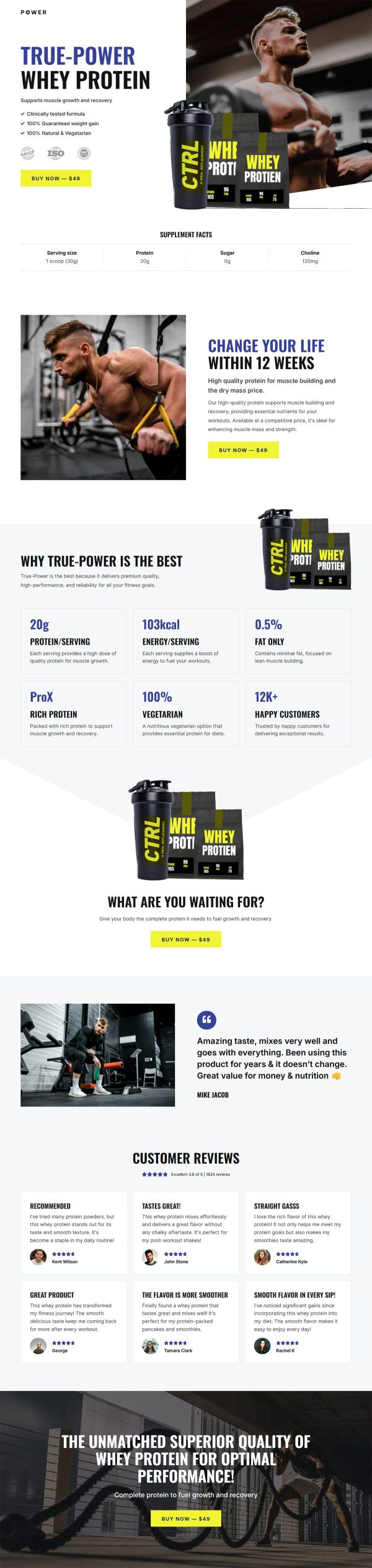
Microwave Funnel Template
Pro
What's included — 4 connected steps
- 1
 Landing PageFirst impression & offer
 - 2
 CheckoutOne-page order form
 - 3
 UpsellOne-click add-on offer
 - 4
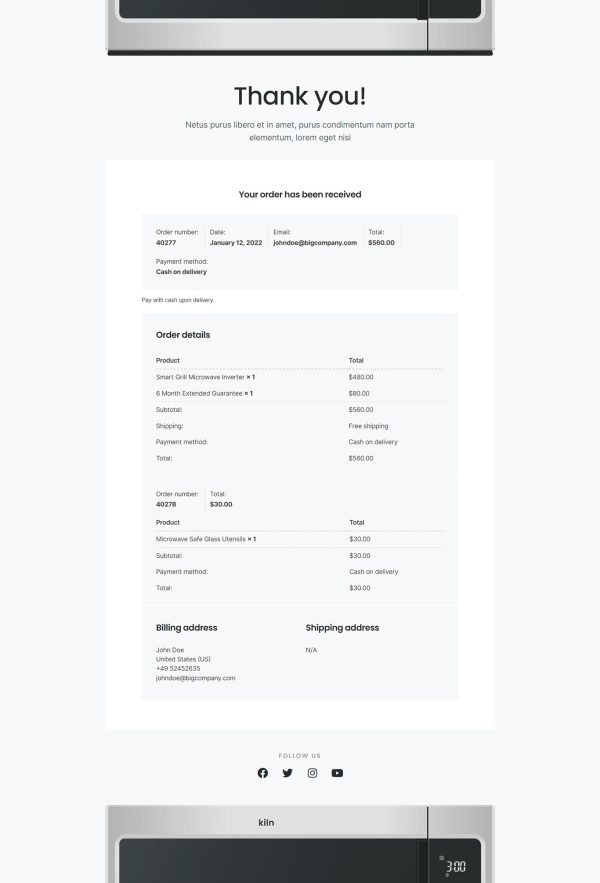
 Thank YouConfirmation & next step

About this funnel
This microwave sales funnel template is a complete four page flow for selling one appliance: a product page, a checkout, a one click upsell, and a thank you page. All four are built and connected already, so you swap in your model, photos and prices instead of designing pages. Each page is shaped for a considered purchase.
Who it’s for
- Kitchen and home appliance stores selling one model at a time
- Electronics brands that need dimensions, wattage, and capacity on the page
- Anyone whose support inbox fills with will-it-fit questions
The product page answers the questions that stop an appliance sale. A fixed nav links Overview, Features, Specs and Reviews, so the order button stays one tap away at any scroll depth. Four numbered blocks cover cooking on demand, defrost, cooking variety and controls.
The spec table lists type, dimensions in millimeters, capacity in liters and power in watts. Someone measuring cabinet clearance gets that number in two seconds, which is what separates a microwave landing page template from a plain product page.
Six named reviews sit under an aggregate score, each with its own headline and rating.
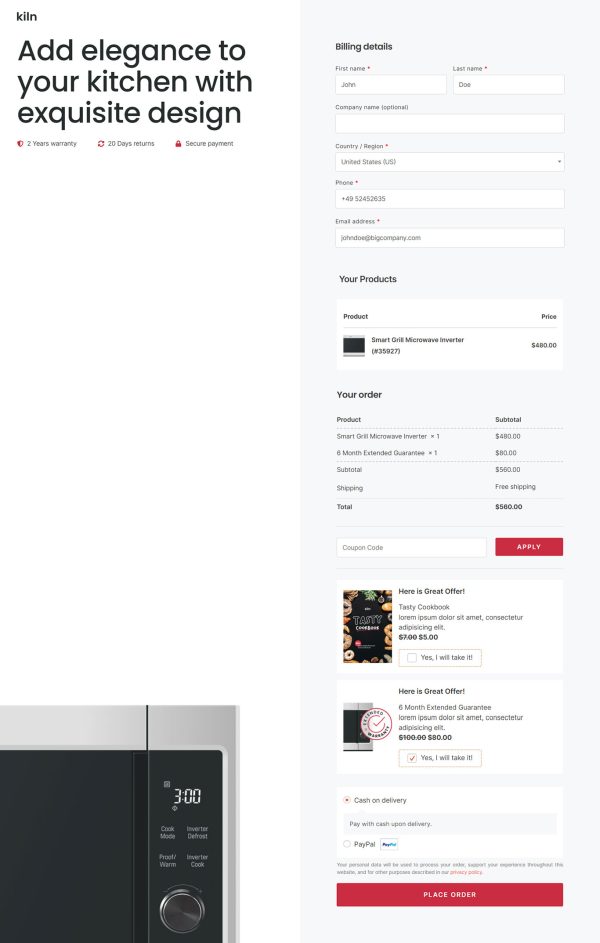
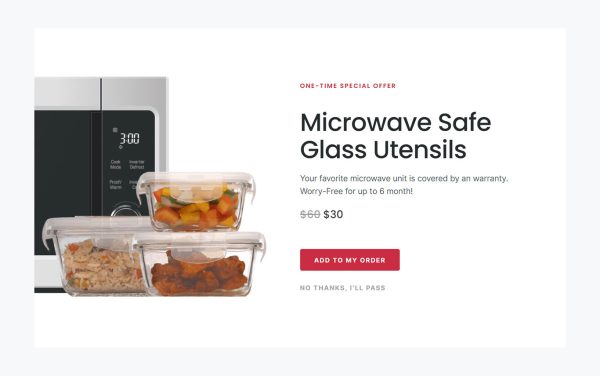
Checkout keeps the order summary beside the fields. The upsell step then loads after payment, which is where an accessory pack or an extended warranty belongs: a buyer who just chose a microwave will add a cleaning kit in one tap, with no card details to re-enter. The thank you page confirms the order and sets the delivery expectation.
Replace the model name, images and spec values, then rewrite the feature blocks around your appliance. Reviews can be edited by hand or pulled from your review plugin.
Adding a section, removing one, or restyling the page is a click away in the builder, so nothing here is locked to the demo.
How to Use This Funnel
- Install the free CartFlows plugin from the WordPress plugin directory.
- Go to CartFlows → Funnels and click Add New Funnel.
- Search the library for this funnel, then hover it and choose View All Steps.
- Click Import This Funnel and give it a name.
- Wait for the import to finish, then edit each step in your page builder.
- Assign your WooCommerce product on the checkout step and you are ready to sell.