Business Hacks eBook Funnel Template
Pro
What's included — 5 connected steps
- 1
 Landing PageFirst impression & offer
 - 2
 CheckoutOne-page order form
 - 3
 UpsellOne-click add-on offer
 - 4
 DownsellSecond chance offer
 - 5
 Thank YouConfirmation & next step


About this funnel
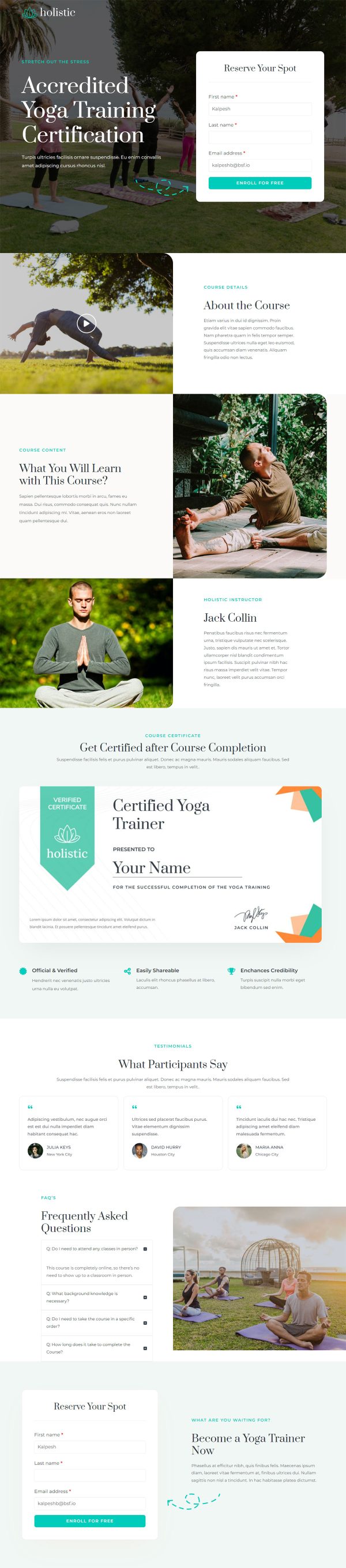
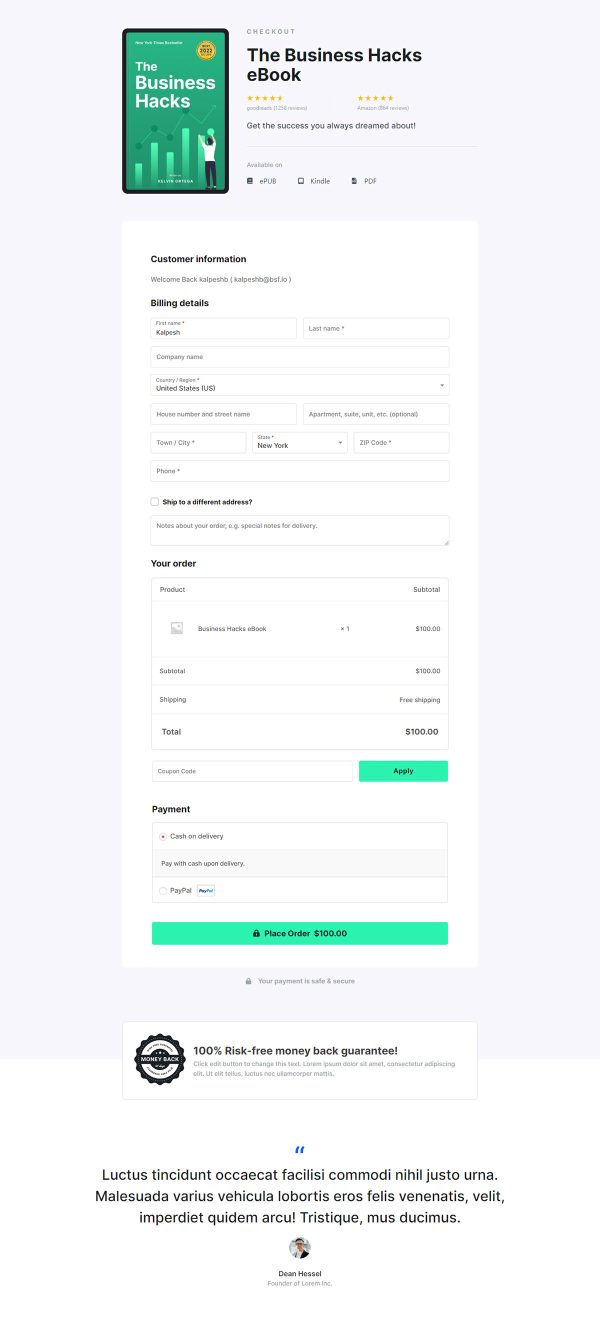
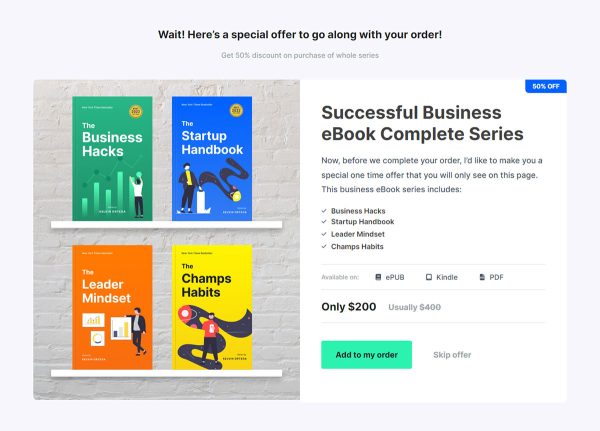
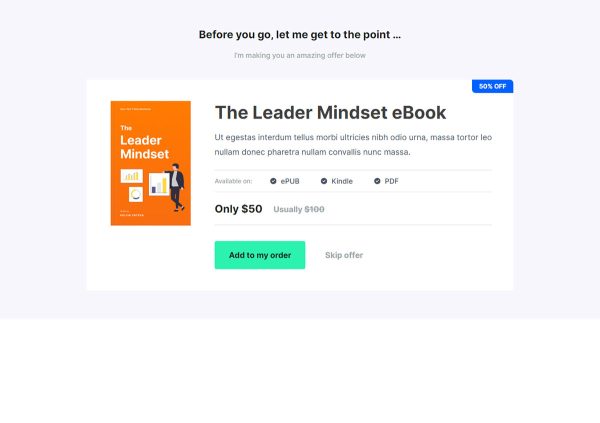
This business hacks ebook funnel template is a five page Gutenberg flow: a sales page, a checkout, an upsell offer, a downsell, and a thank you page. Every page is assembled and joined up, so you bring the book, the cover and the price. The sequence is shaped to earn more than one sale per buyer.
Who it’s for
- Sellers of a business or productivity ebook whose revenue per buyer has flattened
- New authors who know the ebook alone will not cover ad spend
- Anyone holding a second offer: template pack, workshop recording or coaching call
“Modules in the book” carries the most weight on this page. It names Foundation, Process and Goals as numbered chapters, turning a vague promise into a structure the buyer can picture.
Goodreads and Amazon star marks sit in the hero, not halfway down where most readers never reach. Six reader quotes follow, and only then do Kevin Ortega’s books, talks and awards appear.
Credentials in that position confirm a decision rather than make it. Ortega, the “Trusted by the top entrepreneurs in the world” logo row and the ISBN numbers are demo content.
The sales page sells the chapters, then the checkout collects the money without a page builder anywhere in the stack. The upsell offer loads once payment clears, which is where a workshop recording or a coaching call fits: a buyer who took the ebook seconds ago adds the recording without re-entering a card. A downsell follows a decline, so the same buyer still sees a lighter version of that offer. The thank you page closes the loop and delivers the download.
Rename the three modules, swap the cover and rewrite the details block on length and language. The checkout accepts Stripe, PayPal and other WooCommerce gateways.
Pulling a section out, dropping a fresh one in or restyling it costs roughly one click in the builder.
How to Use This Funnel
- Install the free CartFlows plugin from the WordPress plugin directory.
- Go to CartFlows → Funnels and click Add New Funnel.
- Search the library for this funnel, then hover it and choose View All Steps.
- Click Import This Funnel and give it a name.
- Wait for the import to finish, then edit each step in your page builder.
- Assign your WooCommerce product on the checkout step and you are ready to sell.