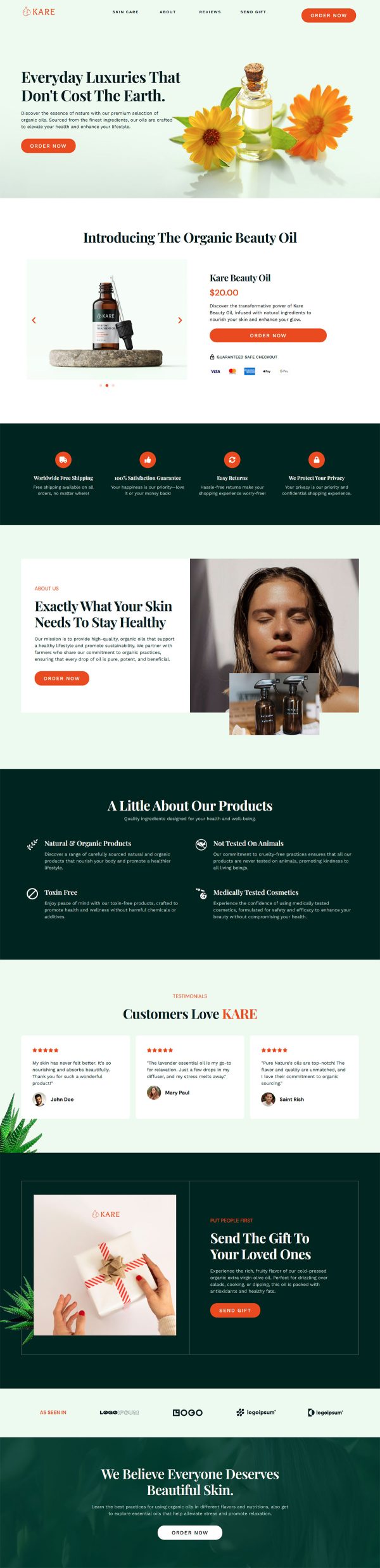
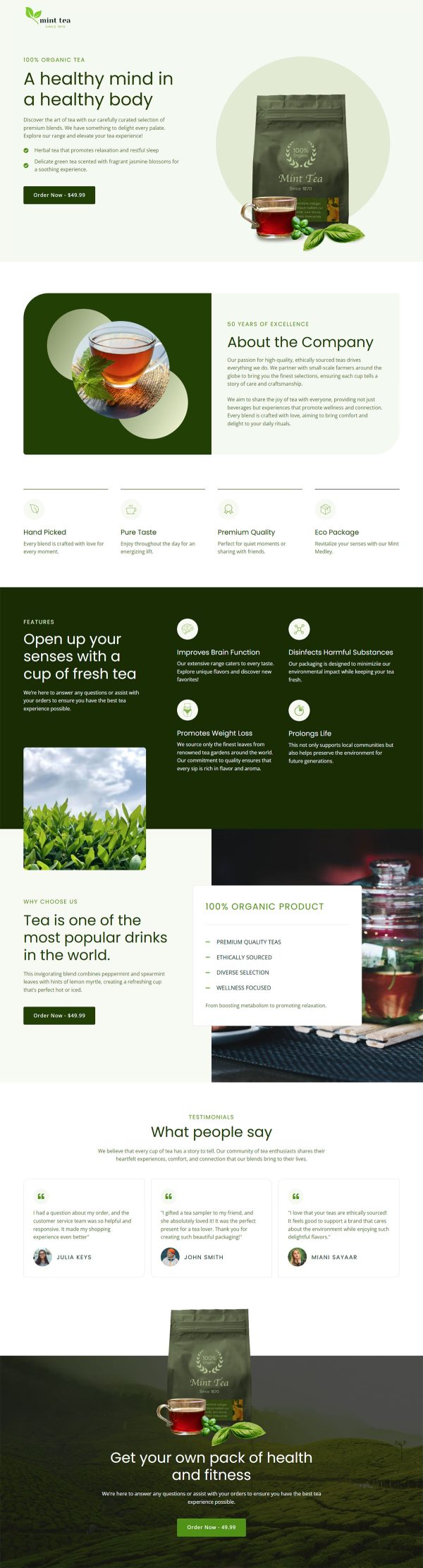
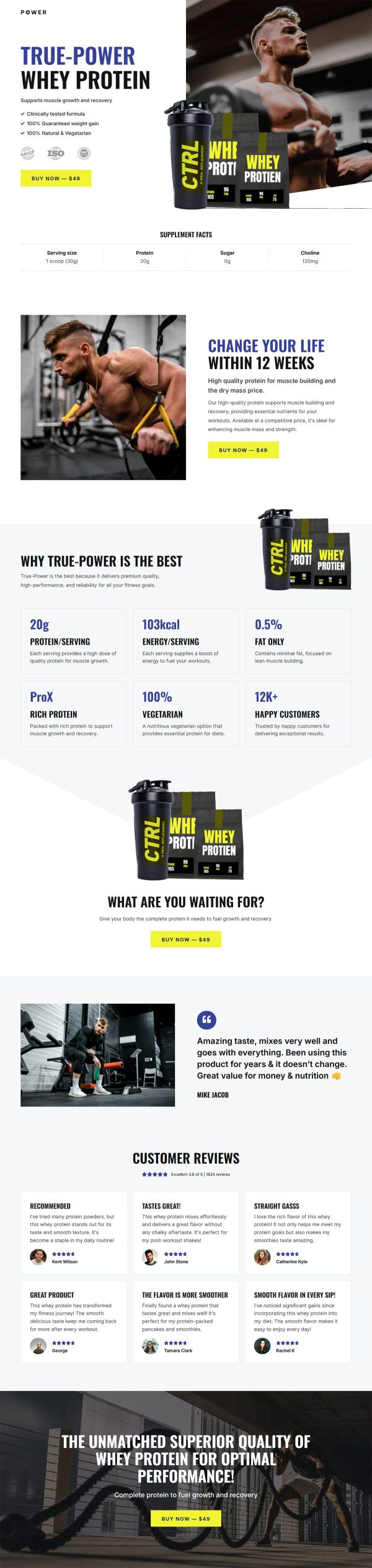
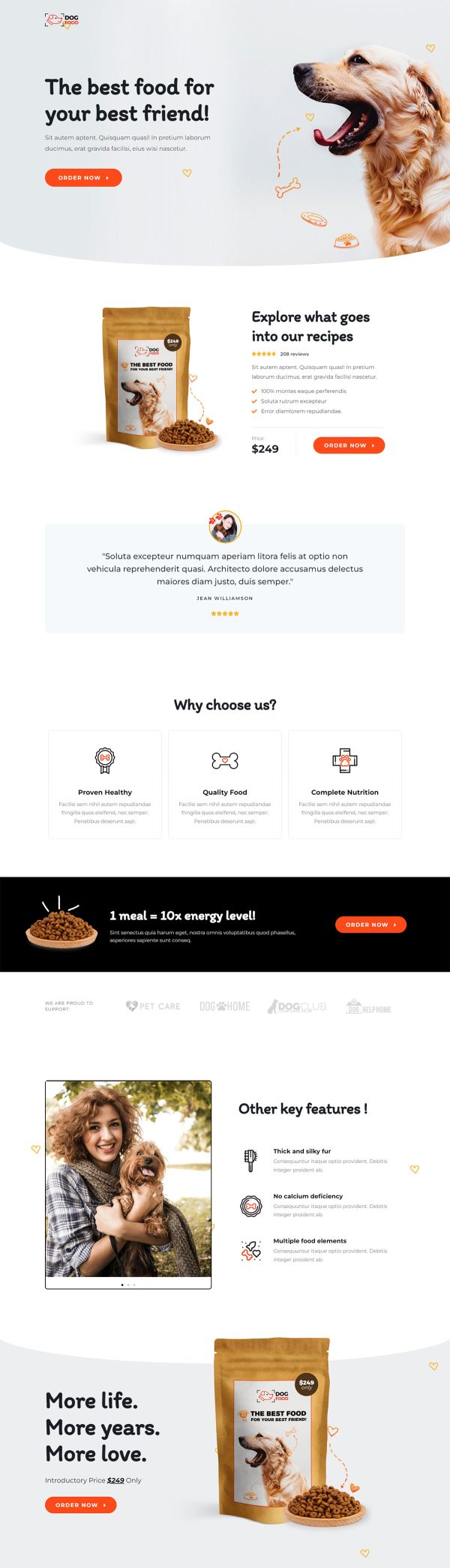
Beauty Skincare Funnel Template
Pro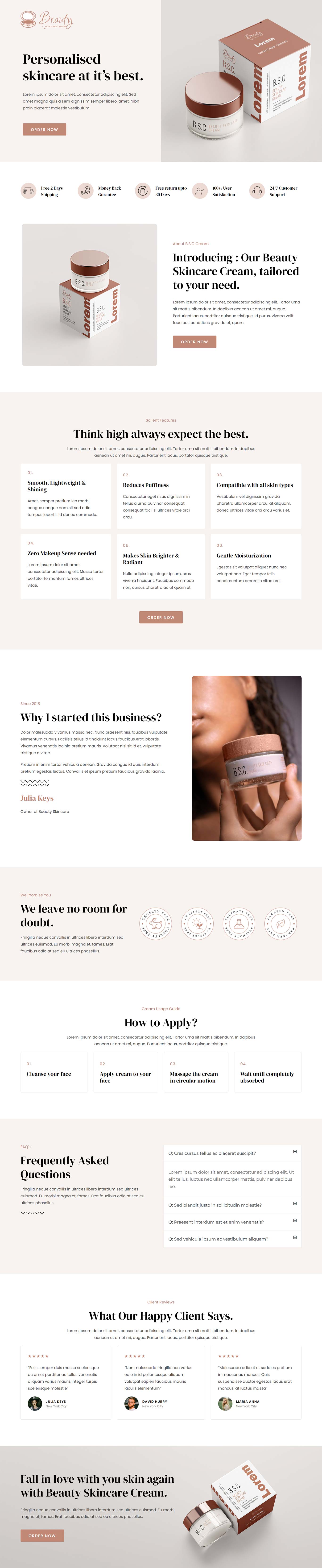
What's included — 4 connected steps
- 1
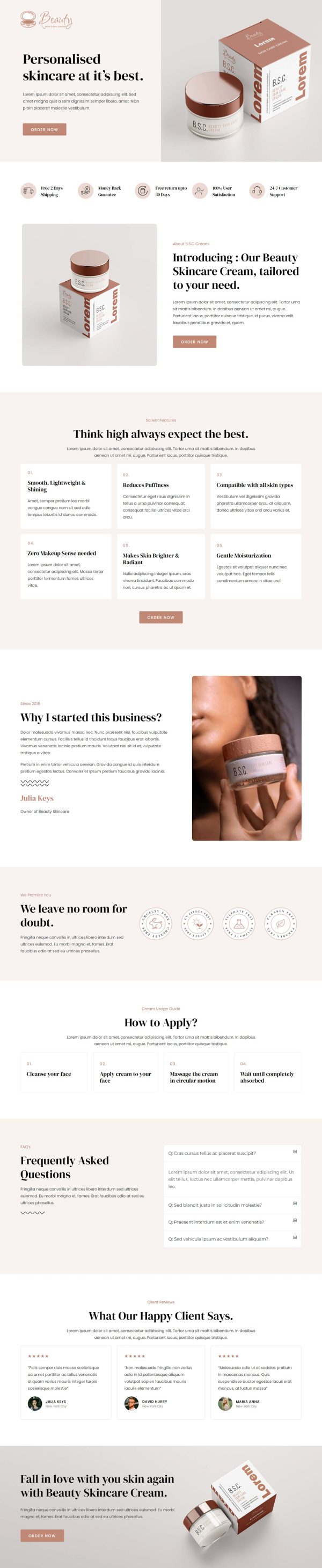
 Landing PageFirst impression & offer
 - 2
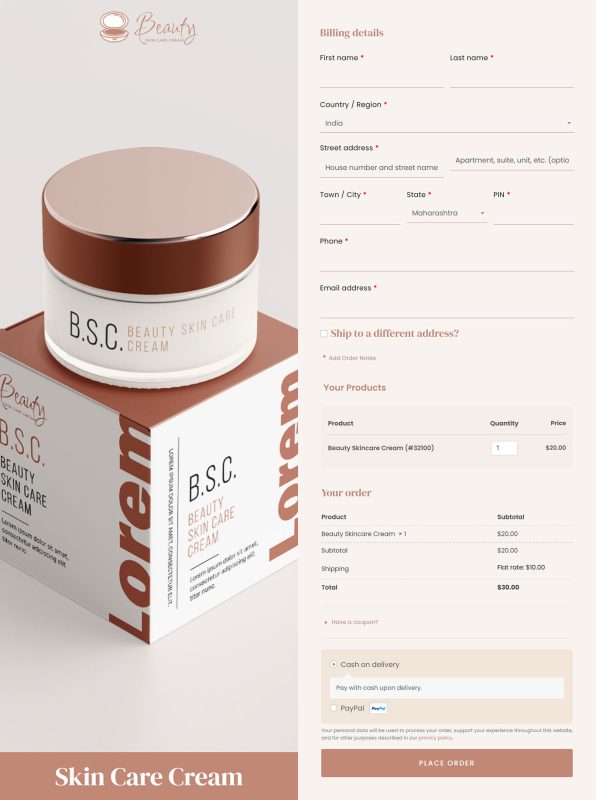
 CheckoutOne-page order form
 - 3
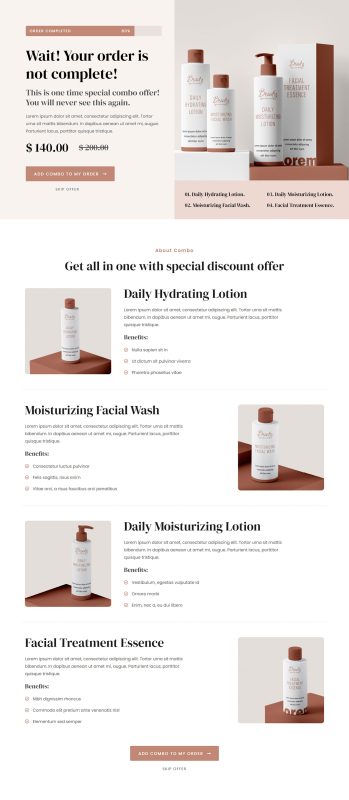
 UpsellOne-click add-on offer
 - 4
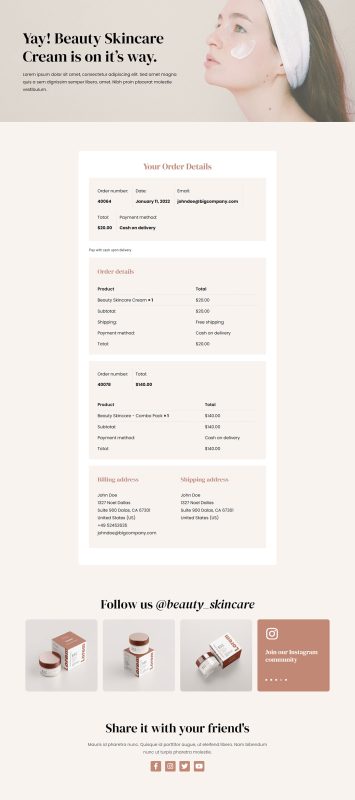
 Thank YouConfirmation & next step
About this funnel
This beauty skincare sales funnel template links four pages behind one routine: a product page, a checkout, a one click upsell, and a thank you page. All of it arrives pre-built and linked, so you supply your jars, photos and prices rather than composing pages.
The pages are shaped for a routine that has to be taught before it sells.
Who it’s for
- Creams, serums, and cleansers where usage order matters
- Founder-led brands with a story worth putting on the page
- Sellers who want a second product bought in the same moment
Five guarantees run as a strip near the top: shipping, money back, 30 day returns, satisfaction, and support. The usage guide runs four steps: cleanse with warm water, apply, massage in circles, and wait for absorption. Six feature items follow, then the founder section dated since 2018.
A strip of five guarantees settles cost and risk before the routine is explained. Teaching the steps turns an unfamiliar cream into something a reader can picture doing tomorrow.
The founder note lands after the features, once there is a reason to care who made it. A skincare landing page template that sells a routine has to teach the routine first.
Checkout can hold a small companion product as an order bump. The upsell opens after payment for the full bundle: a reader who just learned the four steps wants the jars those steps call for. The thank you page confirms what is on the way.
Swap the product name, imagery, and feature copy, replace the placeholder text, then rewrite the founder note in first person. Adding, removing or restyling any section is about a click of work, so nothing is stuck as delivered.
How to Use This Funnel
- Install the free CartFlows plugin from the WordPress plugin directory.
- Go to CartFlows → Funnels and click Add New Funnel.
- Search the library for this funnel, then hover it and choose View All Steps.
- Click Import This Funnel and give it a name.
- Wait for the import to finish, then edit each step in your page builder.
- Assign your WooCommerce product on the checkout step and you are ready to sell.