Music Album Funnel Template

What's included — 3 connected steps
- 1
 Landing PageFirst impression & offer
- 2
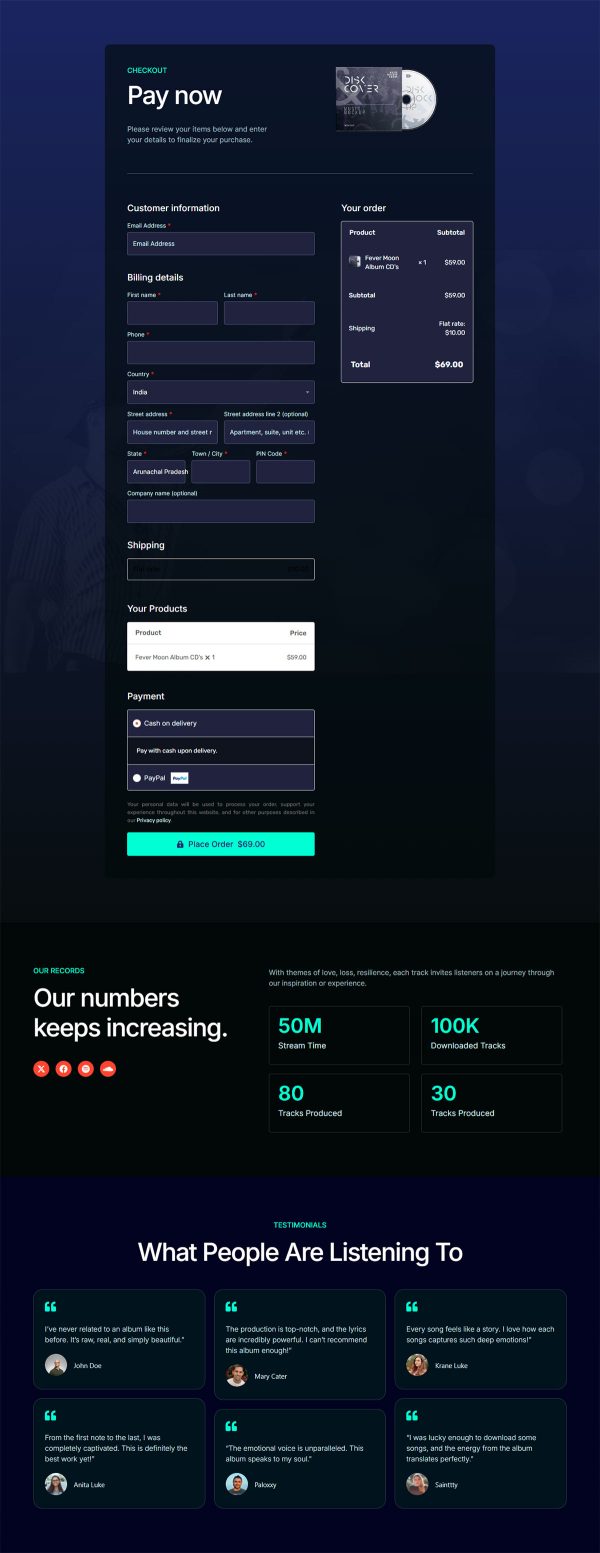
 CheckoutOne-page order form
- 3
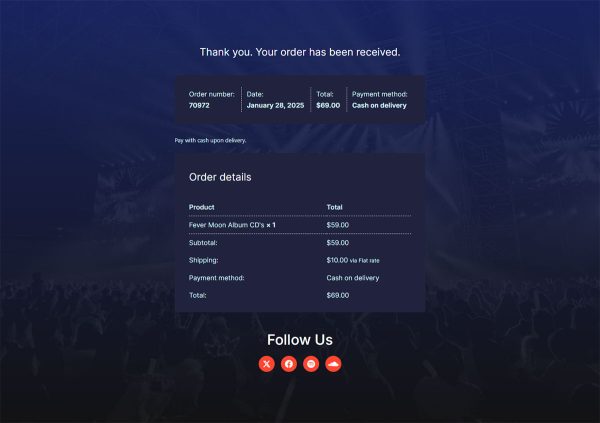
 Thank YouConfirmation & next step

About this funnel
This music album sales funnel template runs three steps: an album page, a checkout, and a thank you page. The pages come finished and linked, so you supply the record, the words and the price rather than building layouts. The set gives fans somewhere to buy a release instead of streaming it.
Who it’s for
- Independent artists and bands selling direct to fans
- Small labels done waiting on royalty statements
- Anyone with a social following who needs a link that ends in a purchase
Artwork carries the hero instead of a headline. Four track cards give the album substance without an audio player. Social buttons sit early, and the band story runs underneath them.
Artwork is how fans recognize a release in the first second. Leaving the player out keeps the page light on a phone connection.
Early social buttons turn a casual visitor into a follower even when nobody buys today. The four track cards adapt into merch or bundle slots if you also sell shirts and vinyl.
That flexibility keeps it usable as a music album landing page template for any release.
An album page is what a social bio link should point at, because it ends in a purchase rather than a stream. Checkout takes one WooCommerce product: a digital download, a physical copy, or a bundle covering both, and an order bump suits a signed sleeve. The thank you page carries the download link or the shipping expectation.
Embed a player from your own host for previews, since the template does not ship with one. You can add a section, remove one or restyle it in about a click.
How to Use This Funnel
- Install the free CartFlows plugin from the WordPress plugin directory.
- Go to CartFlows → Funnels and click Add New Funnel.
- Search the library for this funnel, then hover it and choose View All Steps.
- Click Import This Funnel and give it a name.
- Wait for the import to finish, then edit each step in your page builder.
- Assign your WooCommerce product on the checkout step and you are ready to sell.