Image Consultant – Feminine Funnel Template
Pro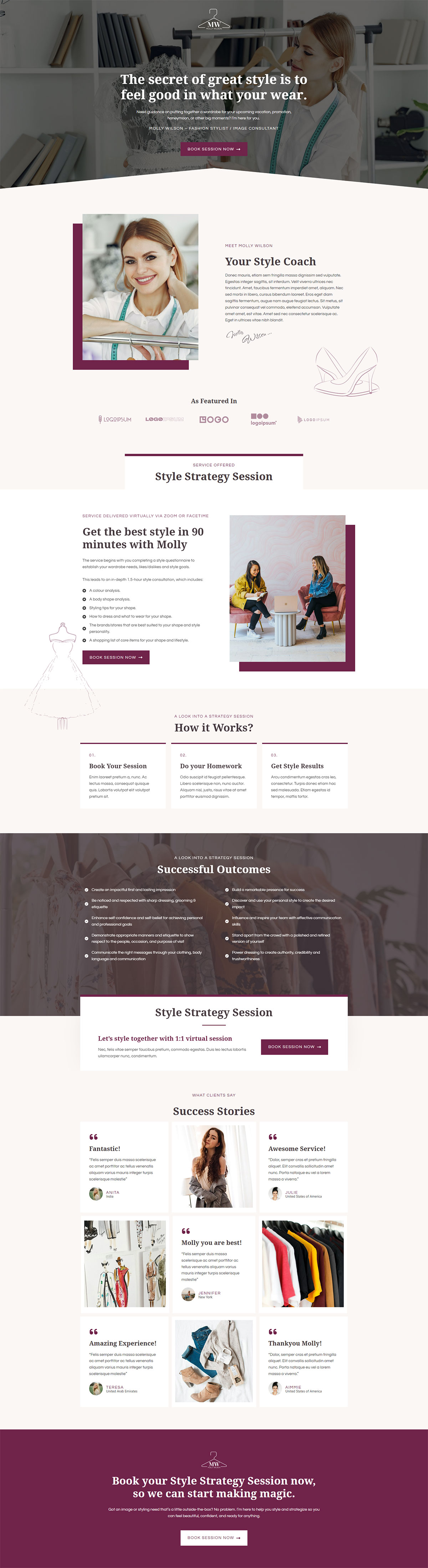
What's included — 4 connected steps
- 1
 Landing PageFirst impression & offer
 - 2
 CheckoutOne-page order form
 - 3
 UpsellOne-click add-on offer
 - 4
 Thank YouConfirmation & next step
About this funnel
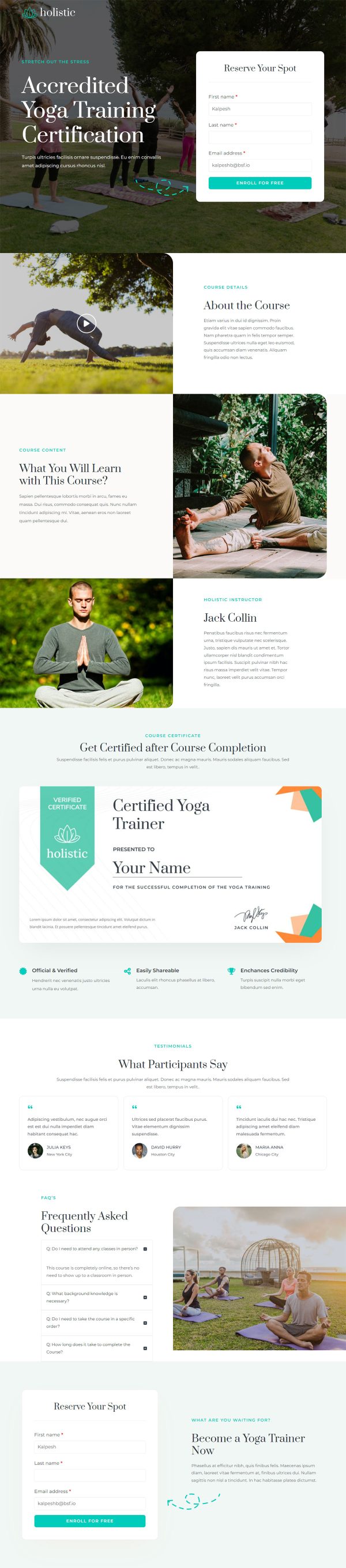
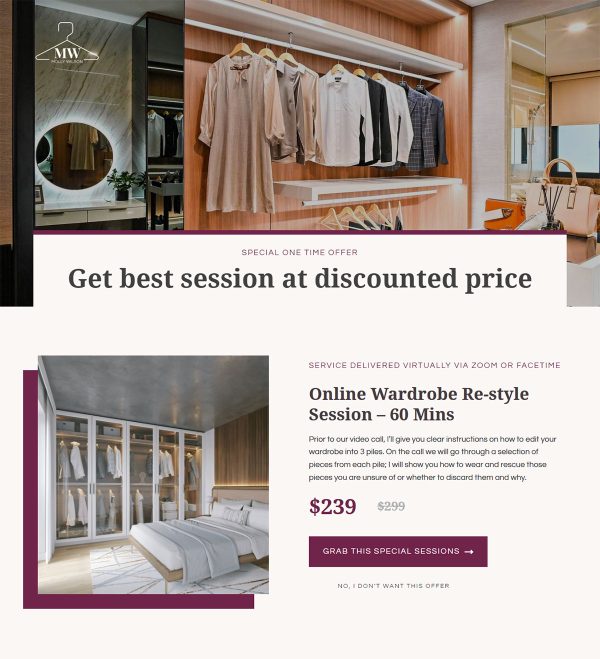
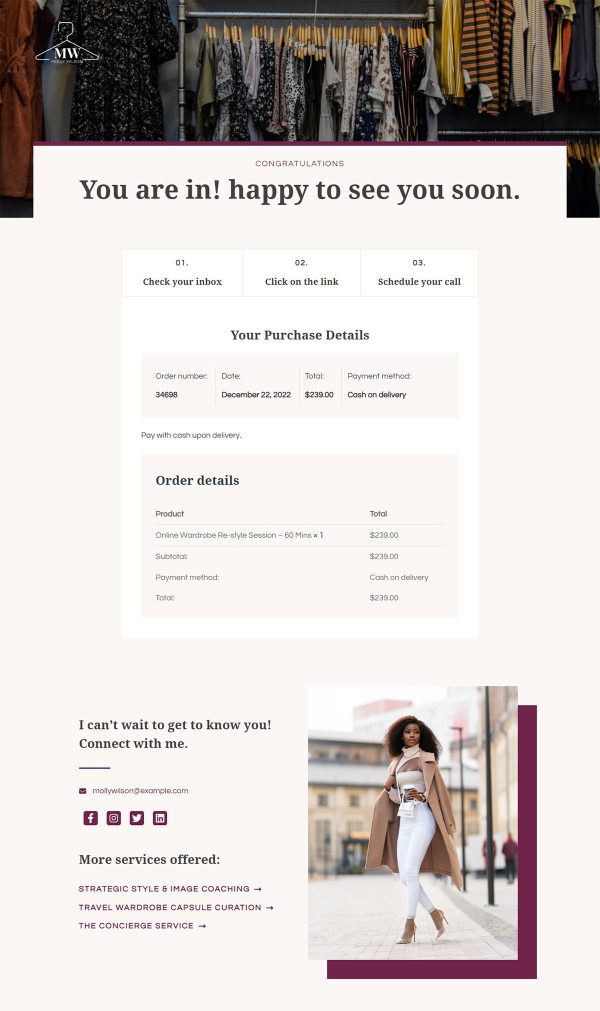
This image consultant sales funnel template runs four steps: sales page, checkout, one click upsell, thank you page. All four are built in Gutenberg and already linked, so you add your photos and session details, not layouts.
Editorial type and wide white space shape the pages for a buyer who judges by look.
Who it’s for
- Stylists and wardrobe consultants selling a defined 1:1 session
- Personal shoppers booking live video appointments under their own name
- Practitioners whose clients buy on taste as much as credentials
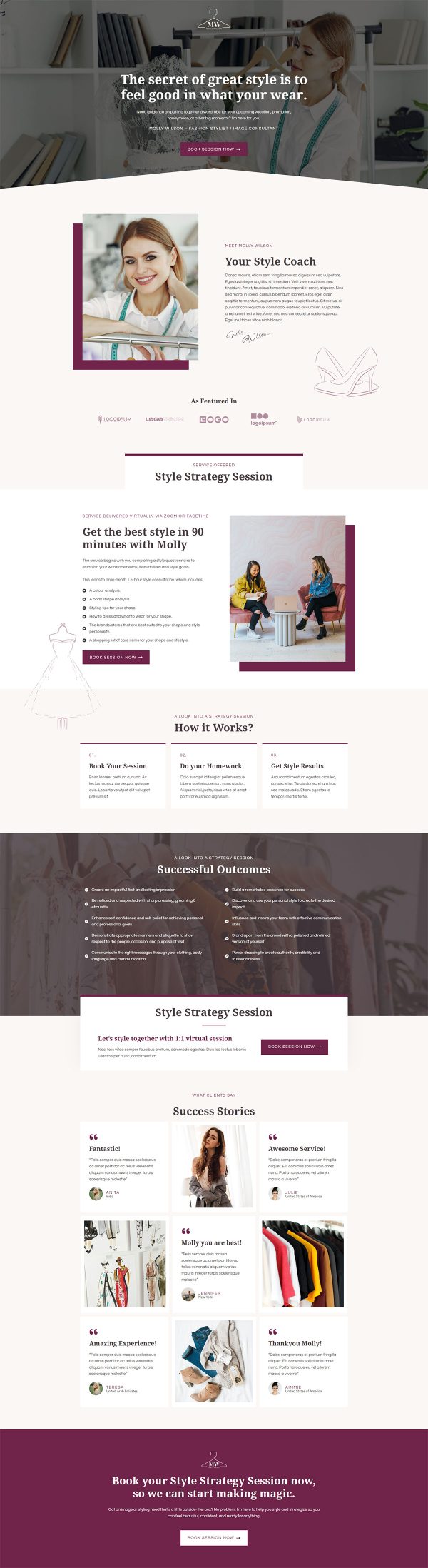
The hero leads with how the client wants to feel, beside a headshot and a book-session button. A service block names the session, confirms it runs over video, and sets the duration.
Deliverables are spelled out too: color analysis, body shape analysis and a shopping list. Naming the format and the length that early removes the two questions that delay a booking.
Before-and-after images appear inside named client stories rather than in a gallery. Tying each transformation to a named client makes the result feel earned instead of staged.
Strip the later steps away and the first page still reads as an image consultant landing page template.
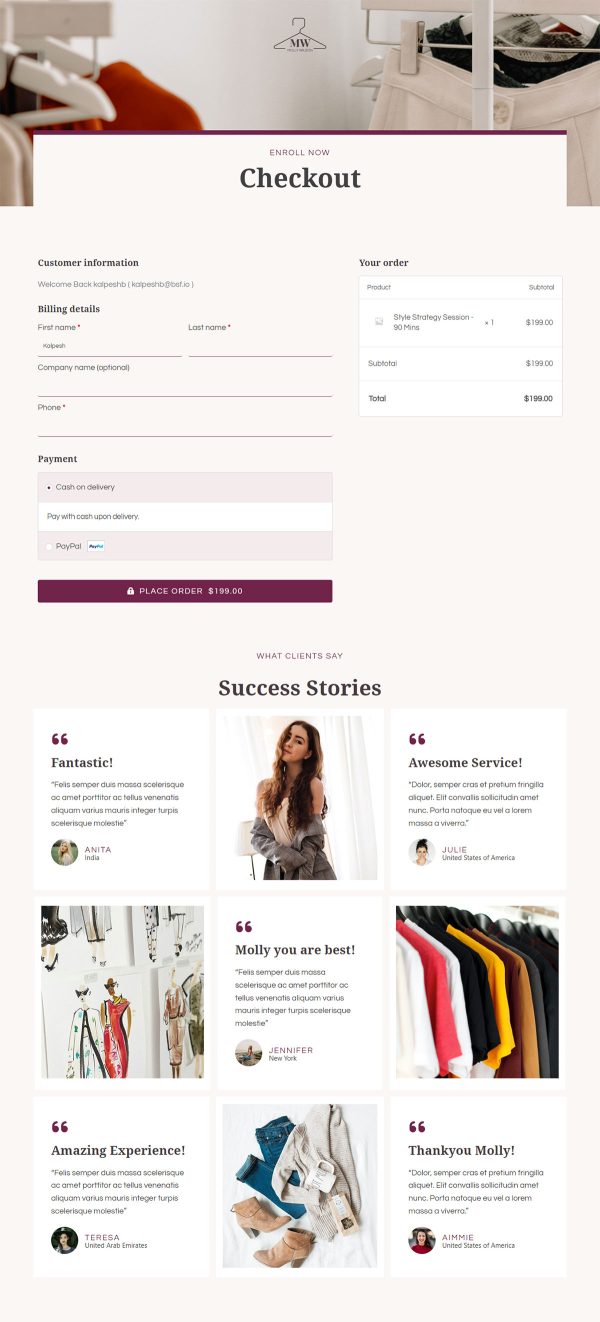
Checkout keeps the booking to one short form. The upsell opens on the receipt path, the right slot for a follow-up session or a shopping trip belongs: a client who just booked her color analysis adds the trip in one tap. The thank you page confirms the appointment and sets expectations for the call.
Photography and the logo carry the personality here, so swap those first, then rewrite the session inclusions. Prices and durations are ordinary text edits.
Any section can be added, pulled out or restyled in the builder with roughly one click.
How to Use This Funnel
- Install the free CartFlows plugin from the WordPress plugin directory.
- Go to CartFlows → Funnels and click Add New Funnel.
- Search the library for this funnel, then hover it and choose View All Steps.
- Click Import This Funnel and give it a name.
- Wait for the import to finish, then edit each step in your page builder.
- Assign your WooCommerce product on the checkout step and you are ready to sell.