Online Workshop Funnel Template

What's included — 2 connected steps
- 1
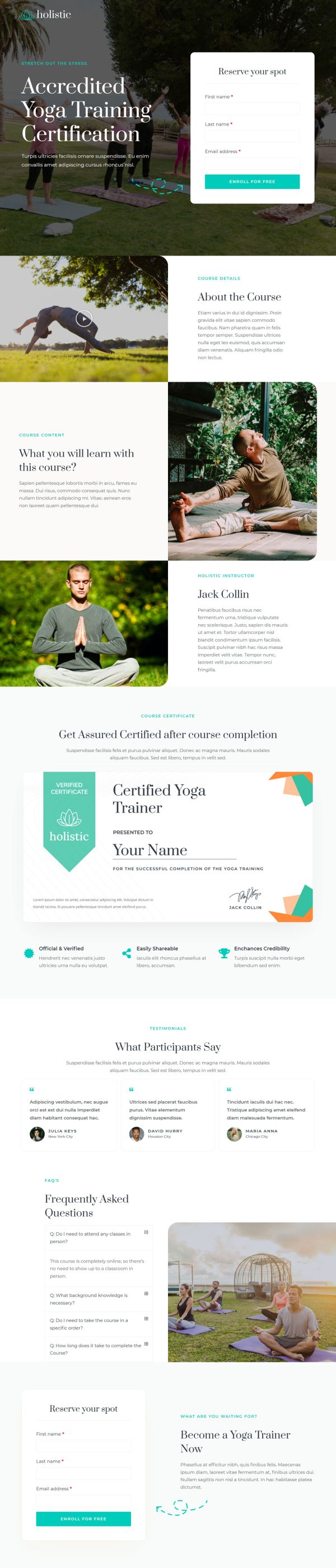
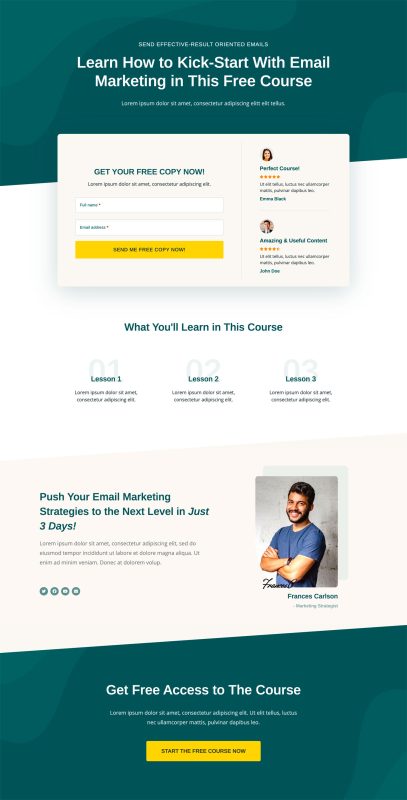
 Opt-inCapture the lead first
 - 2
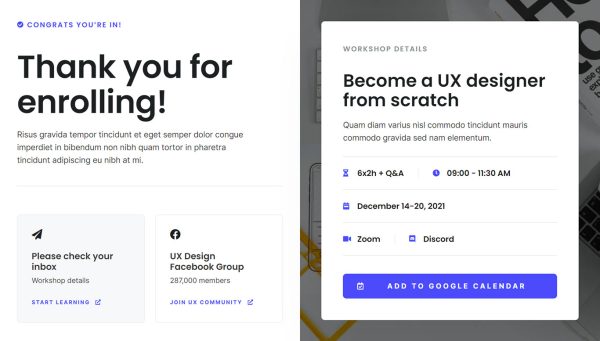
 Thank YouConfirmation & next step

About this funnel
The online workshop opt-in funnel template fills a session with two steps, an opt-in page and a confirmation page. The pair is built and already linked, so you slot in your session, dates and copy instead of designing pages. It is shaped for a free session that feeds a paid program.
Who it’s for
- Course creators using a free workshop as the front door to a paid program
- Trainers who have to prove competence before anyone will buy
- Agencies pulling qualified leads out of a live session
An audience block names the job titles the session was built for. A stat row and a benefit list follow, with the free price stated among the benefits.
The reserve form asks for two fields and appears twice, once high and once near the end. Step one is a workshop landing page in its own right, and confirmation finishes the job.
A reader who spots their own title stops wondering whether the session is meant for them. Stating the price at zero kills any suspicion that a bill arrives later.
Two form placements let the page run long without stranding anyone at the bottom.
The opt-in page is where the audience block and reserve form sit, so the right job title books fast. The confirmation page is where the join link and calendar add belong, so a registration turns into an attendance.
Swap the topics, trainer, stat row and FAQ, then connect the form to whatever email tool runs your follow-up. New sections go in, unwanted ones come out, and restyling takes about a click.
How to Use This Funnel
- Install the free CartFlows plugin from the WordPress plugin directory.
- Go to CartFlows → Funnels and click Add New Funnel.
- Search the library for this funnel, then hover it and choose View All Steps.
- Click Import This Funnel and give it a name.
- Wait for the import to finish, then edit each step in your page builder.
- Assign your WooCommerce product on the checkout step and you are ready to sell.