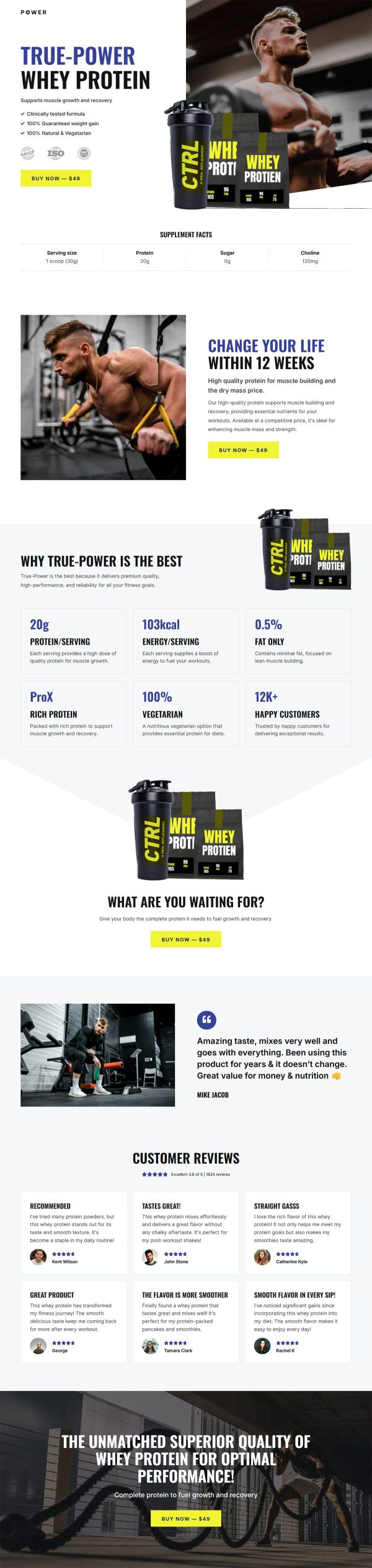
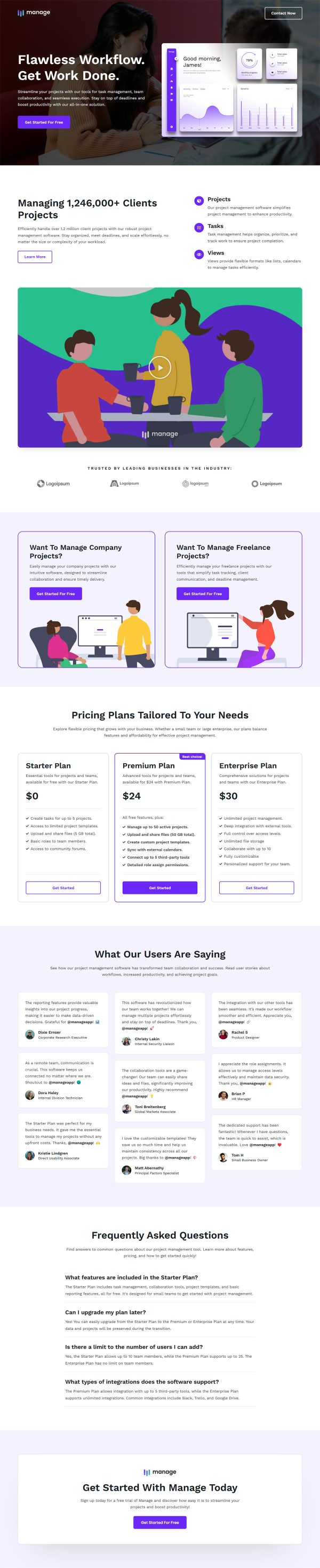
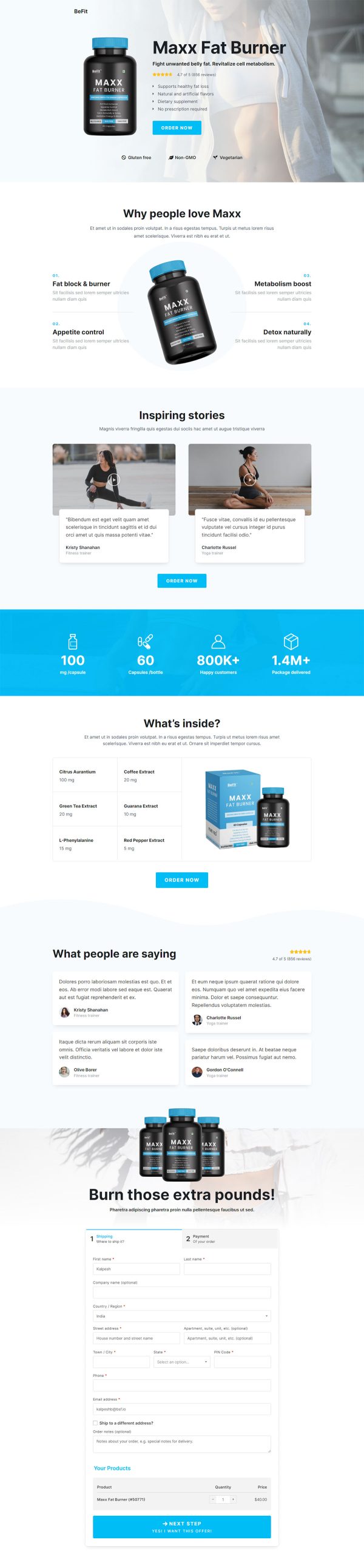
CRM Software Funnel Template
Pro
What's included — 4 connected steps
- 1
 Landing PageFirst impression & offer
 - 2
 CheckoutOne-page order form
 - 3
 UpsellOne-click add-on offer
 - 4
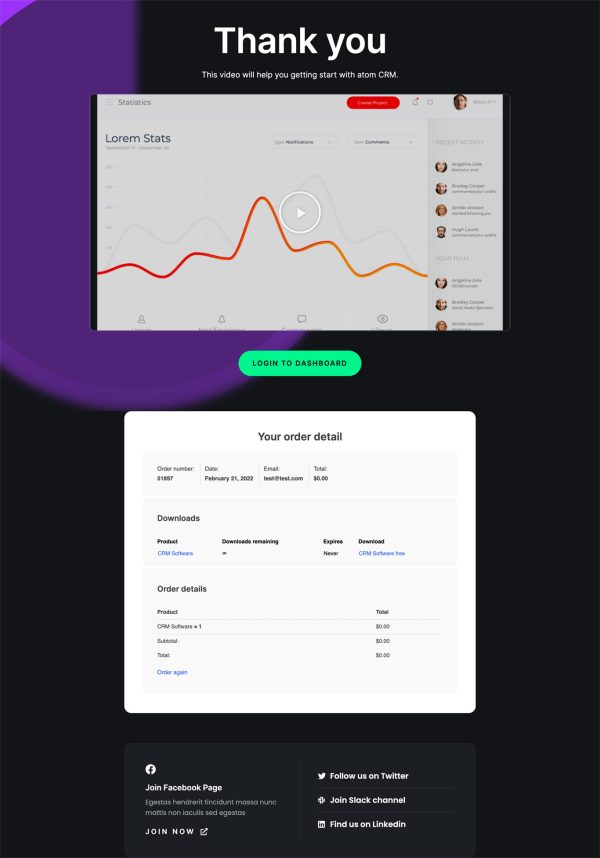
 Thank YouConfirmation & next step


About this funnel
This CRM sales funnel template has four steps: proof-led sales page, checkout, one click upsell, thank you page. Each page is finished and linked, so you drop in your screenshots and plan details rather than building layouts. The pages are shaped for teams that compare several vendors before committing.
Who it’s for
- CRM, help desk, and scheduling vendors selling seats to teams
- Agencies reselling a licensed product under their own name
- Vendors whose buyers read reviews before they will pay
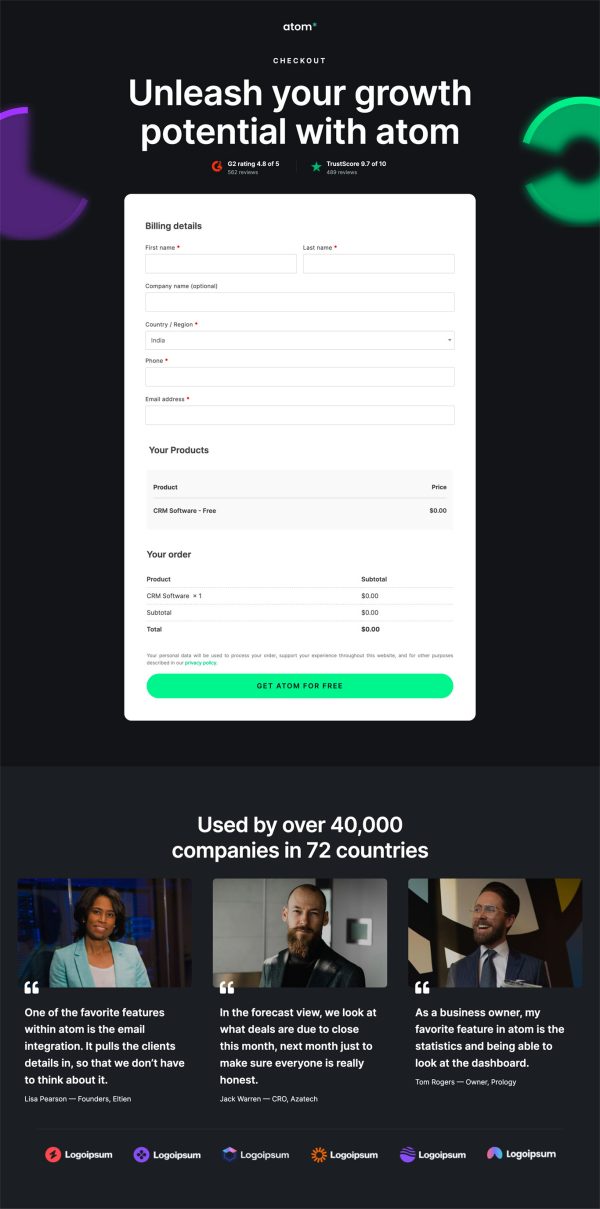
Third-party proof lands twice on the sales page. A review-site ratings row sits under the outcome headline, beside a trusted-by logo strip.
Named customer stories with photos and job titles return much further down. Between them, three cards explain lead routing, workflow automation and email tracking.
Scores near the top earn a few more seconds of attention; the stories lower down finish the argument. The FAQ accordion sits right before the closing call to action and its no credit card line, catching the last hesitation.
Every section repeats one button label, so the page asks a single question. Skip the later steps and the page still serves as a CRM landing page template.
Checkout takes the card on one page while the chosen plan stays in view. The upsell then comes straight after the payment, and it suits extra seats or an annual upgrade belong: a manager who just bought five seats adds three more without re-entering anything. The thank you page hands over the workspace link and the invite flow.
Swap the screenshots, logos and testimonial photos, then rewrite the feature cards around your own modules. Price the upsell as a natural extension of what was just bought.
Sections can be added, deleted or restyled from the builder in roughly one click.
How to Use This Funnel
- Install the free CartFlows plugin from the WordPress plugin directory.
- Go to CartFlows → Funnels and click Add New Funnel.
- Search the library for this funnel, then hover it and choose View All Steps.
- Click Import This Funnel and give it a name.
- Wait for the import to finish, then edit each step in your page builder.
- Assign your WooCommerce product on the checkout step and you are ready to sell.