Business Program Membership Funnel Template
Pro
What's included — 3 connected steps
- 1
 Landing PageFirst impression & offer
 - 2
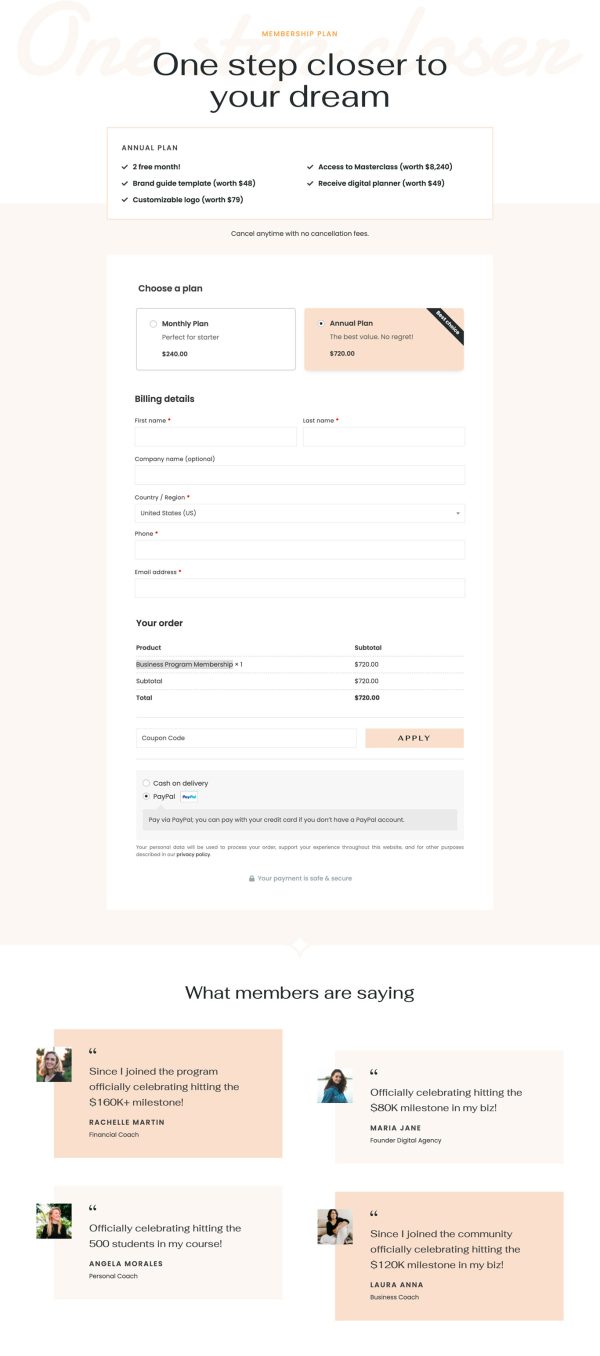
 CheckoutOne-page order form
 - 3
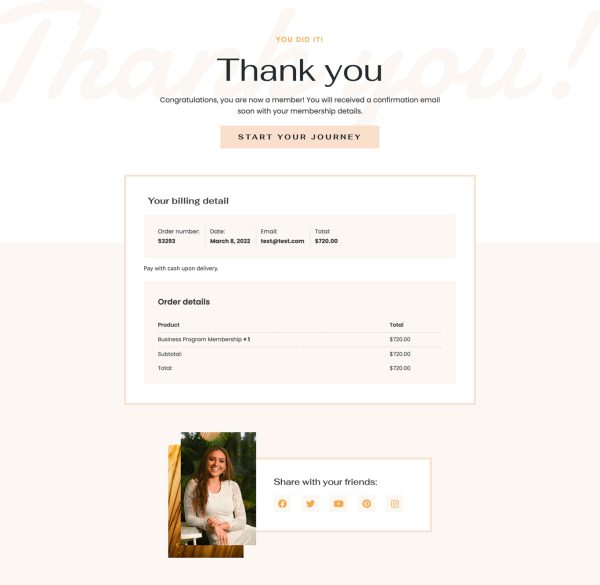
 Thank YouConfirmation & next step

About this funnel
This membership sales funnel template covers three steps: a long form sales page, a WooCommerce checkout, and a thank you page. The pages and the checkout are in complete and connected, so you add your program, copy and prices instead of designing anything.
The flow is shaped to close a coaching program or paid community without a sales call.
Who it’s for
- Coaches selling access to a program rather than a single course
- Community owners charging monthly or annually for membership
- Creators with an audience who want the page to do the closing
Pricing appears twice, once after the proof and once in the final section. Two plans are offered, monthly and annual billed yearly, and four bonus items with stated values attach only to the annual option.
Six member success cards, a member quote, and a long founder section carry the proof.
Showing the price twice matches how membership buyers read: check the number, keep reading, come back. The bonus asymmetry steers the choice instead of presenting two equal options.
Six success cards work because a community gets judged by its members. The founder section runs long on purpose, since here the person is the product. A membership sales page template lives or dies on that section.
The sales page replaces the call, so every objection a prospect would raise on Zoom belongs on it. Checkout maps each plan to a WooCommerce product, subscriptions included, and an order bump suits a workbook.
The thank you page holds access details, community invites and login instructions: a new member should never wait on an email to get in.
Swap the founder photos, awards and audience numbers, and cut any stat you cannot prove. Adding blocks, deleting them or changing their styling costs around a click each.
How to Use This Funnel
- Install the free CartFlows plugin from the WordPress plugin directory.
- Go to CartFlows → Funnels and click Add New Funnel.
- Search the library for this funnel, then hover it and choose View All Steps.
- Click Import This Funnel and give it a name.
- Wait for the import to finish, then edit each step in your page builder.
- Assign your WooCommerce product on the checkout step and you are ready to sell.