Business Consultant Funnel Template
Pro
What's included — 3 connected steps
- 1
 Landing PageFirst impression & offer
 - 2
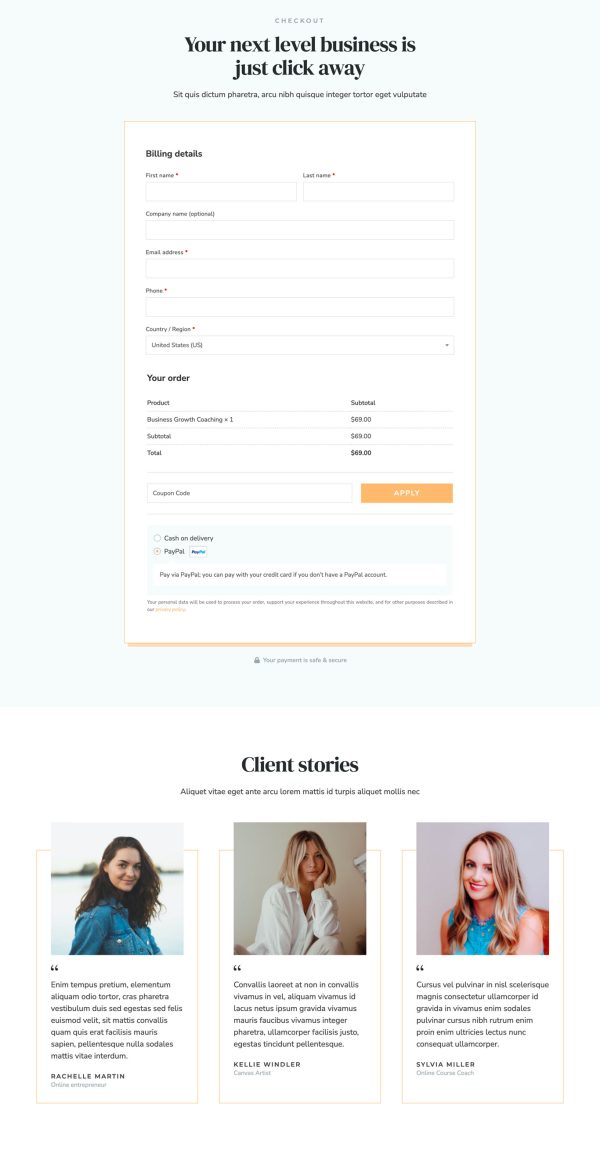
 CheckoutOne-page order form
 - 3
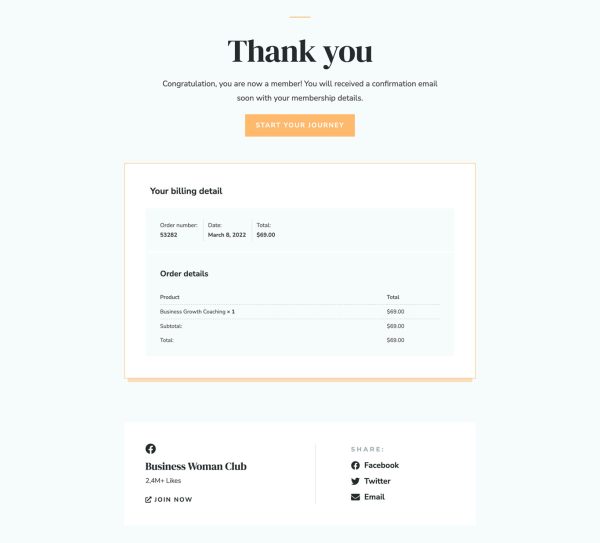
 Thank YouConfirmation & next step

About this funnel
This business consultant sales funnel template covers three steps: a long sales page, a checkout, and a closing page. All three come built and wired together, so you supply the scope, price and proof, not the layout. The pages are shaped for fixed-scope work sold at a stated price.
Who it’s for
- Independent consultants tired of quoting every project from scratch
- Strategy advisors and marketing specialists selling a named program
- Solo practitioners, since the page speaks in the first person throughout
A positioning headline and audience stats open, then a first-person bio and an awards row land before any offer. Awards that early buy the right to name a price later.
A six-block grid turns the program into outcomes: clarity, mindset, systems, revenue, presence and growth.
An FAQ on eligibility, billing and payment plans sits ahead of the detailed breakdown. That breakdown attaches a dollar value to each bonus, which makes the package feel concrete instead of vague.
One button label repeats at four points down this consultant landing page, so an early yes never has to scroll back.
Be warned: the demo is dressed as a coaching brand for female entrepreneurs. Lorem ipsum fills most body slots, so budget real writing time before you publish.
Payment lands on one page, and the closing step carries the scheduling link or contract: a buyer who just committed to a fixed scope wants a kickoff date. Replace the bio, awards, stats and client stories, then rebuild the breakdown around your own scope.
Prices and bonus values are plain text edits. The builder handles a new section, a deletion or a restyle in about a click.
How to Use This Funnel
- Install the free CartFlows plugin from the WordPress plugin directory.
- Go to CartFlows → Funnels and click Add New Funnel.
- Search the library for this funnel, then hover it and choose View All Steps.
- Click Import This Funnel and give it a name.
- Wait for the import to finish, then edit each step in your page builder.
- Assign your WooCommerce product on the checkout step and you are ready to sell.