Store Checkout 04 Funnel Template
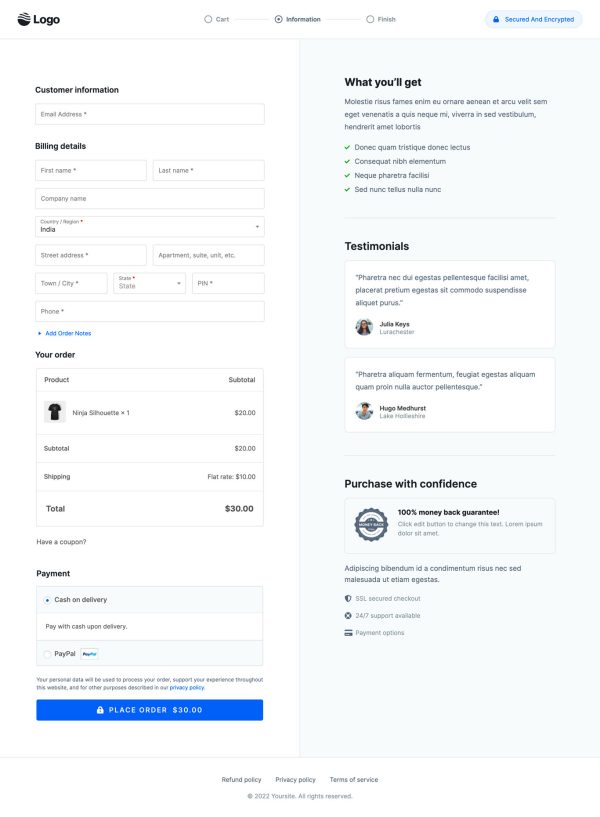
What's included — 3 connected steps
- 1
 CheckoutOne-page order form
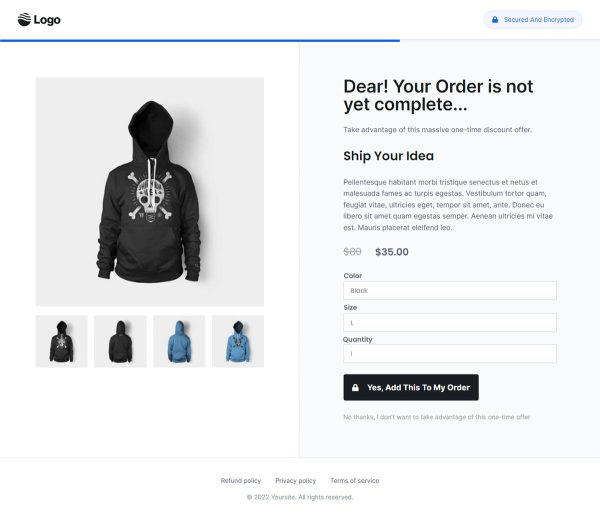
 - 2
 UpsellOne-click add-on offer
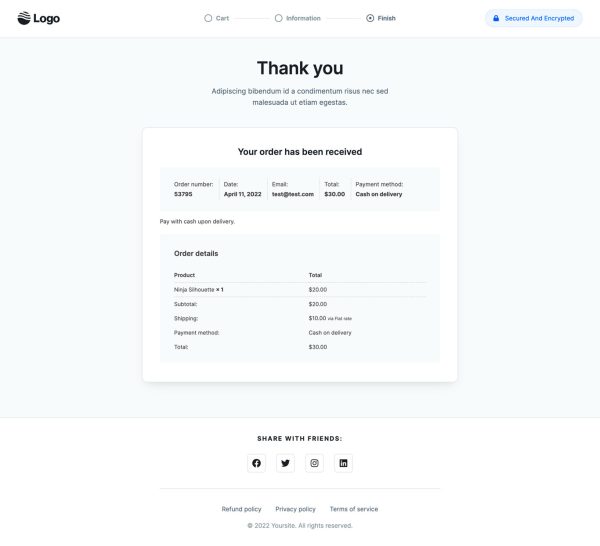
 - 3
 Thank YouConfirmation & next step
About this funnel
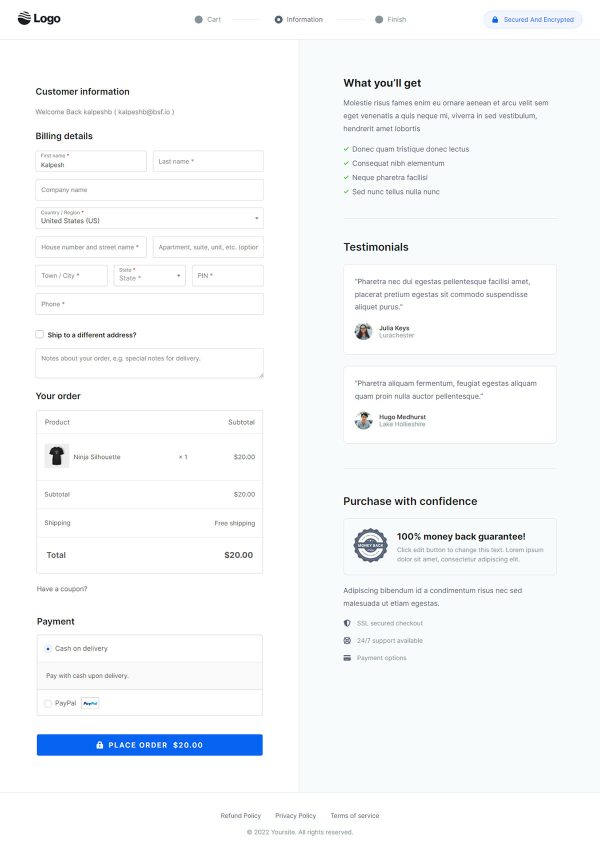
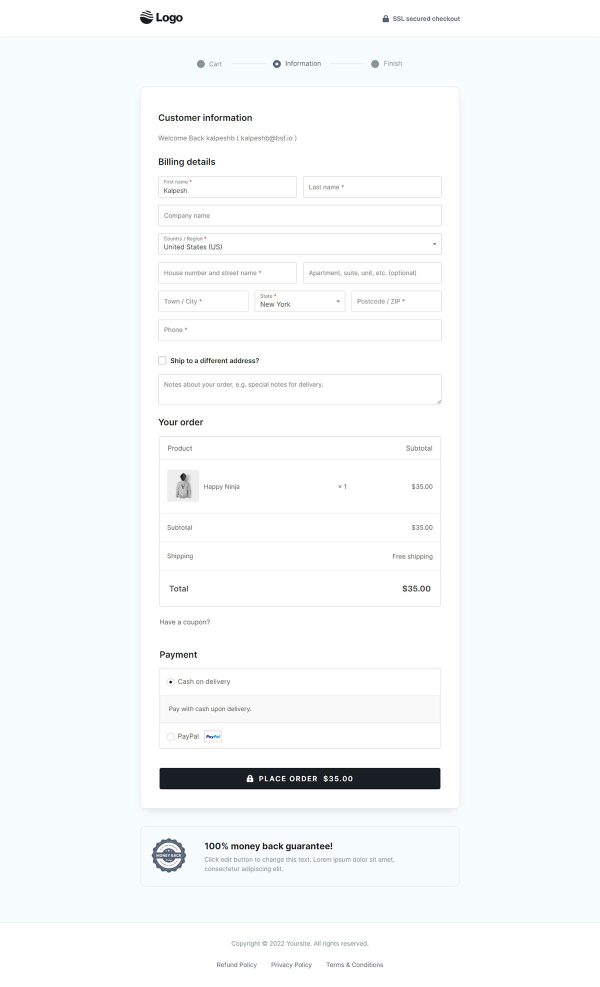
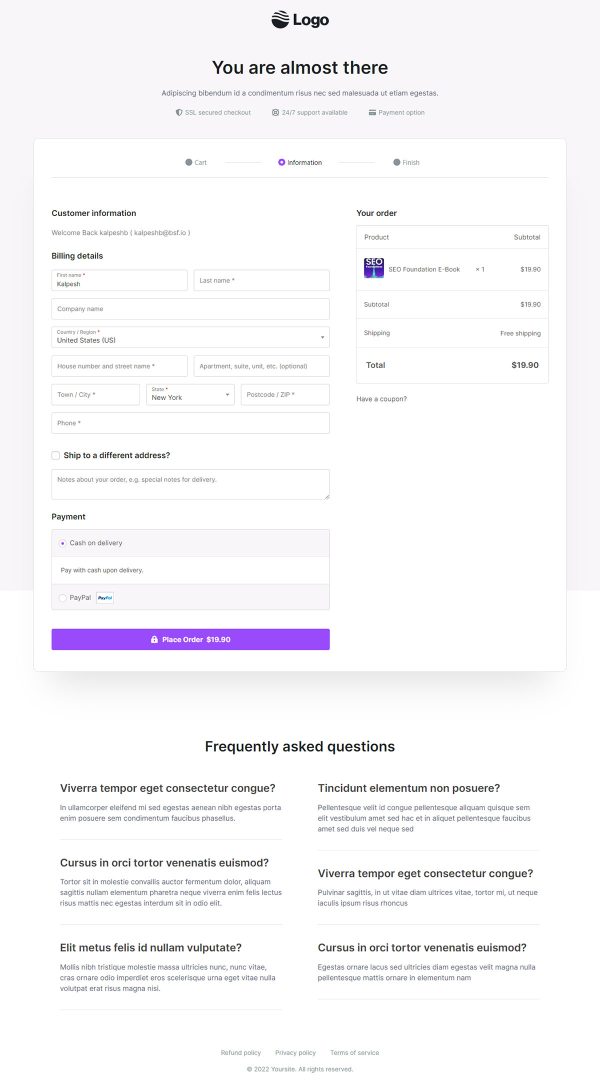
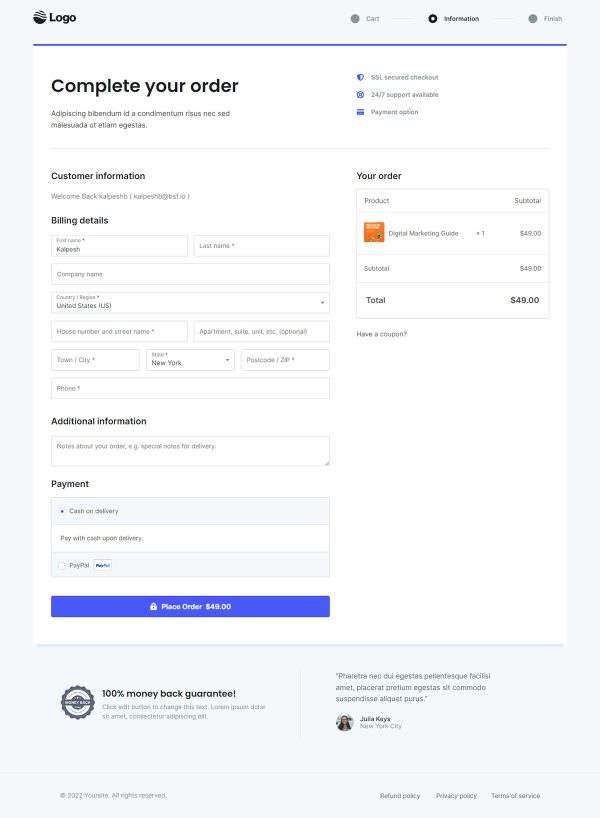
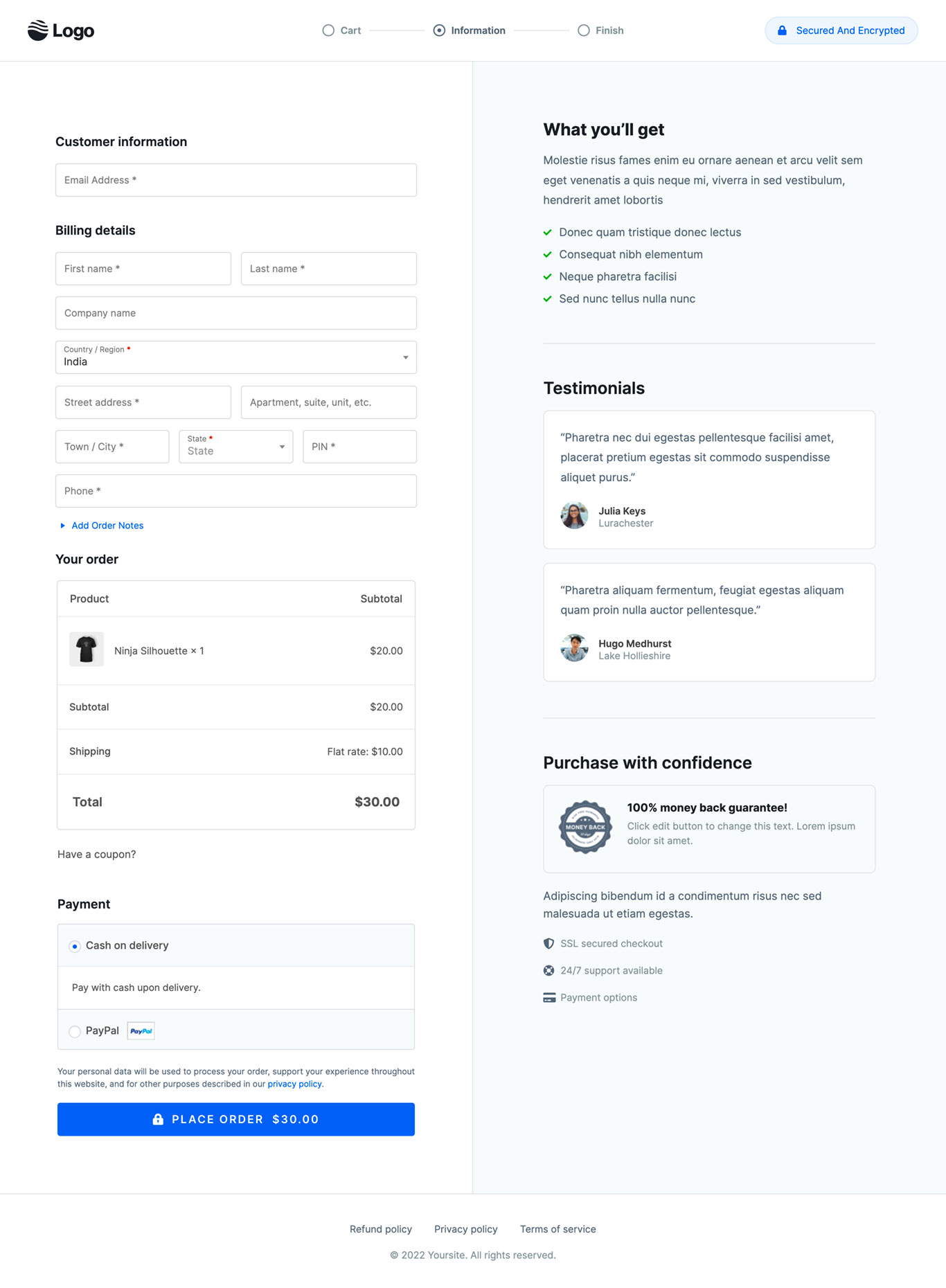
Store Checkout 04 is a mobile first WooCommerce checkout template with a checkout page, a one click upsell, and a thank you page. The three pages are already built and linked, so branding drops in where design work would normally start. The layout is shaped for shoppers paying on a phone.
Who it’s for
- Stores where most checkout sessions begin on a phone screen
- Sellers of physical products needing the full billing and shipping field set
- Merchants who want social proof at payment, not only on product pages
A responsive two-column layout carries the whole form. A What you’ll get list of four benefits sits inside it, and two testimonials with photos follow.
SSL security, round the clock support and a 100% money back guarantee land last, close to the button.
Long forms lose people on small screens, so each block hands back a reason to keep scrolling. The benefit list restates the purchase where doubt creeps in.
Faces carry more weight at the payment step than another paragraph of copy. Security notes appear exactly where card worries surface.
The checkout collects the full billing and shipping set without becoming a wall of fields on a phone. The offer after payment asks one question on one screen, which is about all a thumb should handle.
A travel size version or a second color joins the same order, with no card to re-enter. The thank you page ends the session with the purchase confirmed.
Rewrite the four benefits around your product, swap the demo quotes for real customer words, then set your guarantee terms. Elementor, Gutenberg and Beaver Builder layouts are all included.
A block sits one click away from being added, removed or restyled in the builder.
How to Use This Funnel
- Install the free CartFlows plugin from the WordPress plugin directory.
- Go to CartFlows → Funnels and click Add New Funnel.
- Search the library for this funnel, then hover it and choose View All Steps.
- Click Import This Funnel and give it a name.
- Wait for the import to finish, then edit each step in your page builder.
- Assign your WooCommerce product on the checkout step and you are ready to sell.