Store Checkout Funnel Template
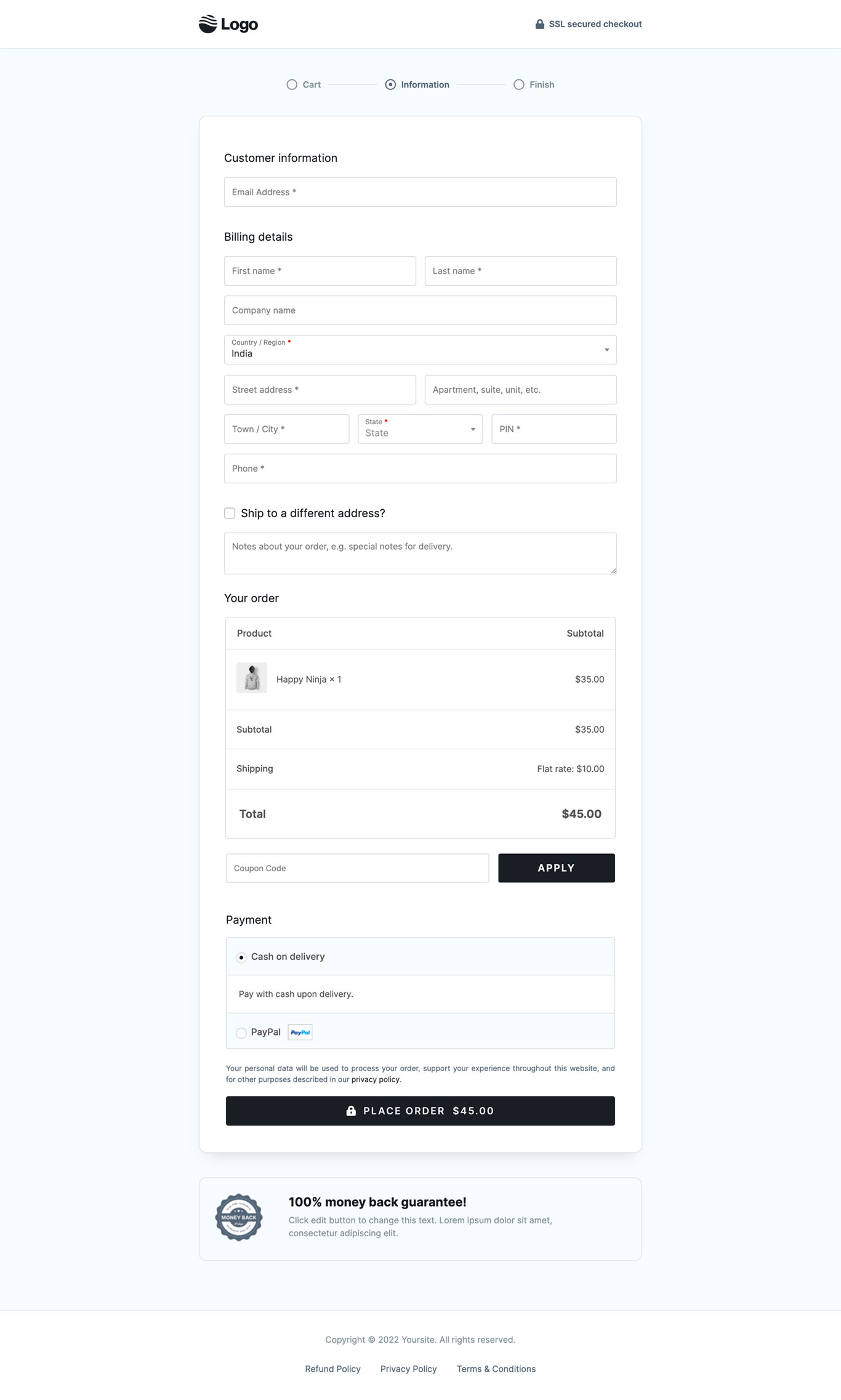
What's included — 3 connected steps
- 1
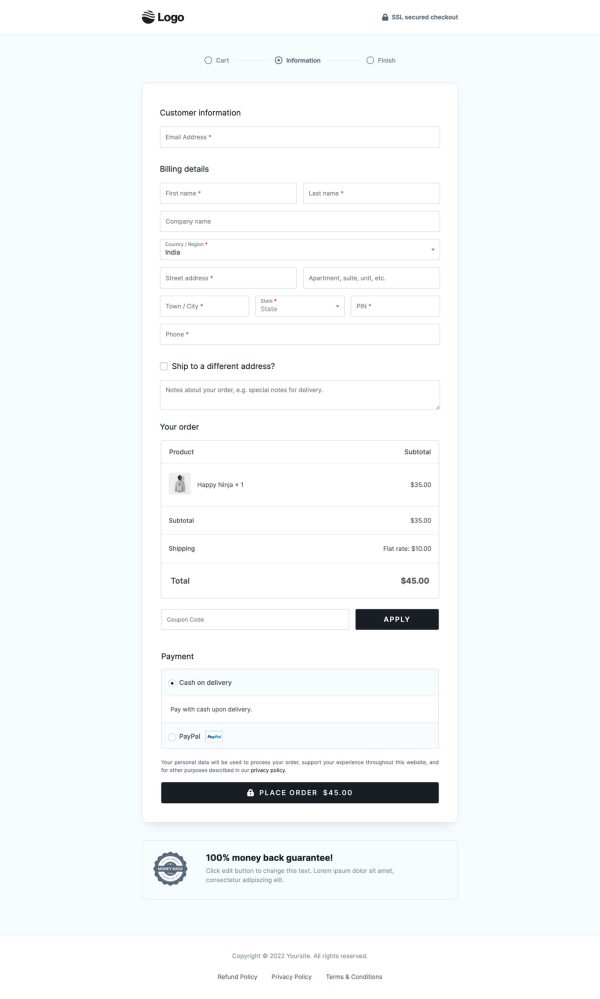
 CheckoutOne-page order form
 - 2
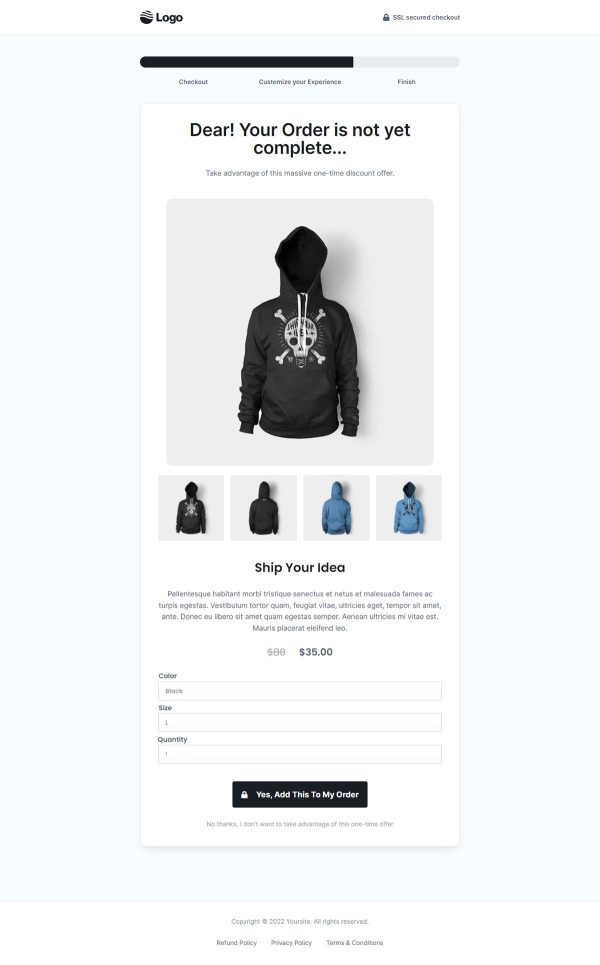
 UpsellOne-click add-on offer
 - 3
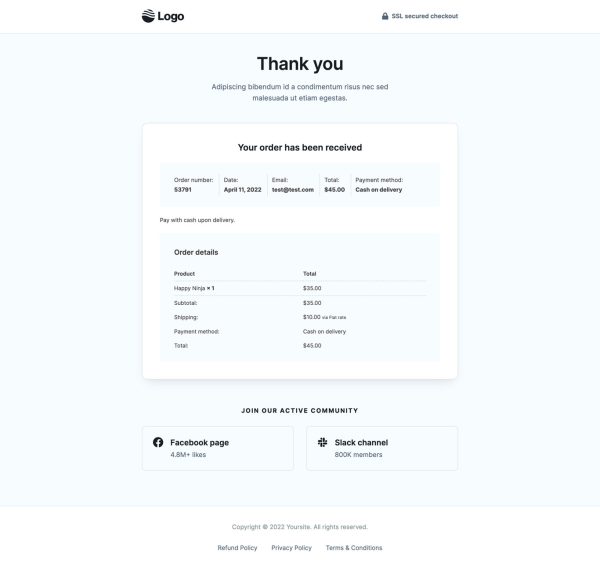
 Thank YouConfirmation & next step
About this funnel
Store Checkout 03 is a WooCommerce checkout template of three steps: the checkout page, a one click upsell, and a thank you page. Every page comes built and joined up, so your only work is dropping in branding, not designing a checkout. The build is shaped around raising the value of each order.
Who it’s for
- Stores where average order value matters more than raw order count
- Merchants with steady traffic and a small cart on every visit
- Physical goods sellers using flat rate shipping and a second shipping address
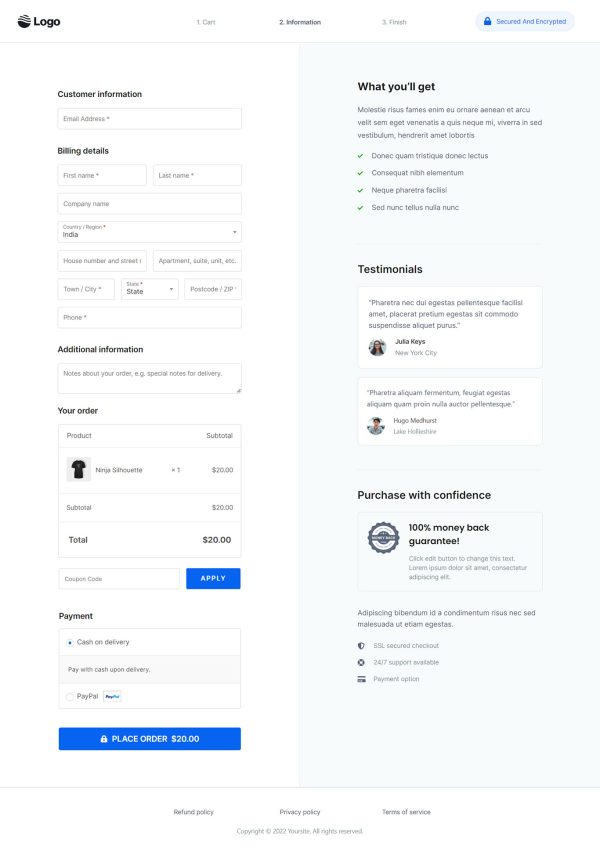
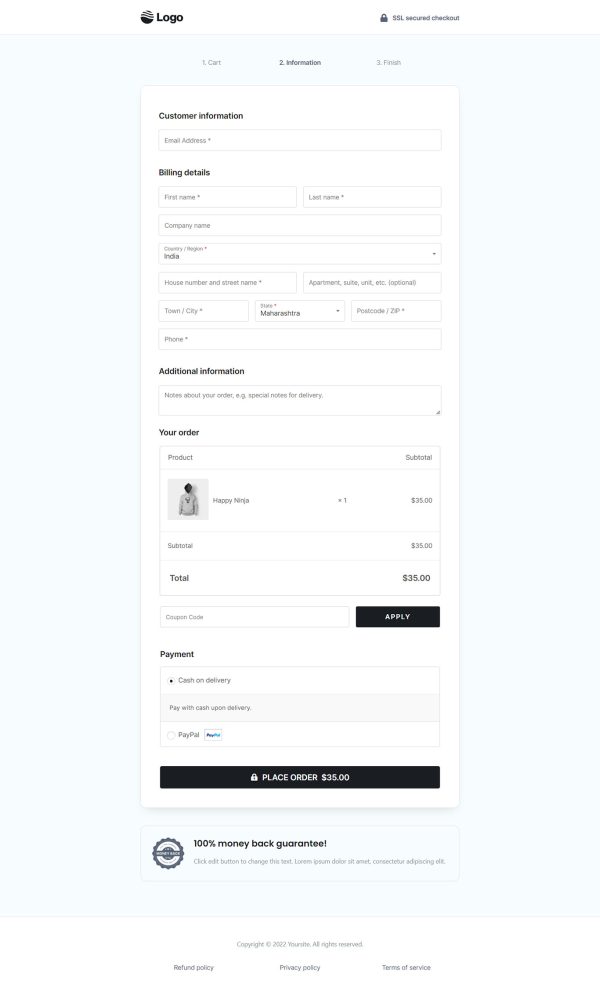
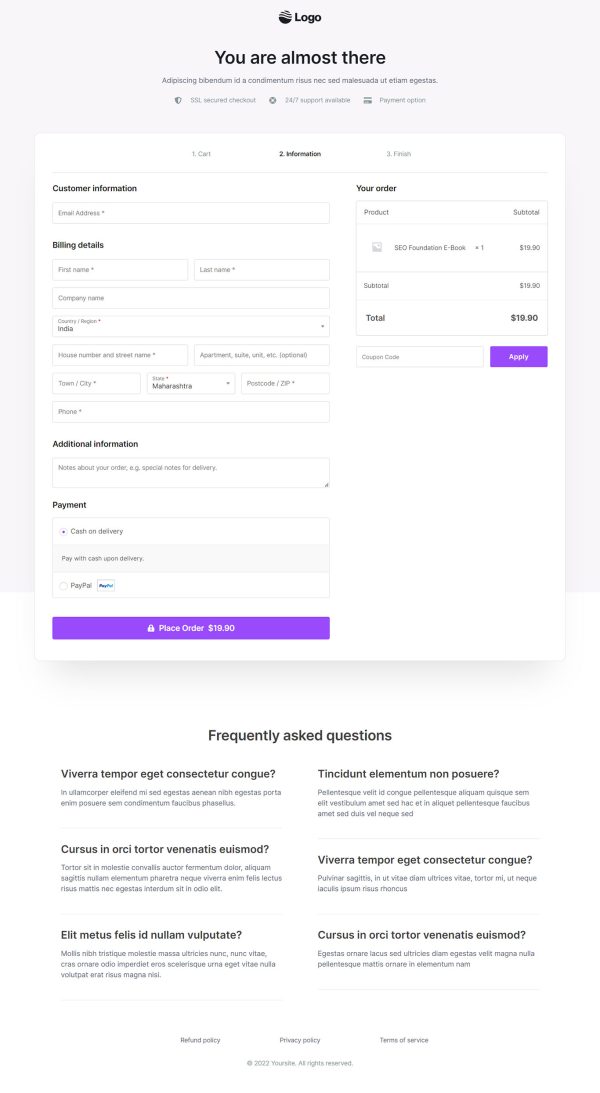
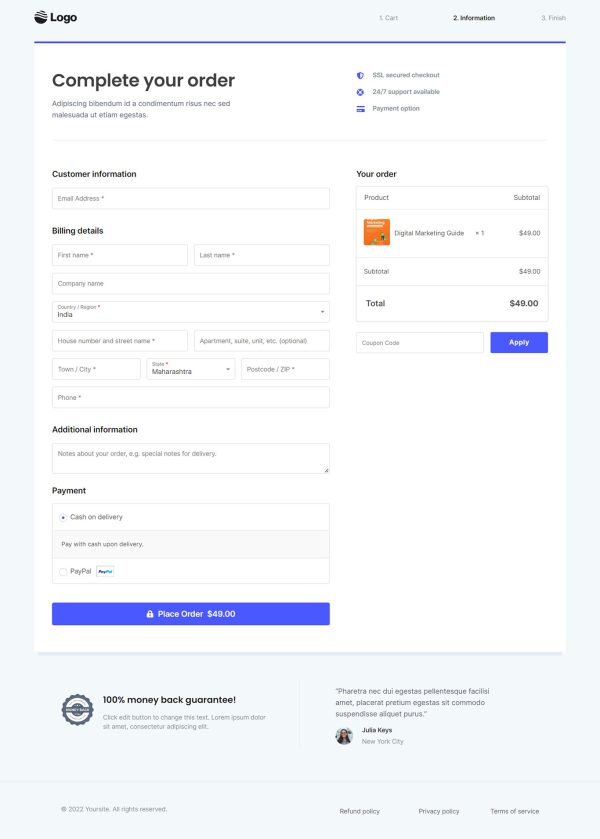
The checkout swaps the WooCommerce form for two columns, fields on one side and the running total on the other. Optional fields carry an optional label, so the form reads shorter than it is.
A single 100% money back guarantee block sits beside the Place Order button, which displays the amount charged.
Nothing else competes for that click, and the restraint is deliberate. Refund, privacy and terms links stay reachable across the flow, so nobody leaves to find them.
The payoff lands one step later, because a buyer who finished without friction meets the next offer in a better mood.
The checkout step stays quiet so the order goes through. The step after payment is where the margin sits.
Point it at a bigger size, a refill or a warranty, and the buyer takes it in one tap. Set the accept and decline paths from the funnel screen. The thank you page confirms both purchases in one order confirmation.
Guarantee text, badge wording and colors are plain edits that carry your brand. Elementor, Gutenberg and Beaver Builder layouts all land the same way.
Any block can be pulled out, added or restyled with about a click in the builder.
How to Use This Funnel
- Install the free CartFlows plugin from the WordPress plugin directory.
- Go to CartFlows → Funnels and click Add New Funnel.
- Search the library for this funnel, then hover it and choose View All Steps.
- Click Import This Funnel and give it a name.
- Wait for the import to finish, then edit each step in your page builder.
- Assign your WooCommerce product on the checkout step and you are ready to sell.