Store Checkout Funnel Template - 01
What's included — 3 connected steps
- 1
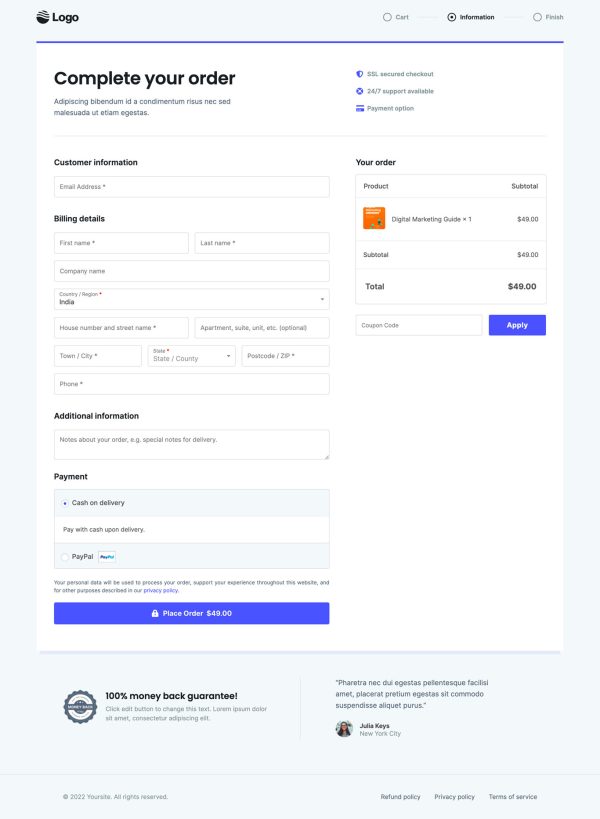
 CheckoutOne-page order form
 - 2
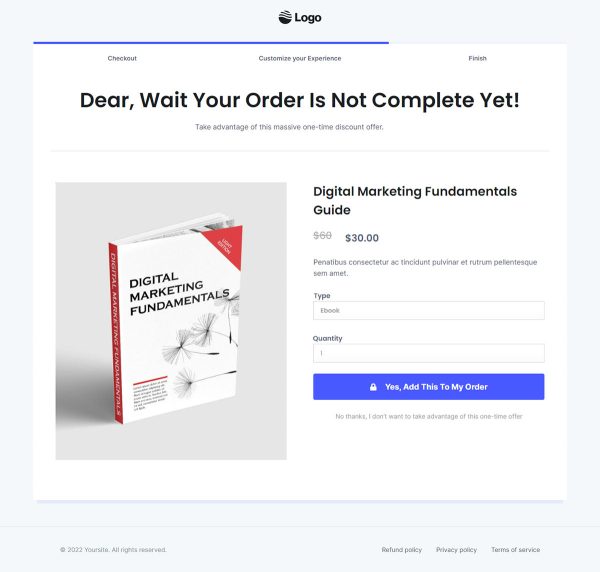
 UpsellOne-click add-on offer
 - 3
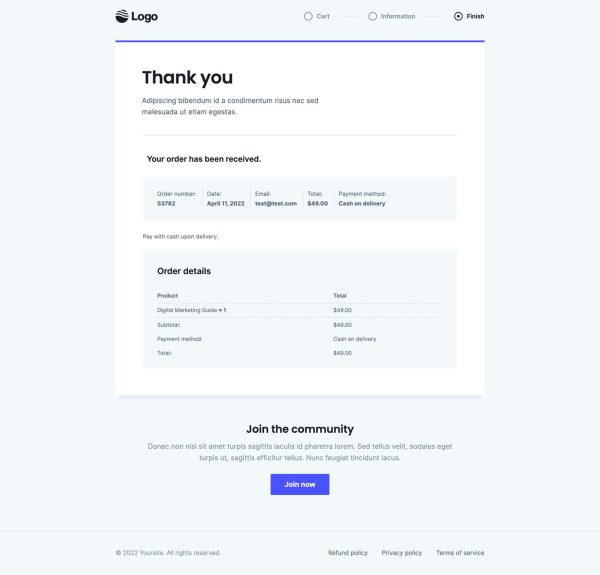
 Thank YouConfirmation & next step
About this funnel
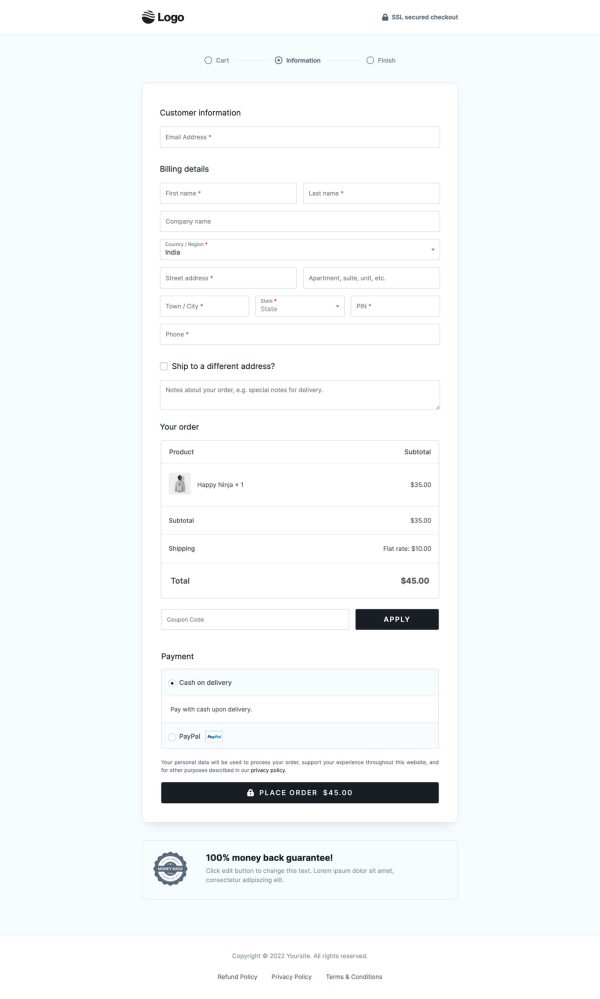
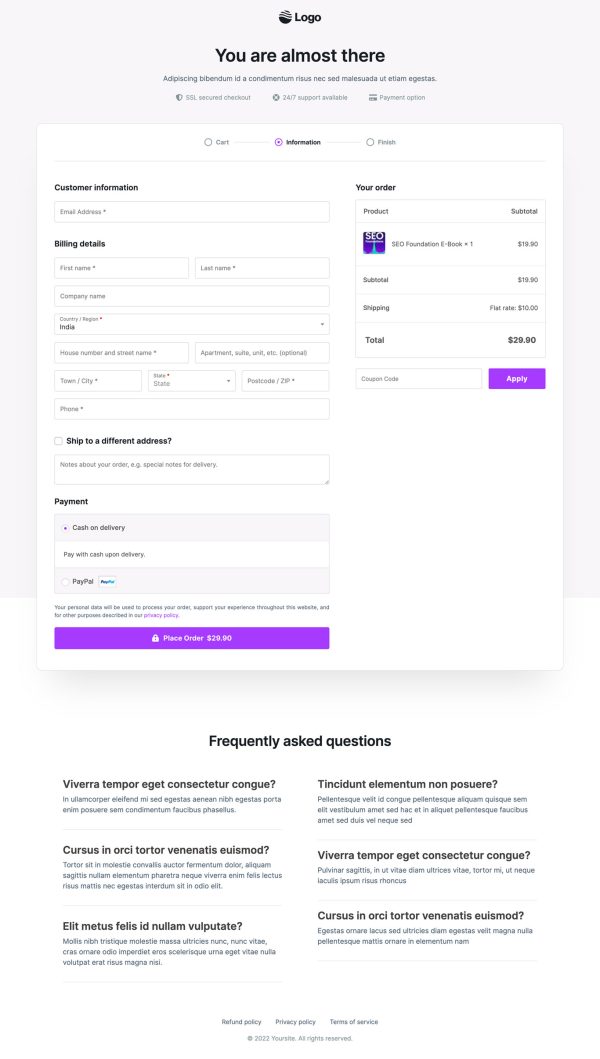
Store Checkout 01 is a three step WooCommerce checkout template: the checkout page itself, a one click upsell, and a thank you page. All three ship assembled and wired together, so you swap in logo, colors and copy instead of designing a checkout. The layout is shaped for a store that has just opened and still runs the default WooCommerce checkout.
Who it’s for
- Owners who just went live and still run the stock WooCommerce form
- Physical product stores collecting country, street, city, state, PIN code, and phone
- Sellers who want a branded checkout without starting a design project
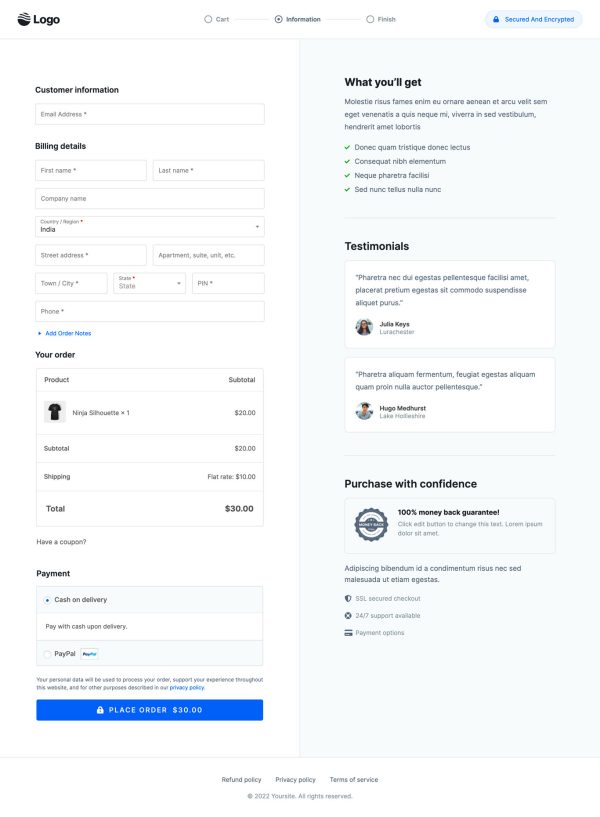
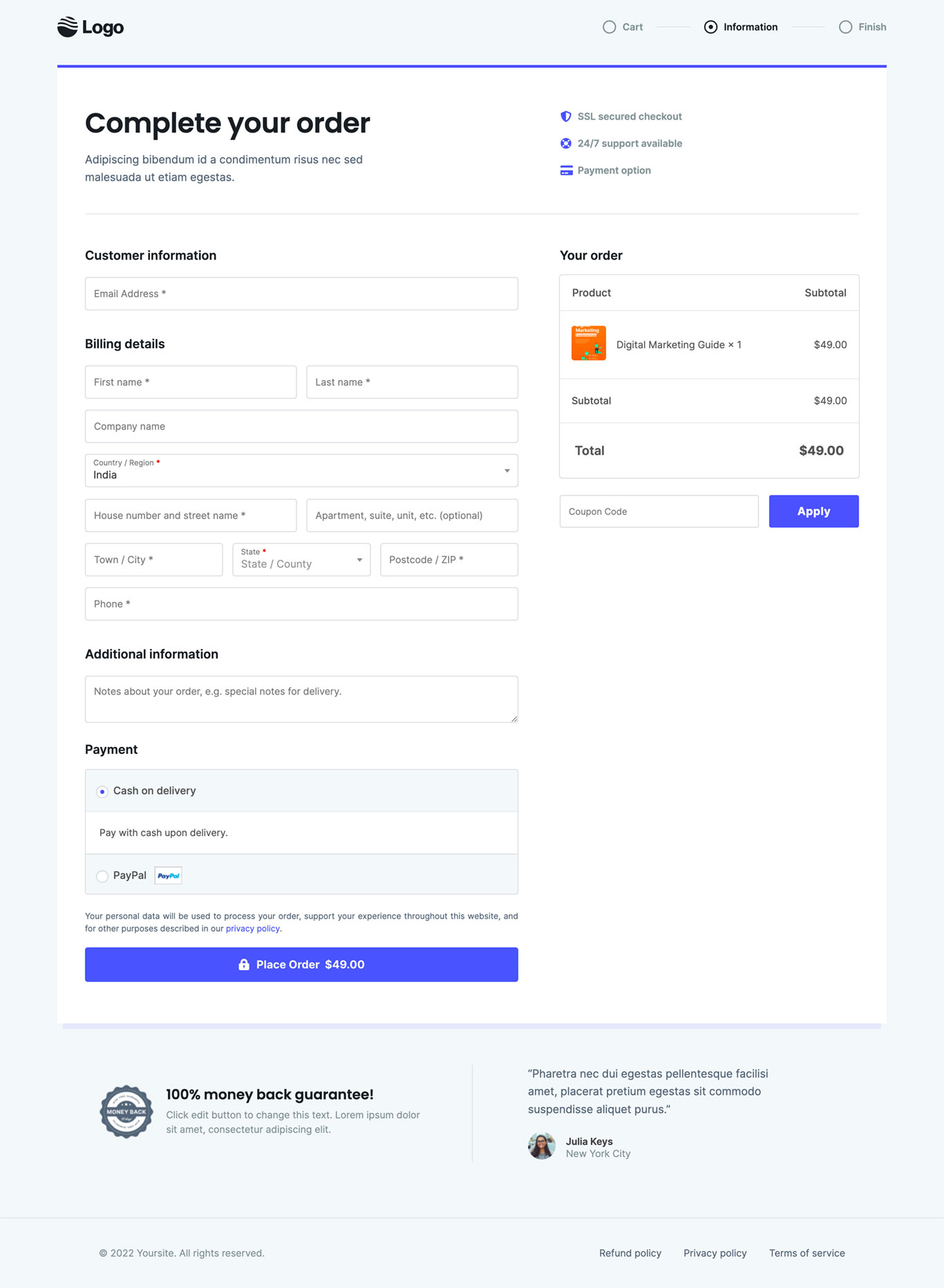
The checkout runs in two columns, billing fields left and a live order summary always visible on the right. The form marks company name and apartment as optional, so it reads shorter without losing a field. One customer testimonial with a photo runs beside it.
Under the order summary sit an SSL secured checkout note, a 24/7 support line, and a 100% money back guarantee. Those three reassurances usually live in the footer, where nobody scrolls once payment is in view.
Placing them next to the summary answers hesitation at the moment it forms. The Place Order button also shows the total, so the charge is never a surprise.
The upsell fires right after payment, which suits a matching accessory or a second unit. One tap adds it to a card that already went through. The thank you page confirms the order in writing before the buyer leaves.
Swap the testimonial, the guarantee wording and the badge row, then match colors to your theme. Elementor, Gutenberg and Beaver Builder layouts all import the same way.
Any WooCommerce gateway keeps working, Stripe and PayPal included. Sections can be added, cut or restyled in roughly one click.
How to Use This Funnel
- Install the free CartFlows plugin from the WordPress plugin directory.
- Go to CartFlows → Funnels and click Add New Funnel.
- Search the library for this funnel, then hover it and choose View All Steps.
- Click Import This Funnel and give it a name.
- Wait for the import to finish, then edit each step in your page builder.
- Assign your WooCommerce product on the checkout step and you are ready to sell.