Store Checkout 02 Funnel Template
What's included — 3 connected steps
- 1
 CheckoutOne-page order form
 - 2
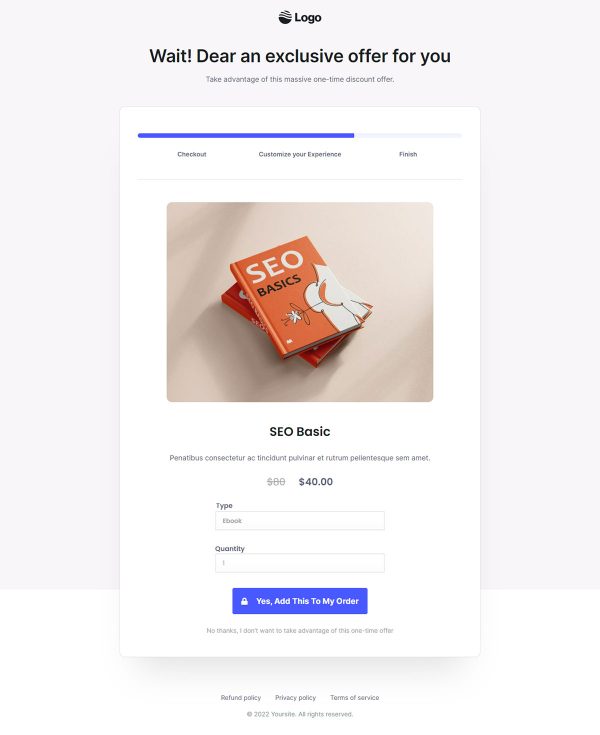
 UpsellOne-click add-on offer
 - 3
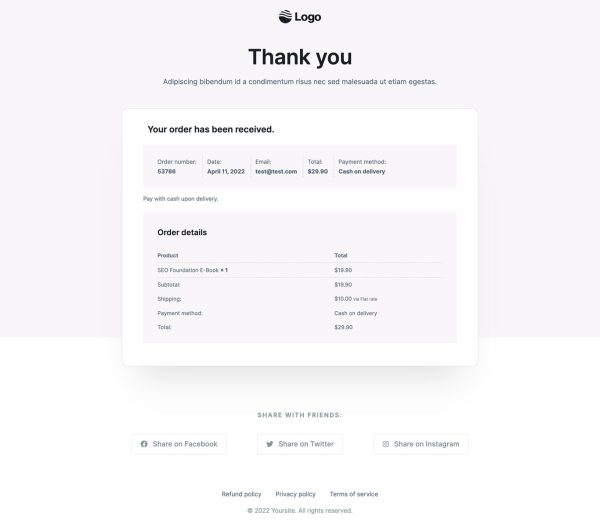
 Thank YouConfirmation & next step
About this funnel
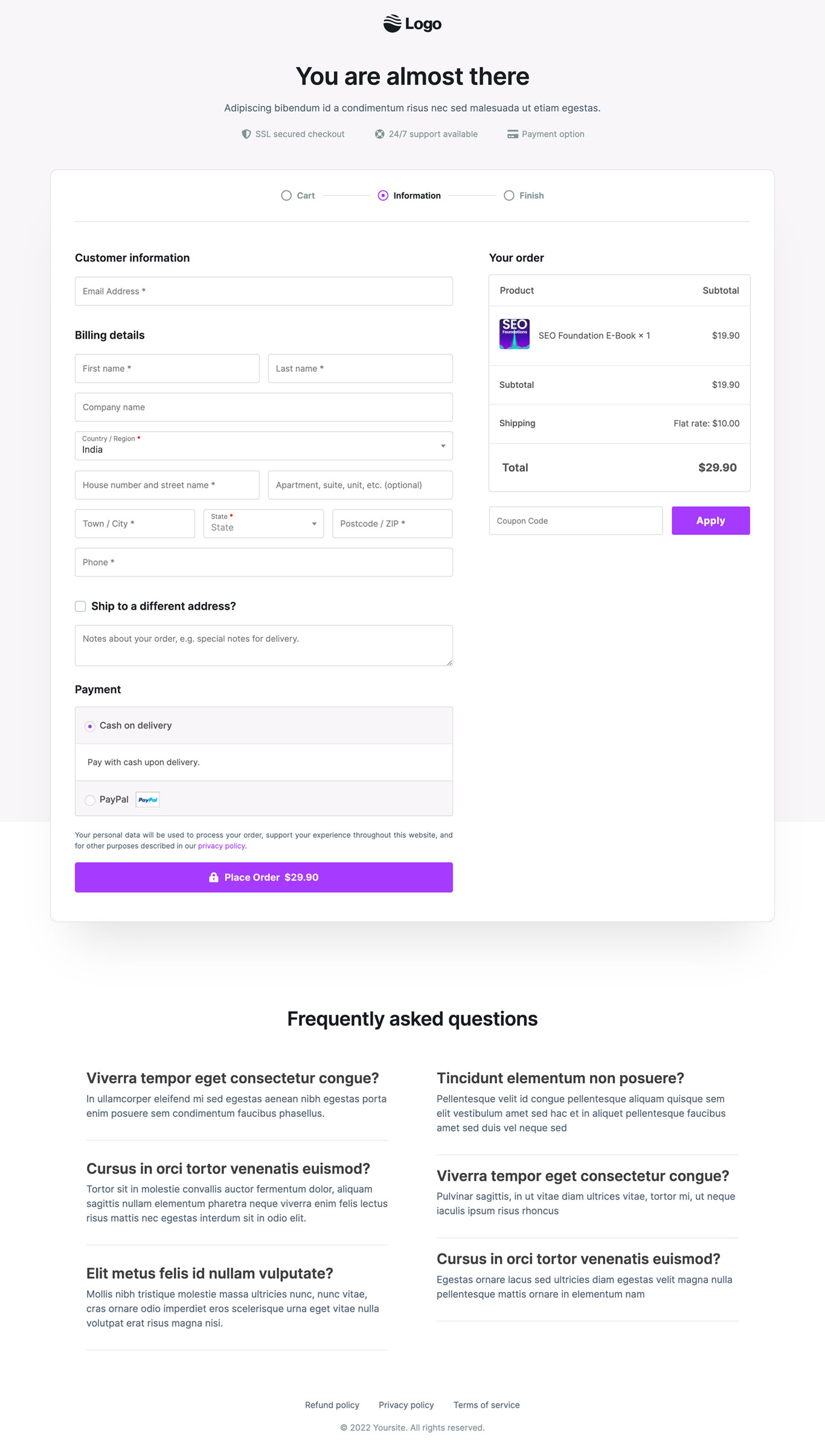
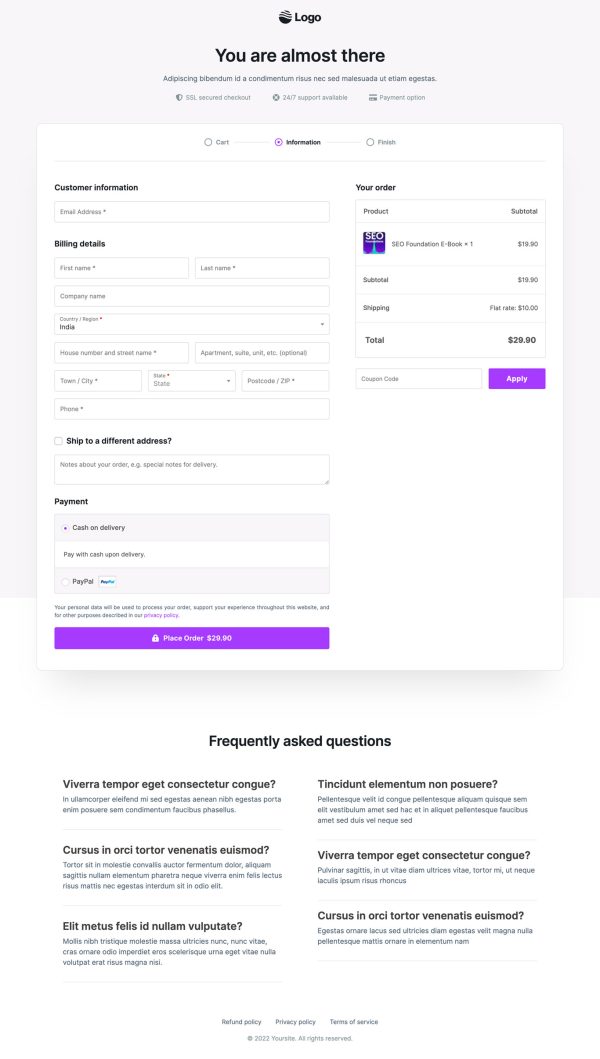
Store Checkout 02 is a WooCommerce checkout template running three steps: a checkout page, a one click upsell, and a thank you page. The pages come built and wired together, so branding is a swap rather than a checkout design job. This one is shaped for the drop-off at the payment step.
Who it’s for
- Stores whose analytics show shoppers reaching payment and then stopping
- Merchants losing carts while buyers hunt for a discount code elsewhere
- Shippers handling orders that travel to a second delivery address
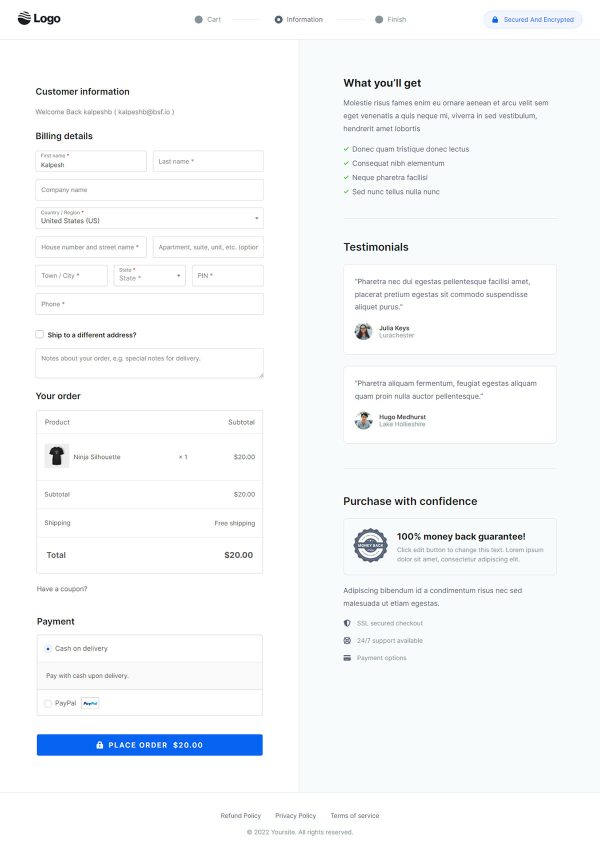
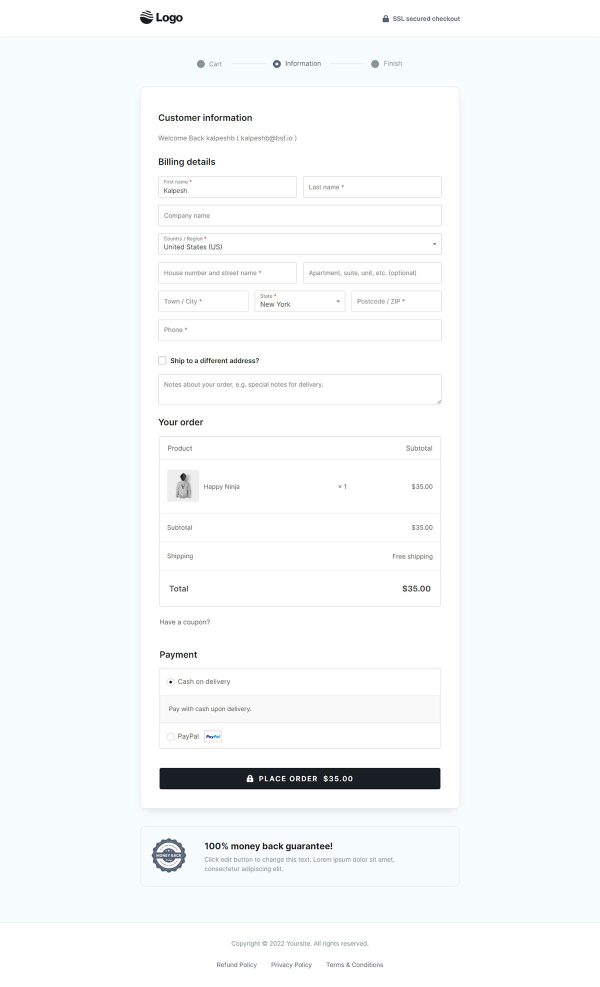
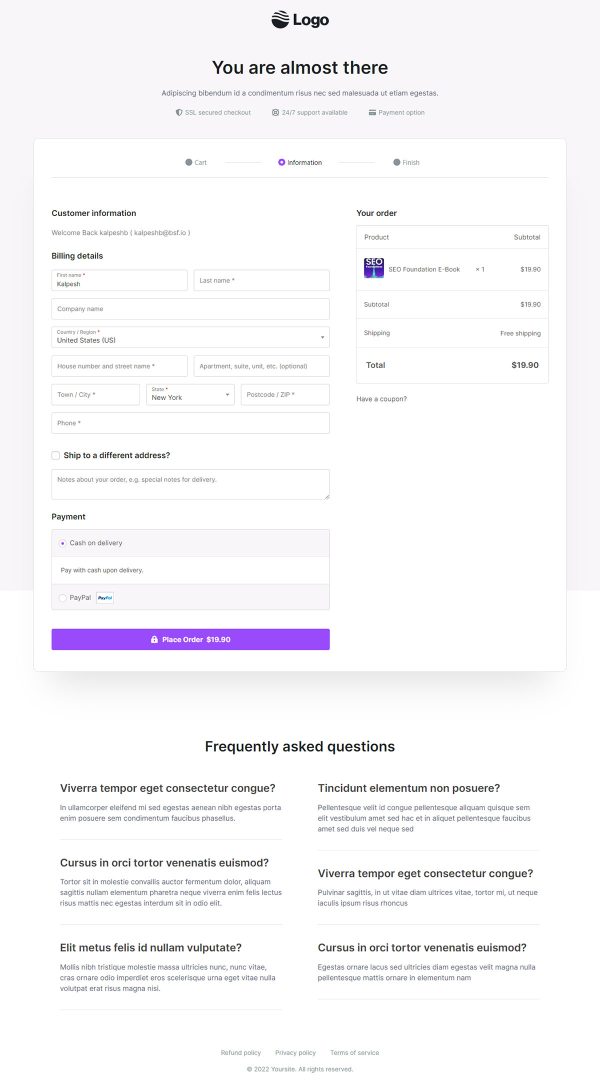
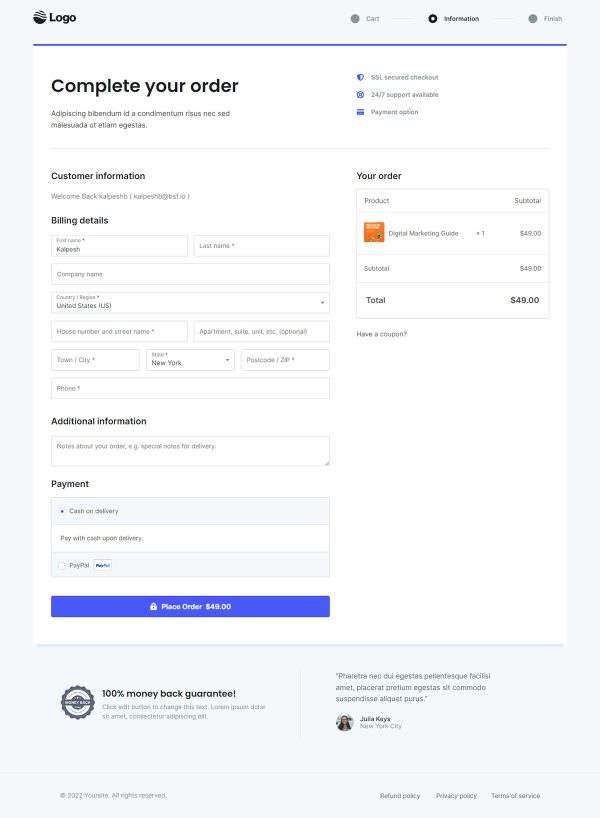
A progress bar labeled Cart, Information and Finish opens the page. Three named stages tell a shopper how much work remains.
The coupon field sits inside the order summary and carries its own Apply button. Order notes collect delivery instructions.
A six-question FAQ shares the page with the payment button. SSL secured checkout, 24/7 support and payment badges sit beneath it.
Each piece removes a reason to open a new tab. An inline coupon box ends the code hunt that pulls buyers back to search.
Answers stationed at the button stop a last question from turning into an exit.
The checkout page does the collecting, and every block on it keeps a finger moving down the form. The offer after payment suits a bulk pack or faster shipping.
The buyer accepts in one tap and is never asked for card details twice. The thank you page then confirms the order, so nobody wonders whether the payment landed.
Rewrite the FAQ answers from your own support tickets, edit the badge row, and restyle the progress bar labels. Elementor, Gutenberg and Beaver Builder layouts are all in the box. Sections add, delete or restyle in roughly one click inside the builder.
How to Use This Funnel
- Install the free CartFlows plugin from the WordPress plugin directory.
- Go to CartFlows → Funnels and click Add New Funnel.
- Search the library for this funnel, then hover it and choose View All Steps.
- Click Import This Funnel and give it a name.
- Wait for the import to finish, then edit each step in your page builder.
- Assign your WooCommerce product on the checkout step and you are ready to sell.