



For WooCommerce store owners running promotions
The WooCommerce BOGO Plugin Built for Higher AOV
Six offer types, one plugin
Every BOGO Scenario Your Store Will Run
Buy X Get X Free
For dead stock you need to move. Same product, free, when buyers hit a quantity threshold. Clears slow inventory without slashing list prices.
Example: Buy 2 t-shirts, get 1 free.
Buy X Get Y Free
For cross-sells that lift AOV. A different product, free, with a qualifying purchase. Buyers discover items they wouldn't have searched for.
Example: Buy any coffee subscription, get a free reusable cup.
Buy X Get Y at X% Off
When a free gift would crush your margins. A discounted reward product instead of a free one. AOV lift without giving away pure profit.
Example: Buy 3 candles, get the 4th at 50% off.
Spend $X Get Y Free
When AOV is stuck just below your sweet spot. A free product unlocks at a minimum cart value. Buyers add more to hit the line.
Example: Spend $75, get a free sample pack.
Spend $X Get Y at X% Off
For bigger carts without margin damage. A discounted reward unlocks at a spend threshold. Calibrated to your margins, not to vanity.
Example: Spend $100, get any tote bag at 40% off.
Spend $X Get Free Shipping
When shipping cost is killing conversion. Free shipping unlocks at a cart threshold. The simplest, highest-ROI offer most stores can run.
Example: Spend $50, ship free.
How real stores use BOGO
Four BOGO Promotions That Move Real Revenue
Clearance Sale
Setup: Buy X Get X Free on aging SKUs.
Result: Shelf space clears without a permanent markdown.
Best for: Apparel, seasonal goods, end-of-line products.
Cross-Sell Promotion
Setup: Buy X Get Y Free on complementary products.
Result: AOV climbs without ad spend.
Best for: Beauty, food and beverage, subscriptions.
Tiered Spend Incentive
Setup: Stack Spend $X offers with the cart progress bar.
Result: Buyers see the next tier and keep adding.
Best for: Wide catalogs with mixed price points.
Limited-Time Free Gift
Setup: Buy X Get Y Free, capped at 100 redemptions.
Result: Urgency drives action without permanent price erosion.
Best for: Launches, seasonal pushes, first-week-of-month campaigns.
The differentiator most BOGO plugins skip
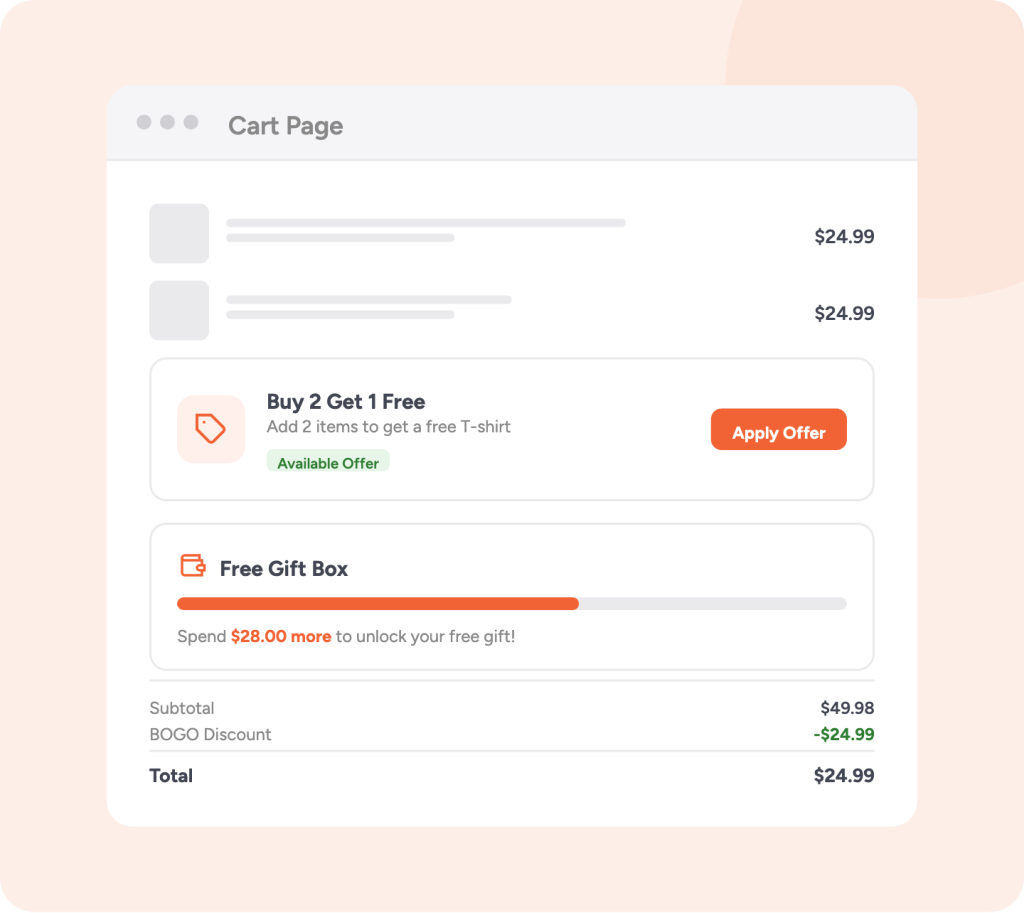
A Cart Page Buyers Actively Work Toward
- Real-time updates as items move in and out of cart
- Choose from 4 icons: Tag, Truck, Gift, or Percent
- Customizable progress and success messages
- Priority control when running multiple offers
Six templates, infinite tuning
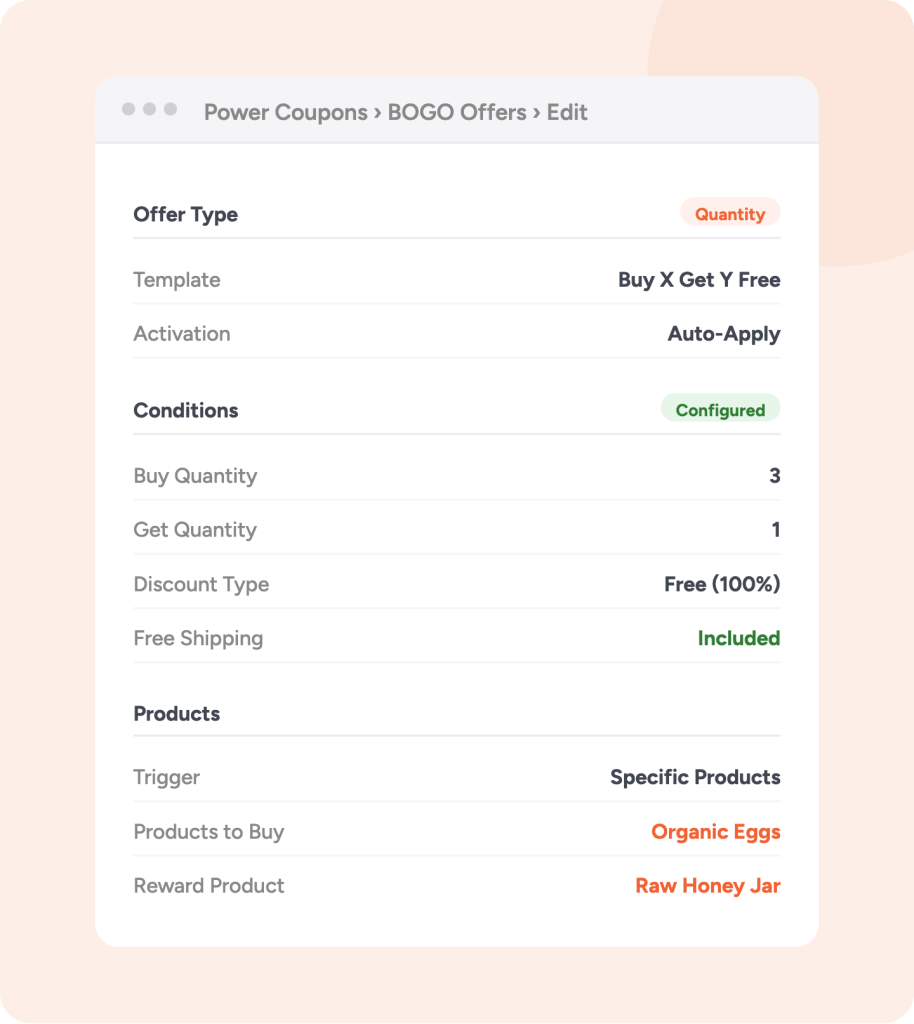
Fine-tune Every Offer Down to the Trigger
Settings that Matters:
- Auto-apply or coupon code. Skip the friction, or use codes when paid-traffic tracking needs them.
- Product targeting. Any product, specific products, whole categories. Exclude what you don't want.
- Usage limits. Cap total redemptions to control cost. Cap per-customer use to prevent abuse.
- Variable product support. Buyers pick size, colour, or any variation when claiming the gift. No support tickets.
- Blocks and classic, both. Whichever checkout your store runs on, BOGO works.
The objection every Woo owner has
Can't I Just Do This with Built-in WooCommerce Coupons?
| Action | Native Woo coupons | Power Coupons |
|---|---|---|
| Buy 2 t-shirts, get 1 Free |
$0 coupon plus custom rule. Doesn't handle variations |
Pick a template. Two minutes Setup |
| Spend $75, unlock a free gift | Not possible without custom code | Built-in template |
| Show progress toward an offer | Not possible | Built-in progress bar |
| Run multiple BOGO offers at once | Possible. Conflicts are common | Each offer evaluates independently |
| Auto-apply without a code | Not for BOGO logic | Default behaviour |
Live in under 3 minutes
Three Steps. No Code. No Developer.
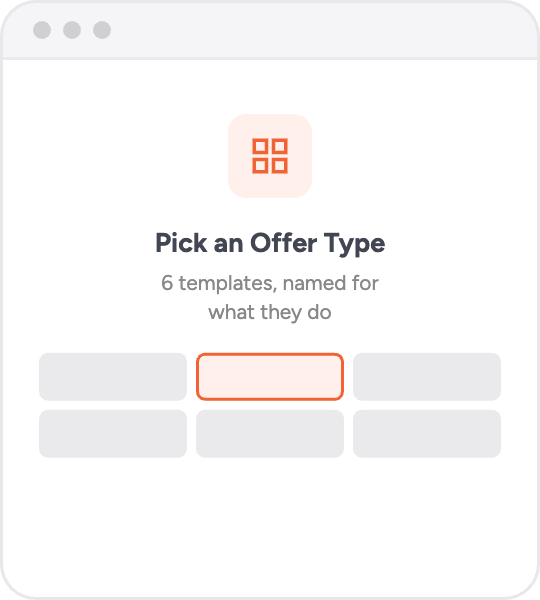
Pick an Offer Type
Six templates, named for what they do. Not what marketing wishes they did.
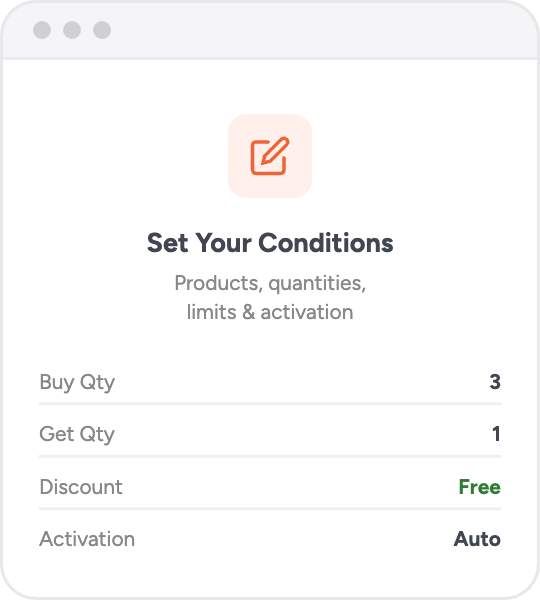
Set Your Conditions
The wizard walks through it. Which products qualify, what the buyer gets, how many redemptions, code or auto-apply.
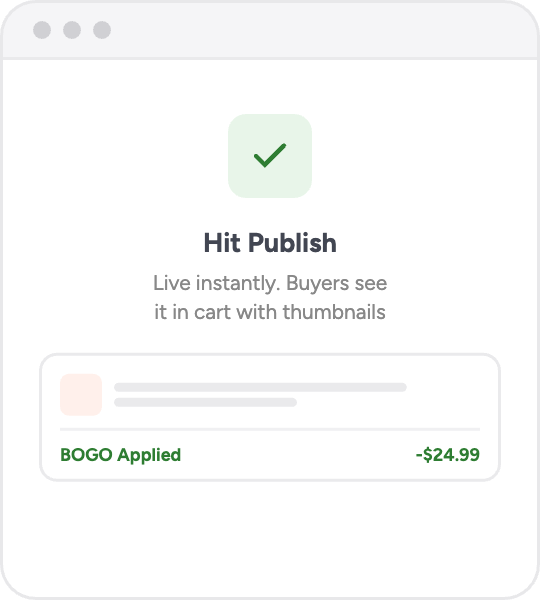
Hit Publish
Live instantly. Buyers see it in the cart with thumbnails, clear notifications, and a one-click apply button.
Ready to Boost Your Average Order Value?
Common Questions
Do you have any questions? See the list for our most frequently asked questions. If your questions is not listed here, then please contact us.
Yes. Each offer can be set to auto-apply (triggers automatically when cart conditions are met) or require a coupon code. Auto-apply is the default and recommended for maximum conversion, since customers don’t need to remember or find a code.
Absolutely. Multiple BOGO offers can be active simultaneously. Each offer is evaluated independently, so customers can benefit from several offers in a single order. This is great for tiered promotions.
Yes. When the reward product is a variable product, customers can select their preferred variation (size, color, etc.) when claiming the gift. This ensures they get exactly what they want.
You need both the free Power Coupons plugin and the Power Coupons PRO plugin installed and active. BOGO Offers is a PRO feature. WooCommerce is also required as the base eCommerce platform.
Yes. BOGO offers are fully compatible with WooCommerce’s block-based cart and checkout pages, as well as the classic shortcode-based pages. The notifications and progress bar display correctly on both.